
脑洞大师 4 第 298 关:Make this picture correct.
脑洞大师 4 第 298 关
通关截图
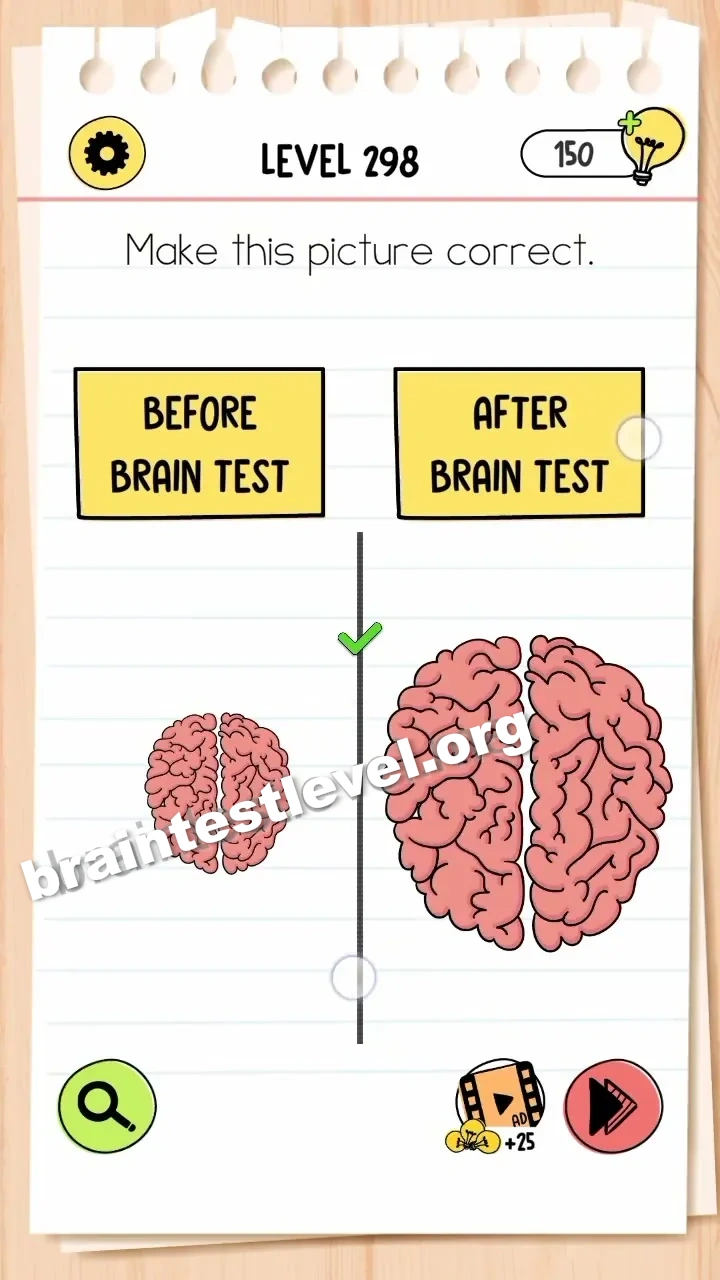
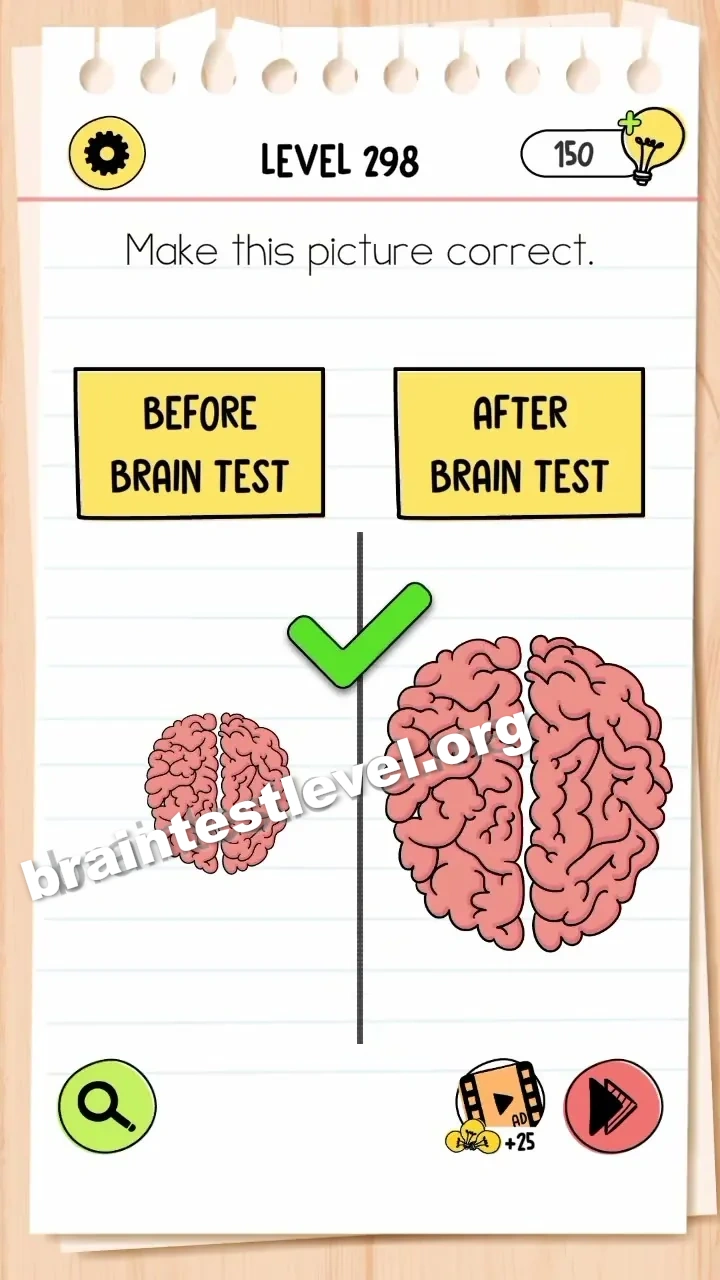
快速答案
Drag the brain to the right side and use two fingers to enlarge it.
考察能力
分步解法
- 1) Grab the brain in the scene.
- 2) Drag it over to the right side.
- 3) Place two fingers on the screen.
- 4) Spread them to enlarge the brain.
提示
查看提示
Move the brain to the right side, then use two fingers to make it bigger.
为什么有效
This tests spatial tweaking of an image. The scene becomes correct only when the brain is on the right side and scaled up, so a simple drag plus a pinch gesture fixes the picture.
常见问题
How do I solve Brain Test 4 Level 298?
Drag the brain to the right side and use two fingers to enlarge it.
What is the answer to Brain Test 4 Level 298?
Slide the brain to the right side and spread two fingers to make it bigger so the picture looks right.
What is the trick in Brain Test 4 Level 298?
The trick is moving the brain to the other side and resizing it with a pinch gesture to fix the image.
Why do I need to enlarge the brain in Brain Test 4 Level 298?
Scaling up the brain with two fingers makes the picture correct after it is moved to the right side.
Is there a video walkthrough for Brain Test 4 Level 298?
Yes. The clip shows the brain moved to the right and enlarged using a two-finger spread.
How do I avoid getting stuck in Brain Test 4 Level 298?
Drag the brain fully to the right side before spreading two fingers, and enlarge it enough to look natural.