
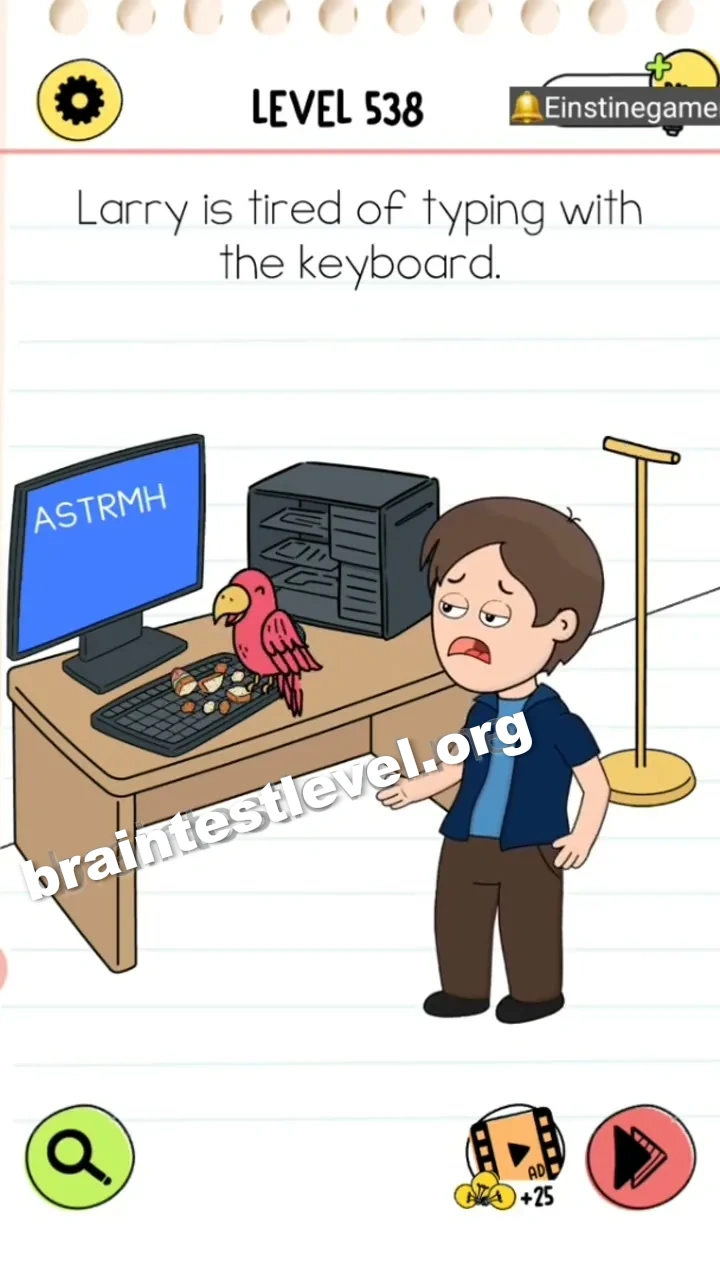
脑洞大师 4 第 538 关:Larry is tired of typing with the keyboard.
脑洞大师 4 第 538 关
通关截图
快速答案
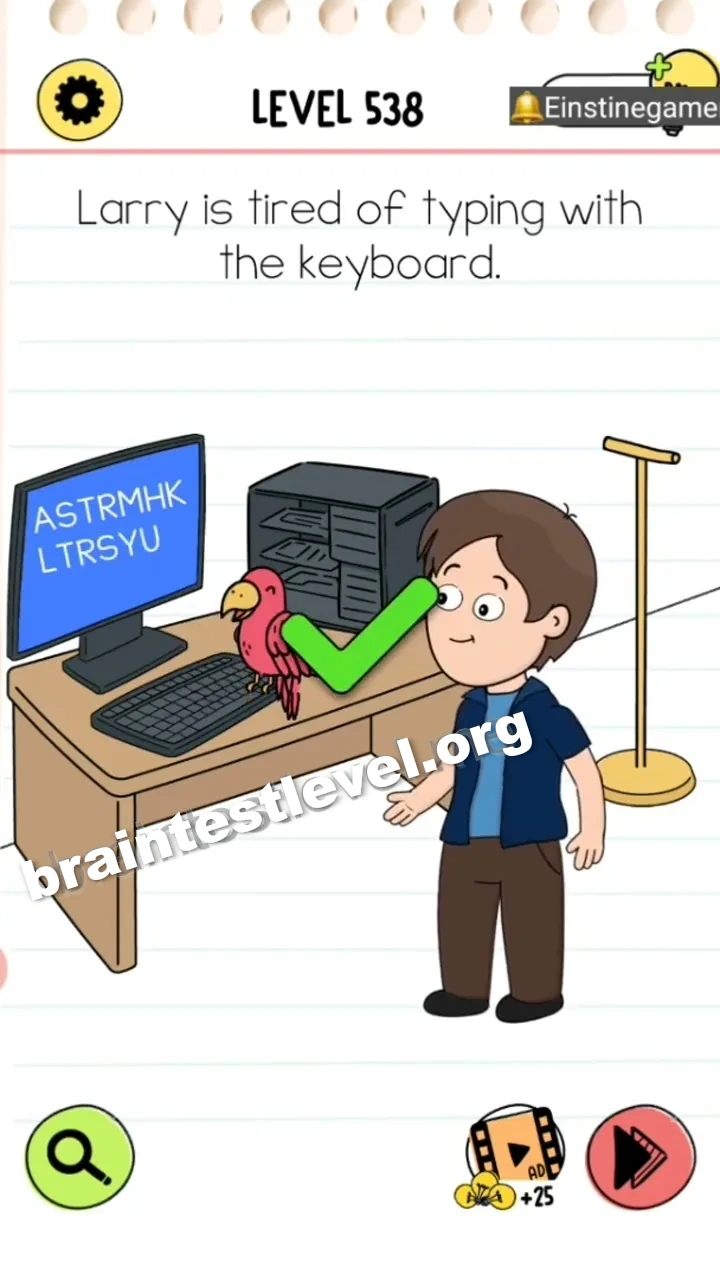
Drag the bread from Larry's hand to the keyboard, then place the parrot on the keyboard to type while eating.
考察能力
分步解法
- 1) Lift the bread out of Larry's hand.
- 2) Place the bread down onto the keyboard in front of him.
- 3) Set the parrot down on the keyboard beside the bread.
- 4) The parrot pecks the keys while it eats, typing for Larry.
提示
查看提示
Put the bread on the keyboard and then set the parrot there as well.
为什么有效
The trick is handing the typing job over to another creature. Once the parrot has bread to eat on the keyboard, its pecking does the typing for Larry on its own.
常见问题
How do I help Larry stop typing in Brain Test 4 Level 538?
Drag the bread from Larry's hand to the keyboard, then place the parrot on the keyboard to type while its eating.
What is the answer to Brain Test 4 Level 538?
Move the bread onto the keyboard and then put the parrot there, so the parrot pecks and types while it eats.
What is the trick in Brain Test 4 Level 538?
Larry is not meant to keep typing. Getting the parrot onto the keyboard lets it do the work while it snacks on the bread.
Why do I need to put the bread on the keyboard in Brain Test 4 Level 538?
The bread keeps the parrot busy eating. With bread on the keyboard the parrot sits there and its pecking becomes the typing.
Is there a video walkthrough for Brain Test 4 Level 538?
Yes. The video shows the bread being placed on the keyboard and the parrot being set down to type while it eats.
How do I avoid getting stuck in Brain Test 4 Level 538?
Do not keep having Larry type with his hands. Put the bread on the keyboard, then place the parrot there.