
脑洞大师 第 113 关:I can't start the video!
脑洞大师 第 113 关
通关截图
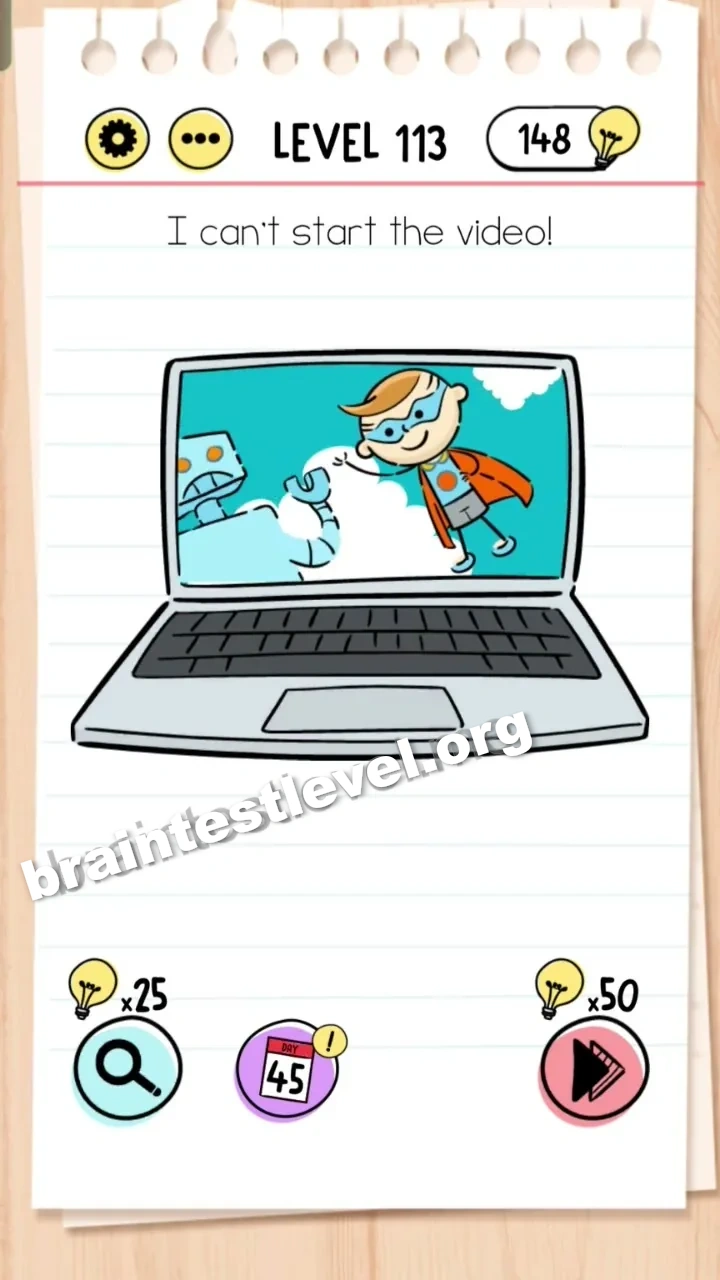
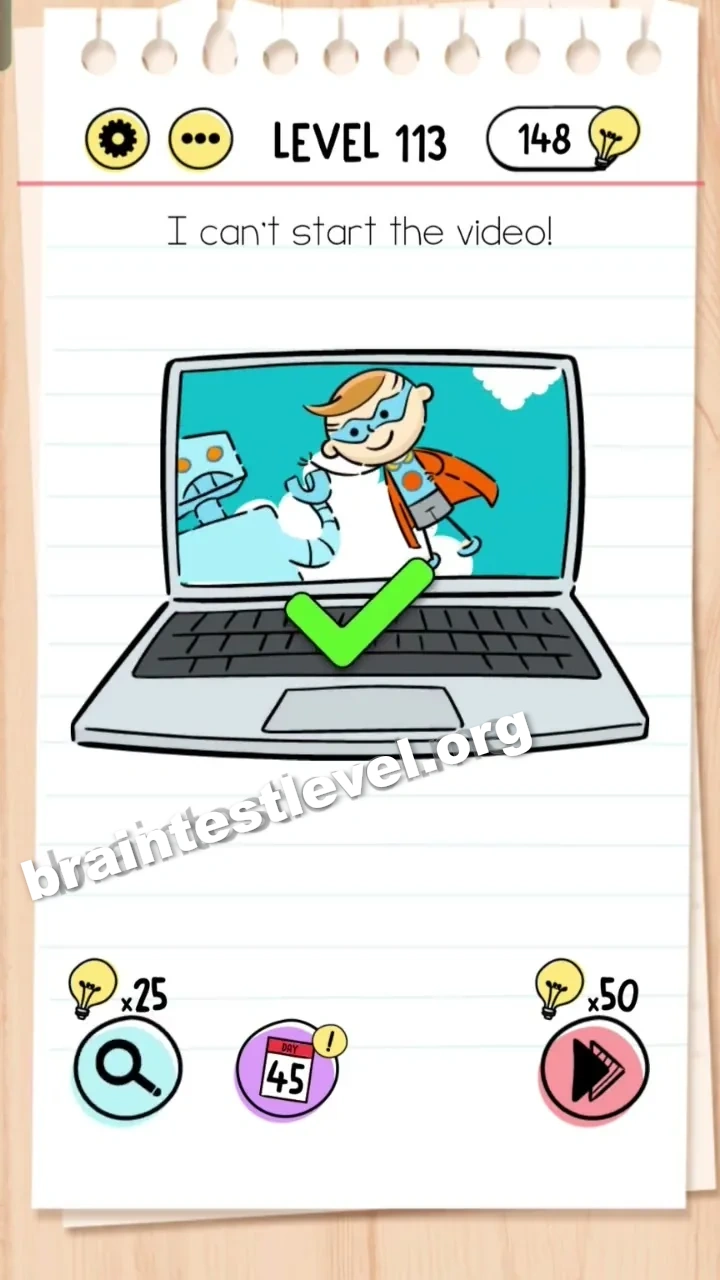
快速答案
Drag the play button from the bottom menu onto the laptop screen.
考察能力
分步解法
- 1) Notice the laptop whose video will not begin.
- 2) Find the play button sitting in the bottom menu.
- 3) Drag that play button from the menu onto the laptop screen.
- 4) Tap the play button to start the video and clear the level.
提示
查看提示
Look for a play button somewhere on the interface and move it onto the laptop screen.
为什么有效
You do not fix the laptop by pressing anything on it, because its play button is missing. By dragging the play button from the bottom menu onto the screen, the control arrives where it is needed and the video starts.
常见问题
How do I start the video in Brain Test level 113?
Drag the play button from the bottom menu onto the laptop screen, then press it so the video begins playing.
What is the answer to Brain Test level 113?
Move the play button from the bottom menu onto the laptop screen and tap it to start the video.
Why can't the video start in Brain Test level 113?
The laptop is missing its play button, because it has been left in the bottom menu instead of being on the screen.
What is the trick in Brain Test level 113?
The trap is tapping the laptop itself, which does nothing. You must bring the play button from the bottom menu over to the screen first.
Where is the play button in Brain Test level 113?
The play button is located in the bottom menu, and you must drag it onto the laptop screen to use it.
Is there a video walkthrough for Brain Test level 113?
Yes, the embedded video on this page shows dragging the play button onto the laptop to finish Brain Test level 113.
Does tapping the laptop fix the video in Brain Test level 113?
No, tapping the laptop does nothing. You must drag the play button from the bottom menu onto the screen to make the video start.