
Brain Test 2 Level 163: She needs some more encouragement.
Brain Test 2 Level 163
Screenshots
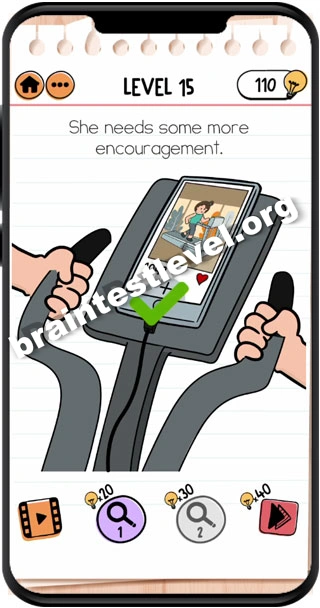
Quick Answer
Tap on the main button of her phone. Then tap on the multicolored square. Then tap on the "+" icon. Now tap on the like button repeatedly.
Skills Tested
Step-by-Step Solution
- 1) Push the home button on her phone.
- 2) Tap on the multicolored square app.
- 3) Tap on the "+" icon to start a new post.
- 4) Tap on the like button repeatedly.
- 5) The likes give her encouragement.
Hint
Reveal a hint
Use her phone to post and collect repeated likes for encouragement.
Why It Works
This is a guided phone sequence. Unlocking the phone, opening the app, starting a new post with the "+" icon, and tapping the like button many times brings Cindy the social encouragement she needs.
Frequently asked questions
How do I solve Brain Test 2 Level 163?
Tap her phone button, open the multicolored square, tap the "+" icon, then tap the like button repeatedly.
What is the answer to Brain Test 2 Level 163?
Tap the phone button, the multicolored square, the "+" icon, and then the like button many times.
What is the trick in Brain Test 2 Level 163?
You follow a series of taps on the phone and finish by pressing the like button over and over to encourage her.
Why do I need to tap like repeatedly in Brain Test 2 Level 163?
Each like adds to the encouragement she feels, so repeated taps are what finally lift her mood.
Is there a video walkthrough for Brain Test 2 Level 163?
Yes. The embedded clip shows the order of the phone taps and the like button.
How do I avoid getting stuck in Brain Test 2 Level 163?
Follow the taps in order and keep pressing the like button without stopping until she is encouraged.