
Brain Test 2 Logic
Brain Test 2 Level 432: How to unlock this door?
Brain Test 2 Level 432
Expert
Screenshots
Quick Answer
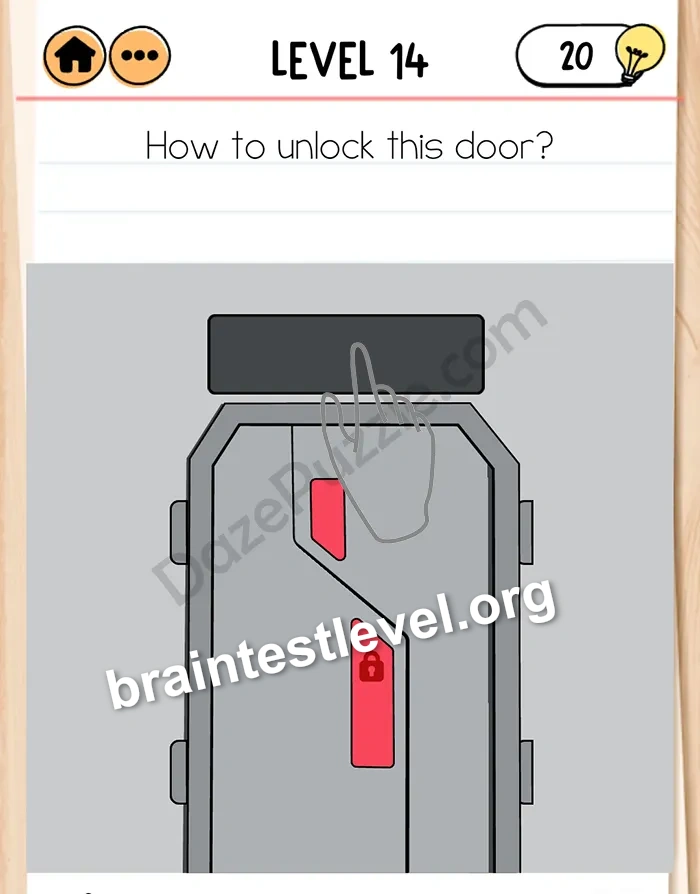
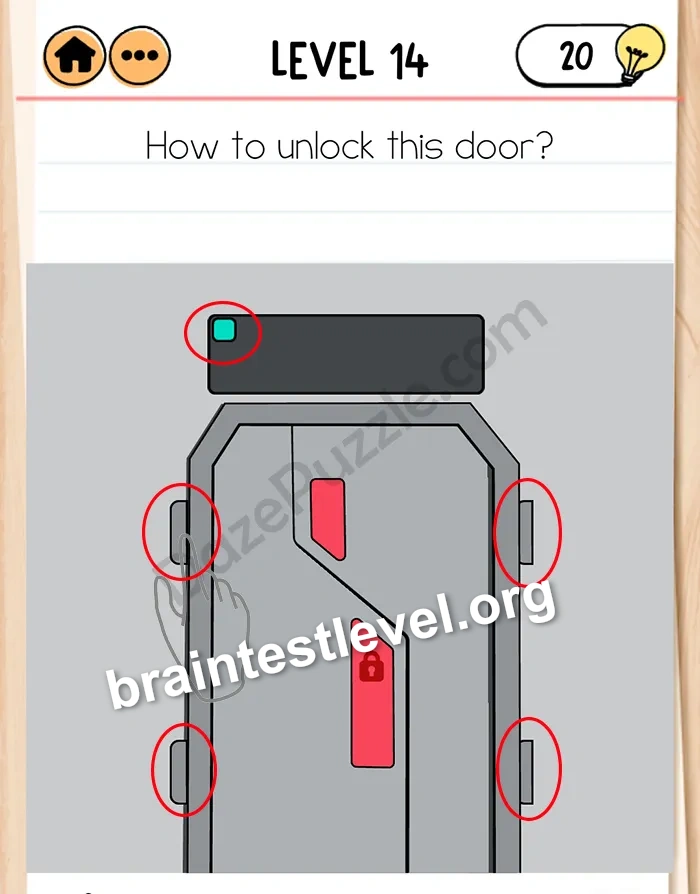
That door has four hinges. Tap on the black screen above the door then tap on the corresponding hinge.
Skills Tested
Pattern RecognitionAttentionLogic
Step-by-Step Solution
- 1) Look for the black screen above the door.
- 2) Tap the black screen first.
- 3) Note which hinge it highlights.
- 4) Tap that corresponding hinge.
Hint
Reveal a hint
Watch the screen, then the hinge.
Why It Works
The black screen shows which hinge you need to select. Connecting the screen display to the matching hinge lets you release all four and open the door.
Frequently asked questions
How do I unlock the door in Brain Test 2 Level 432?
Tap the black screen above the door, then tap the hinge it shows.
What is the answer to Brain Test 2 Level 432?
Connect each screen prompt to its matching hinge to unlock the door.
What is the trick in Brain Test 2 Level 432?
The black screen tells you which of the four hinges to tap next.
Why do I need the screen in Brain Test 2 Level 432?
The screen indicates the correct hinge to select for the lock.
Is there a video walkthrough for Brain Test 2 Level 432?
Yes, the walkthrough follows the screen to each hinge.
How do I avoid getting stuck in Brain Test 2 Level 432?
Always tap the screen before you tap the hinge it points to.