
Brain Test 3 Level 63: You again! What are you doing in Tortuga?
Brain Test 3 Level 63
Screenshots
Quick Answer
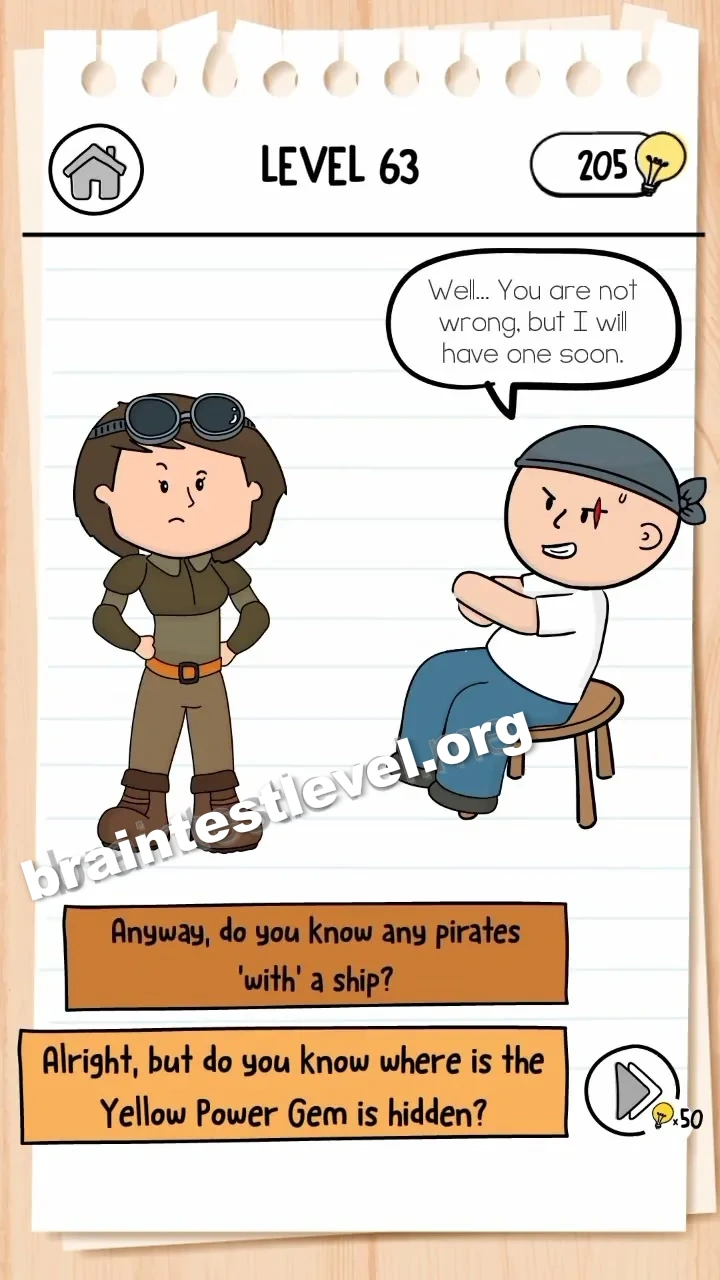
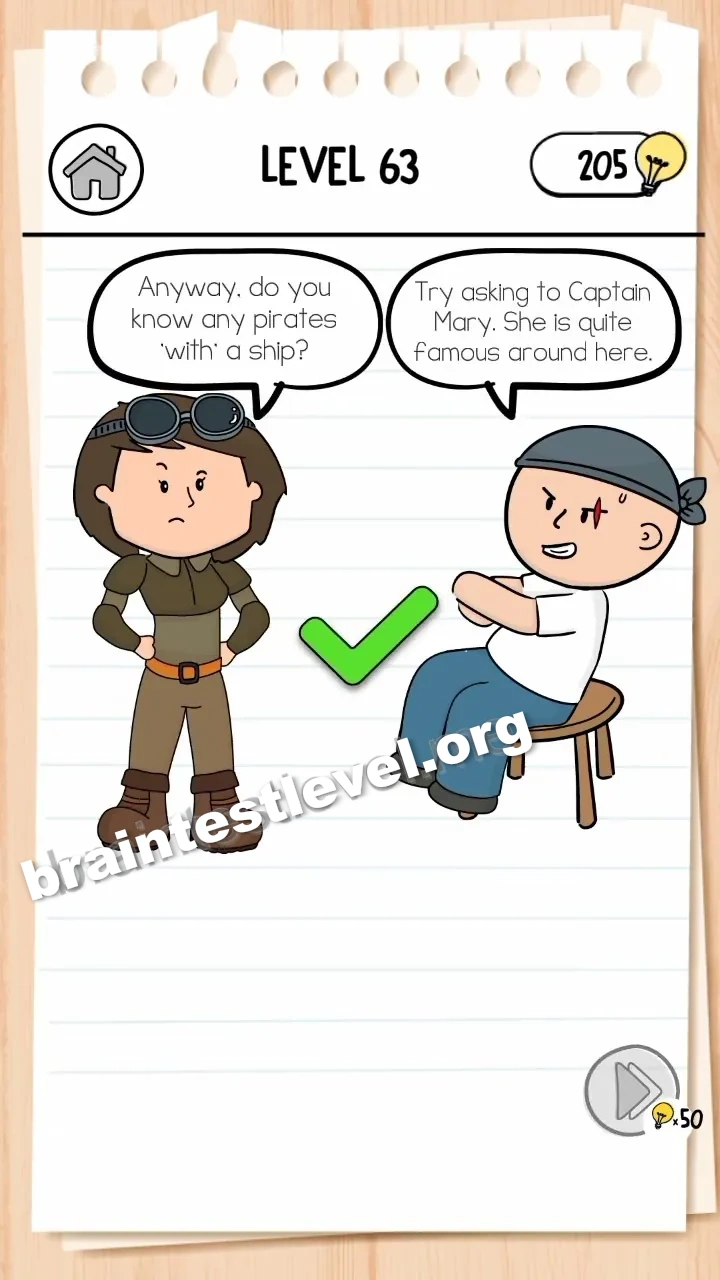
Select the following dialogue options in order: ‘No way! I am looking for a pirate who can help me.’, ‘Give me a break! You probably don’t even have a ship!’, and ‘Anyway, do you know any pirates with a ship?’ to complete the conversation.
Skills Tested
Step-by-Step Solution
- 1) Pick the first line: ‘No way! I am looking for a pirate who can help me.’
- 2) Pick the second line: ‘Give me a break! You probably don’t even have a ship!’
- 3) Pick the third line: ‘Anyway, do you know any pirates with a ship?’
- 4) The conversation completes and the level clears.
Hint
Reveal a hint
Answer each prompt by picking the line that keeps the conversation moving forward.
Why It Works
The level clears only when you choose the three correct dialogue options in the exact listed order. Each selection advances the conversation until the required exchange is complete.
Frequently asked questions
How do I solve Brain Test 3 Level 63?
Select the three dialogue options in order, ending with ‘Anyway, do you know any pirates with a ship?’ to finish the conversation.
What is the answer to Brain Test 3 Level 63?
Choose ‘No way! I am looking for a pirate who can help me.’, then ‘Give me a break!...’, then ‘Anyway, do you know any pirates with a ship?’ in that order.
Which dialogue option should I pick first in Brain Test 3 Level 63?
Pick ‘No way! I am looking for a pirate who can help me.’ as the first response.
What is the second dialogue option in Brain Test 3 Level 63?
The second line is ‘Give me a break! You probably don’t even have a ship!’
How do I finish the conversation in Brain Test 3 Level 63?
End the chat by selecting ‘Anyway, do you know any pirates with a ship?’ as the final option.
Is there a video walkthrough for Brain Test 3 Level 63?
Yes, the video shows the correct order of dialogue choices in Brain Test 3 Level 63.
Why does choosing the wrong line stop the level in Brain Test 3 Level 63?
Only the three specific lines advance the chat, so picking any other option resets the needed conversation.