
Brain Test 3 Level 70: We must be careful about the krakens!
Brain Test 3 Level 70
Screenshots
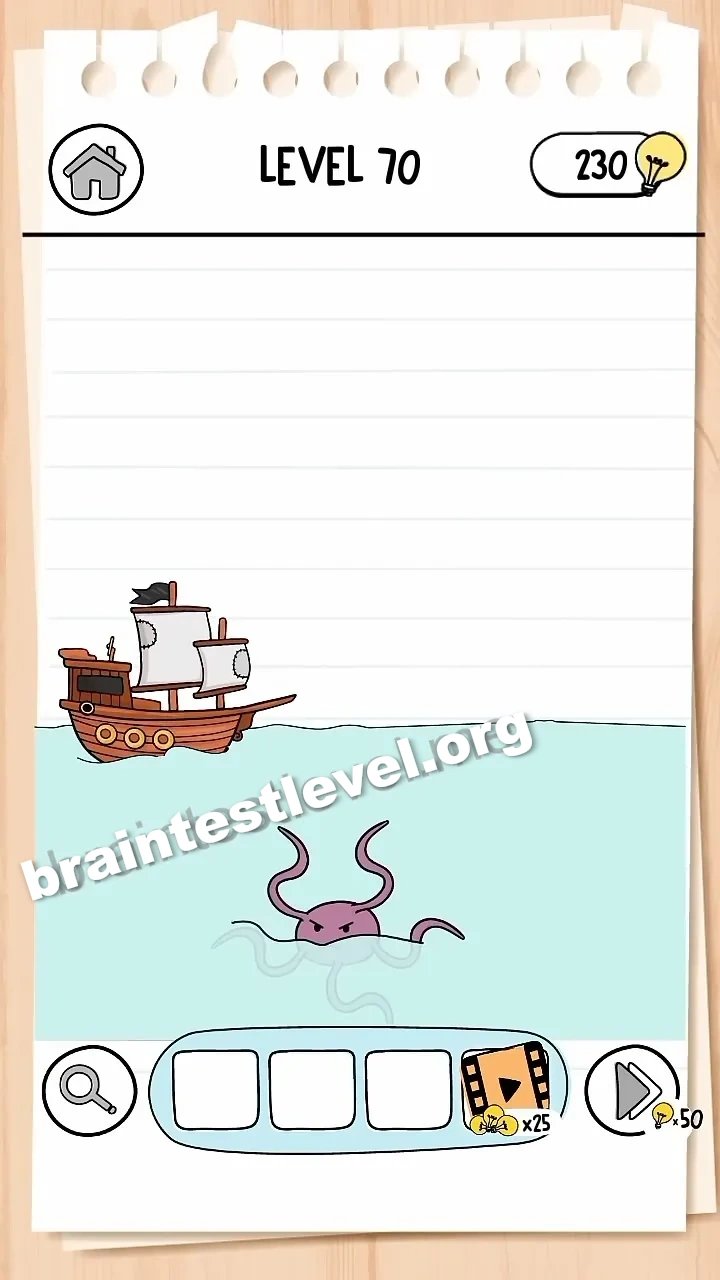
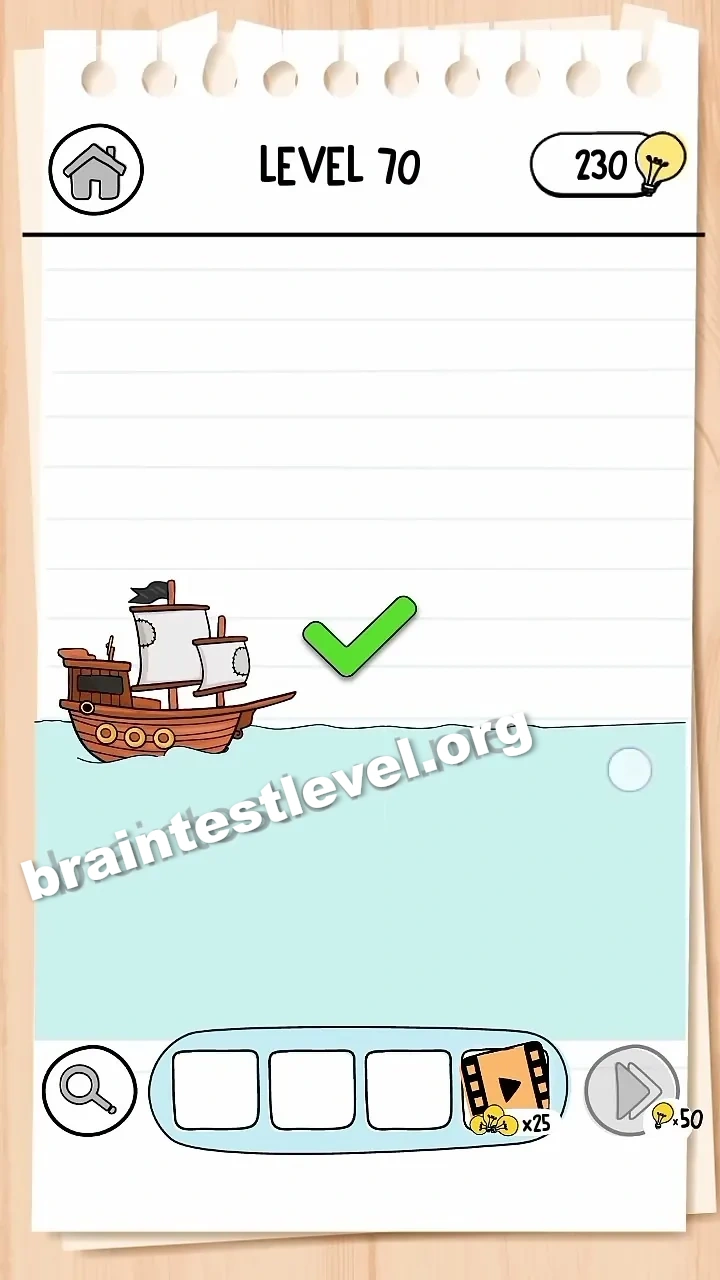
Quick Answer
Drag the kraken to the left and off the screen to allow the ship to pass safely.
Skills Tested
Step-by-Step Solution
- 1) Look for the kraken blocking the ship’s path.
- 2) Grab the kraken with a drag gesture.
- 3) Drag the kraken to the left.
- 4) Continue dragging until it is fully off the screen.
- 5) The ship passes safely and the level clears.
Hint
Reveal a hint
Clear the kraken out of the way by dragging it off the edge of the screen.
Why It Works
The krakens are sheer obstacles, not something you fight. The only way past is to drag the kraken off the left edge of the screen, clearing the route so the ship can safely pass.
Frequently asked questions
How do I solve Brain Test 3 Level 70?
Drag the kraken to the left and off the screen so the ship can pass safely.
What is the answer to Brain Test 3 Level 70?
Clear the kraken by dragging it off the left edge of the screen, allowing the ship to move on.
How do I get rid of the kraken in Brain Test 3 Level 70?
Grab the kraken with a drag and pull it to the left until it is fully off the screen.
Why can I not fight the kraken in Brain Test 3 Level 70?
There is no combat here; the kraken is just an obstacle that must be dragged out of the way.
In which direction should I drag the kraken in Brain Test 3 Level 70?
Drag the kraken to the left and off the visible screen rather than up, down, or right.
Is there a video walkthrough for Brain Test 3 Level 70?
Yes, the video shows the kraken being dragged off screen in Brain Test 3 Level 70.
How do I avoid getting stuck in Brain Test 3 Level 70?
Keep dragging the kraken to the left until it disappears from view, then the path will clear for the ship.