
Brain Test 4 Level 104: Doctor Worry can't shutdown his PC.
Brain Test 4 Level 104
Screenshots
Quick Answer
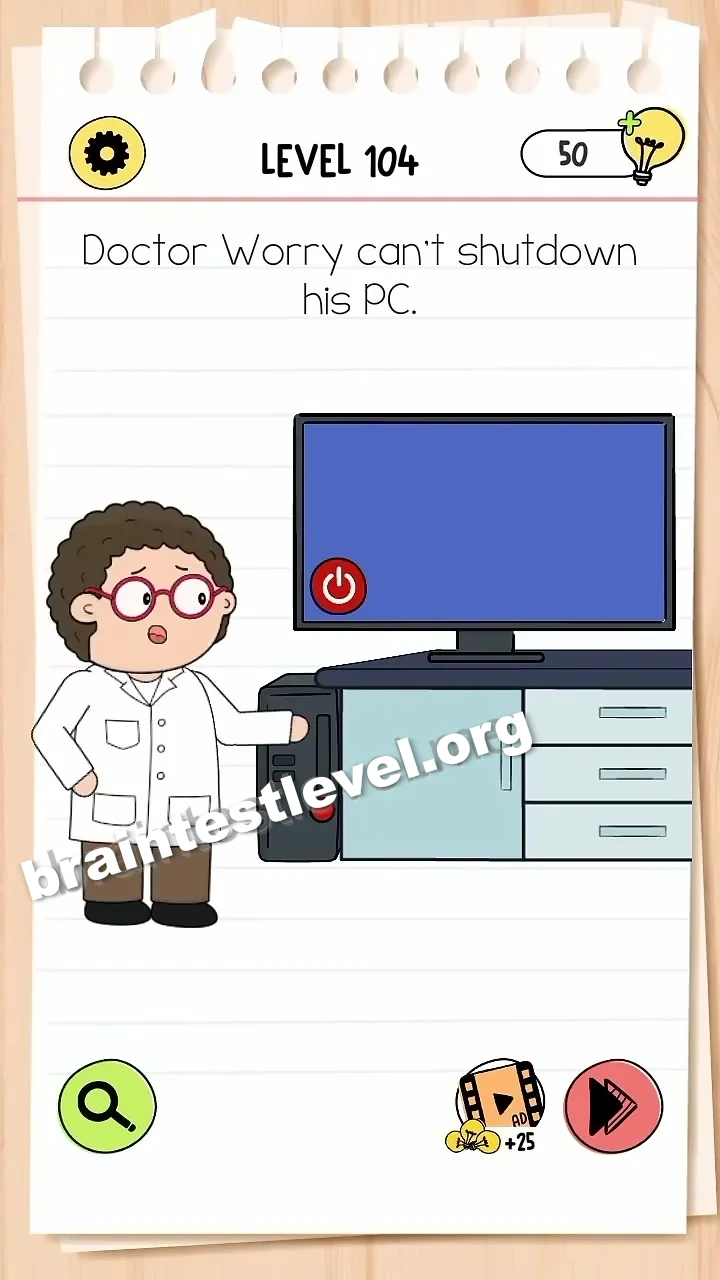
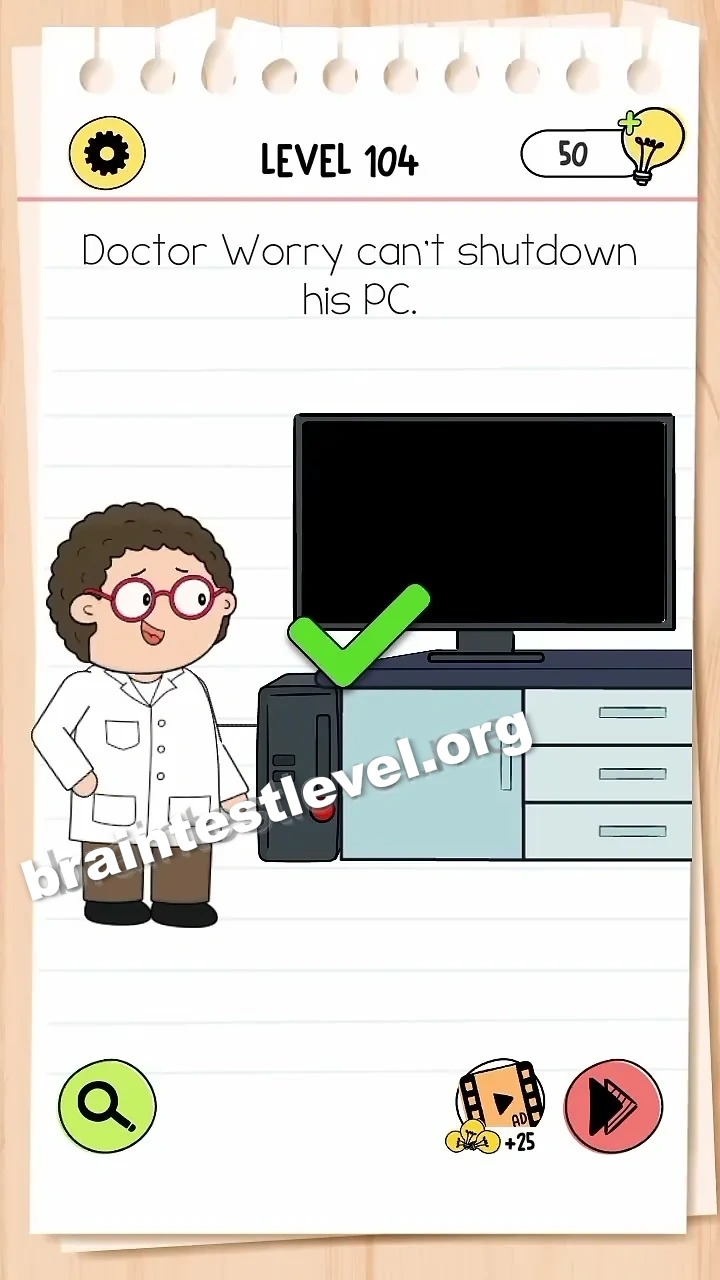
Tap the red power button on the PC tower to turn it off.
Skills Tested
Step-by-Step Solution
- 1) Look at the PC tower standing next to the screen.
- 2) Locate the red power button on the tower.
- 3) Tap the red power button once.
- 4) The PC turns off and the level is complete.
Hint
Reveal a hint
Skip the on-screen menus and simply press the red power button on the PC tower.
Why It Works
The level tests pure observation. The red power button sits on the PC tower in plain sight, and once you notice it and give it a tap, the computer shuts down on the spot.
Frequently asked questions
How do I solve Brain Test 4 Level 104?
Find the red power button on the PC tower and tap it, and the computer will switch off and complete the level.
What is the answer to Brain Test 4 Level 104?
The answer is to tap the red power button that sits on the PC tower, which turns the machine off immediately.
What is the trick in Brain Test 4 Level 104?
The trick is that the answer is right on the tower. You ignore software menus and just press the red power button.
Why do I need the power button in Brain Test 4 Level 104?
Because the normal shutdown method is blocked, and pressing the red power button directly turns off the PC.
Is there a video walkthrough for Brain Test 4 Level 104?
Yes, the embedded video on this page shows the red power button on the PC tower being tapped to switch the computer off.
How do I avoid getting stuck in Brain Test 4 Level 104?
Do not keep trying the on-screen shutdown options. Look at the PC tower and tap the red power button to finish.