
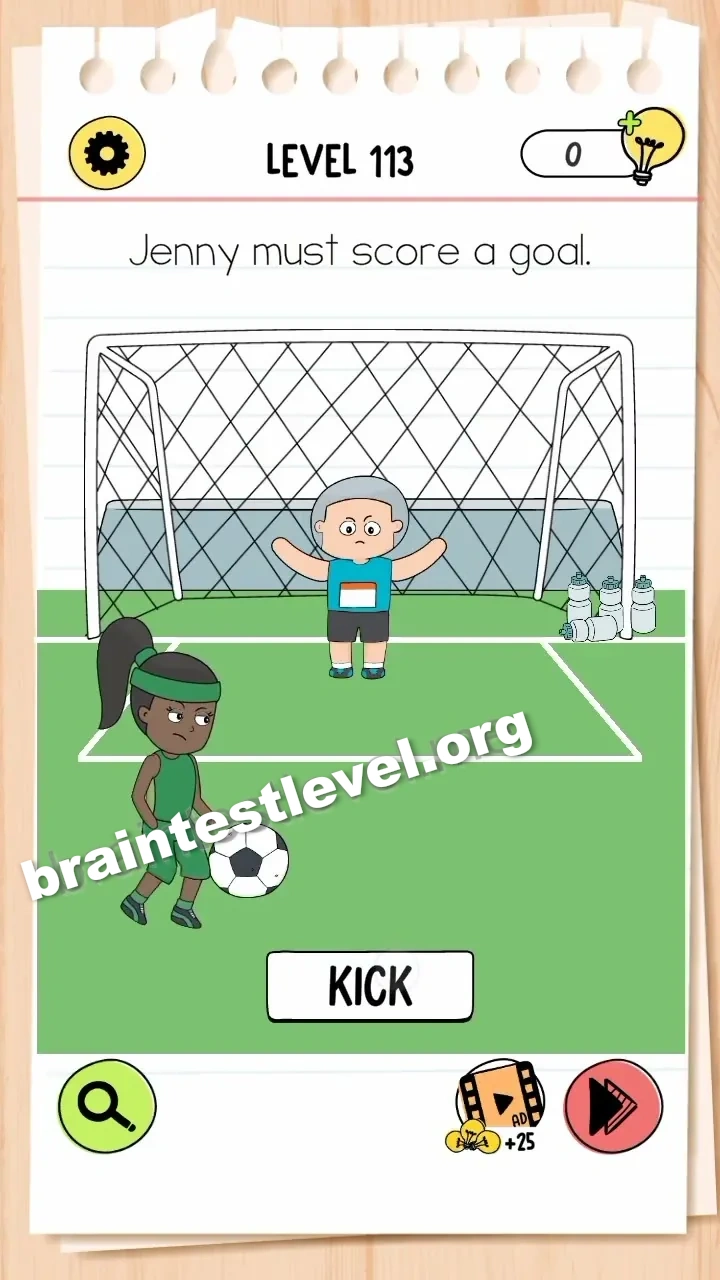
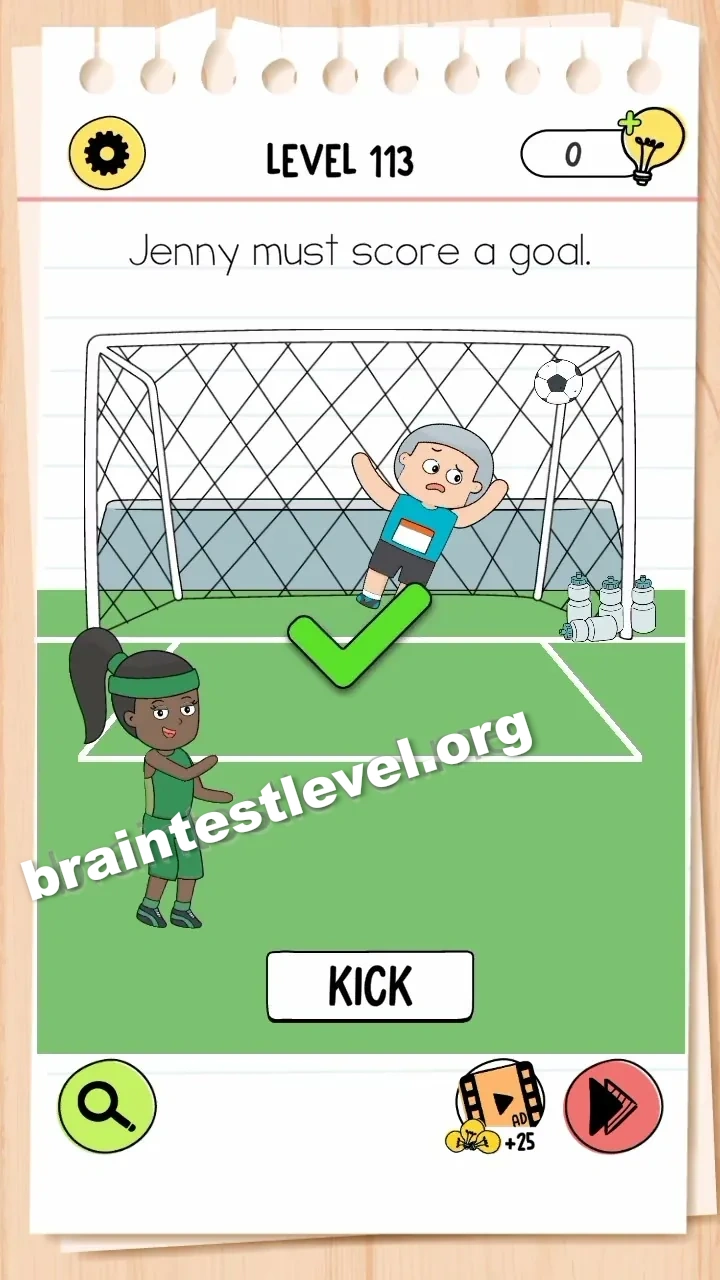
Brain Test 4 Level 113: Jenny must score a goal.
Brain Test 4 Level 113
Screenshots
Quick Answer
Enlarge the goalpost by dragging it outward, then tap 'KICK' to score.
Skills Tested
Step-by-Step Solution
- 1) Look at the small goalpost set up in front of the ball.
- 2) Drag the goalpost outward to widen its opening.
- 3) Keep enlarging it until the goal looks large enough.
- 4) Tap the KICK button to send the ball in.
Hint
Reveal a hint
Make the goal wider by dragging its posts outward, then press the KICK button to score.
Why It Works
The level is about changing the playing field rather than improving the shot. Enlarging the goal makes scoring straightforward, and as soon as it is wide enough you take the kick and succeed.
Frequently asked questions
How do I solve Brain Test 4 Level 113?
Drag the goalpost outward to enlarge it, then tap the KICK button to score the goal.
What is the answer to Brain Test 4 Level 113?
The answer is to widen the goal by pulling its posts outward and then pressing KICK so the ball goes in.
What is the trick in Brain Test 4 Level 113?
The trick is that you resize the goal itself, making it large enough that any kick will score.
Why do I need to enlarge the goal in Brain Test 4 Level 113?
Because Jenny keeps missing the small target, and widening the goal makes it certain the kick will score.
Is there a video walkthrough for Brain Test 4 Level 113?
Yes, the embedded video on this page shows the goal being dragged outward and the KICK button being tapped to score.
How do I avoid getting stuck in Brain Test 4 Level 113?
Do not keep adjusting the shot. Drag the goalpost outward to widen it, then tap KICK to finish.