
Brain Test 4 Level 164: Doctor Worry's robot must reach to its target.
Brain Test 4 Level 164
Screenshots
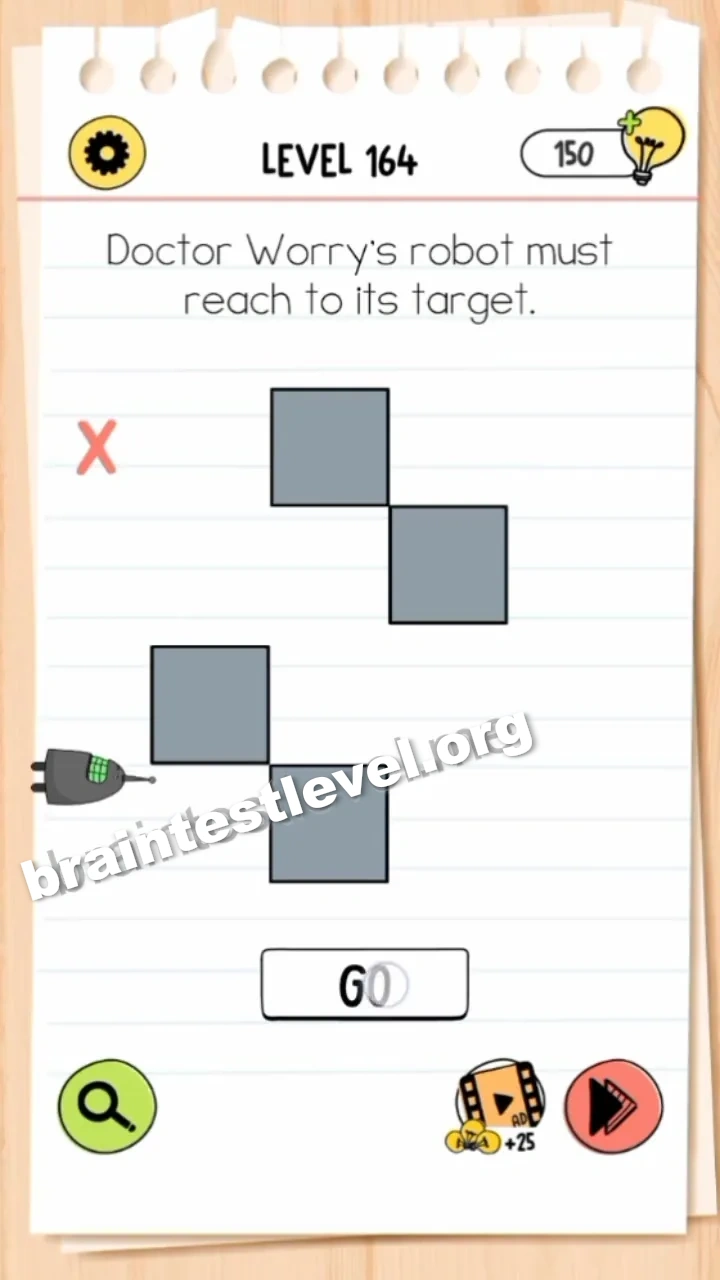
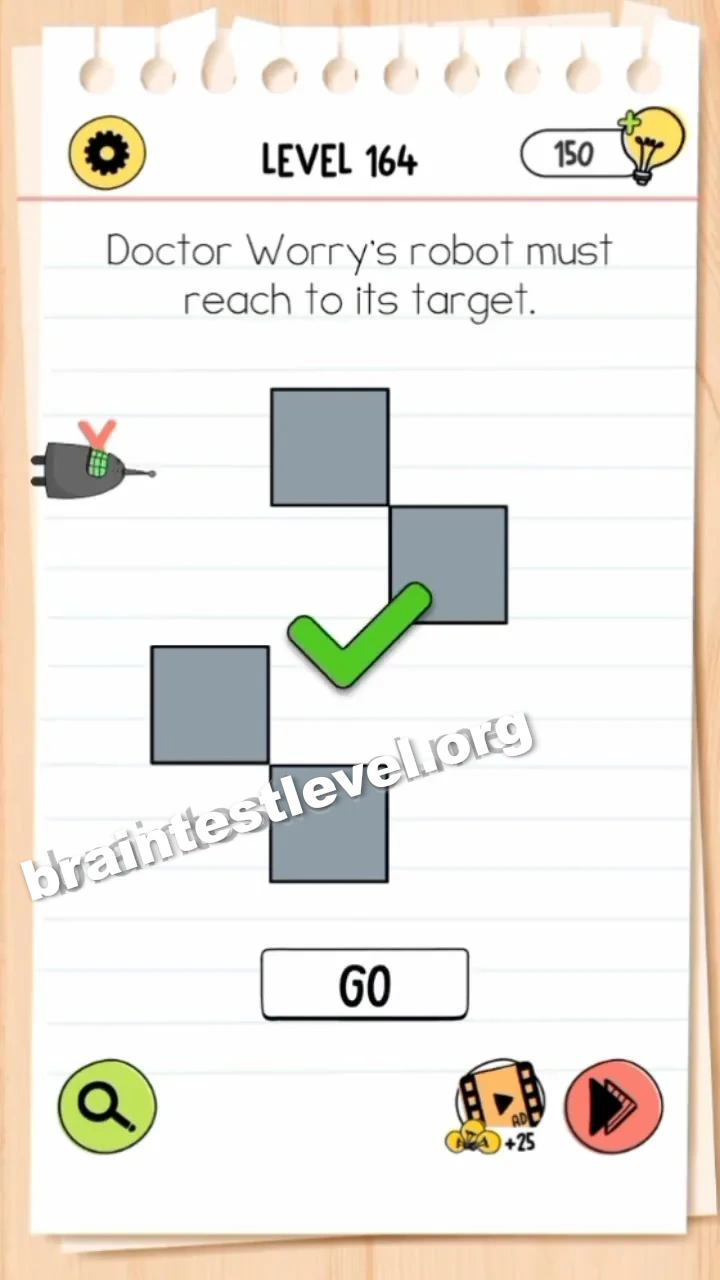
Quick Answer
Rotate your device to change gravity and guide the robot along the blocks, then tap 'GO' to help it reach the target.
Skills Tested
Step-by-Step Solution
- 1) Rotate your device to change gravity.
- 2) Guide the robot along the blocks.
- 3) Line up the robot toward the target.
- 4) Tap GO so it reaches the goal.
Hint
Reveal a hint
Rotate the device to steer the robot, then press GO.
Why It Works
The robot cannot walk there on its own. Tilting your device shifts gravity to roll the robot along the blocks, and finishing with GO lets it finally touch the target.
Frequently asked questions
How do I reach the target in Brain Test 4 Level 164?
Rotate your device to change gravity and guide the robot along the blocks, then tap ‘GO’ to help it reach the target.
What is the answer to Brain Test 4 Level 164?
Tilt your device to shift gravity and roll the robot along the blocks, then press GO so it arrives at the target.
What is the trick in Brain Test 4 Level 164?
You steer with the device tilt, using gravity to move the robot through the blocks before you press GO.
Why do I need to rotate the device in Brain Test 4 Level 164?
Rotating changes gravity, which is the only way to roll the robot across the blocks toward its goal.
Is there a video walkthrough for Brain Test 4 Level 164?
Yes, the video shows the device being rotated to move the robot and GO being tapped at the end.
How do I avoid getting stuck in Brain Test 4 Level 164?
Rotate until the robot lines up with the path, and only then tap GO. Tilting wrong pushes it off course.