
Brain Test 4 Level 169: How can I open my phone?
Brain Test 4 Level 169
Screenshots
Quick Answer
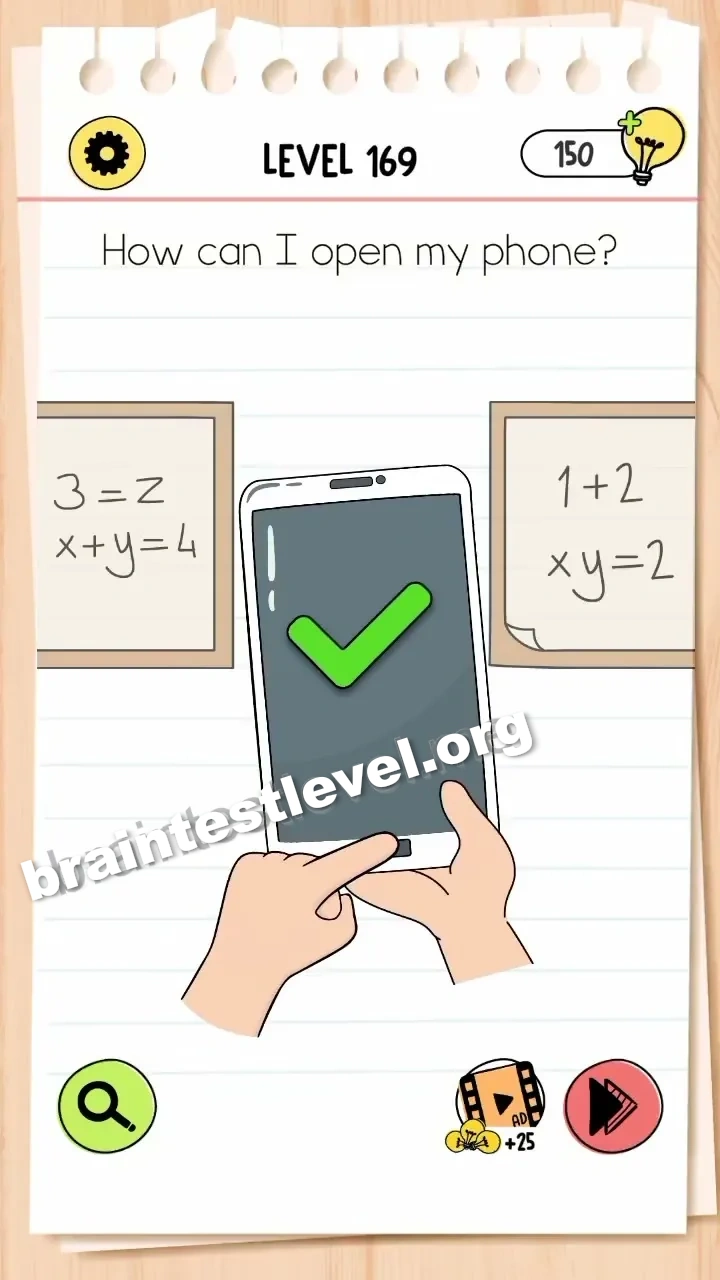
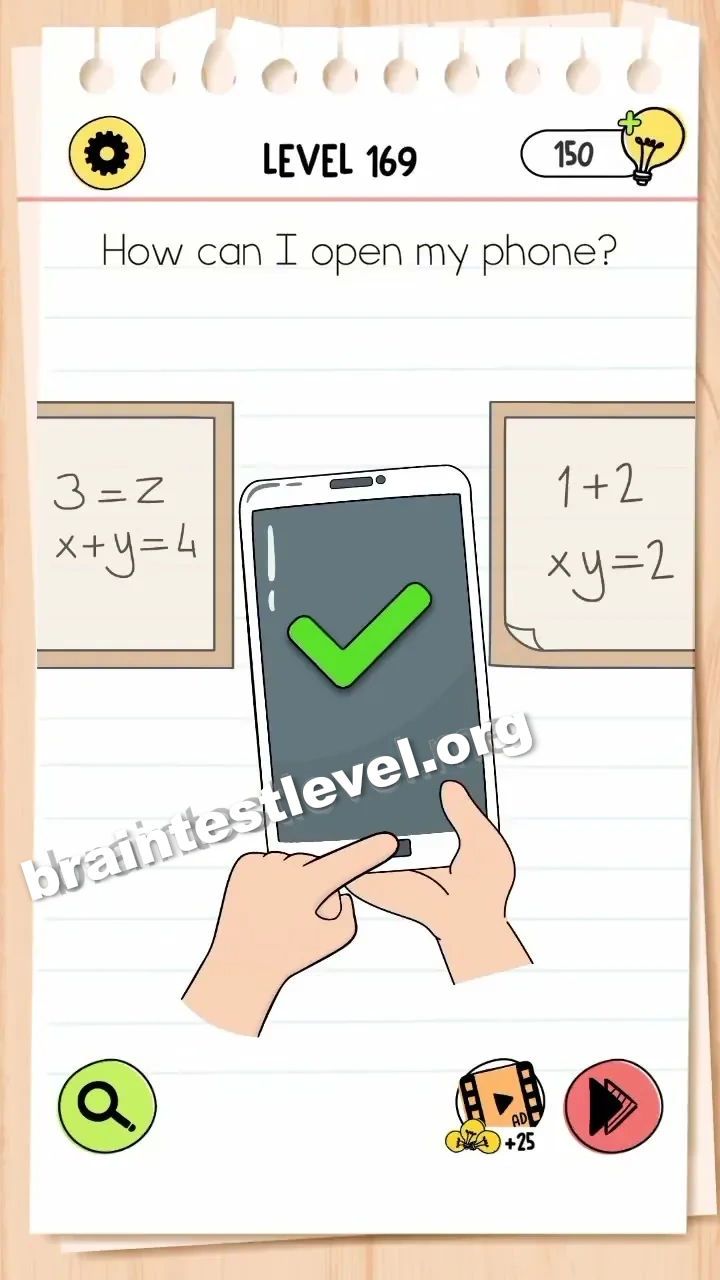
Ignore the math equations and passcode. Press the physical home button at the bottom of the phone to unlock it.
Skills Tested
Step-by-Step Solution
- 1) Look at the math and passcode on screen.
- 2) Ignore both of them.
- 3) Find the home button at the bottom.
- 4) Press it to unlock the phone.
Hint
Reveal a hint
Ignore the code and press the home button instead.
Why It Works
The numbers are a distraction from the real control. Because the physical home button is there, tapping it unlocks the phone without solving any equation.
Frequently asked questions
How do I open the phone in Brain Test 4 Level 169?
Ignore the math equations and passcode. Press the physical home button at the bottom of the phone to unlock it.
What is the answer to Brain Test 4 Level 169?
Leave the equations and code alone, then press the physical home button at the phone’s bottom to unlock.
What is the trick in Brain Test 4 Level 169?
The math and passcode are traps. The real unlock is the physical home button at the bottom of the phone.
Why do I need to press the home button in Brain Test 4 Level 169?
That button is what actually unlocks the phone, so the equations and passcode never matter.
Is there a video walkthrough for Brain Test 4 Level 169?
Yes, the video shows the home button being pressed while the math and passcode are left untouched.
How do I avoid getting stuck in Brain Test 4 Level 169?
Do not waste time computing the equations. Go straight for the home button at the bottom of the phone.