
Brain Test 4 Level 172: Urggh! I can't sleep again!
Brain Test 4 Level 172
Screenshots
Quick Answer
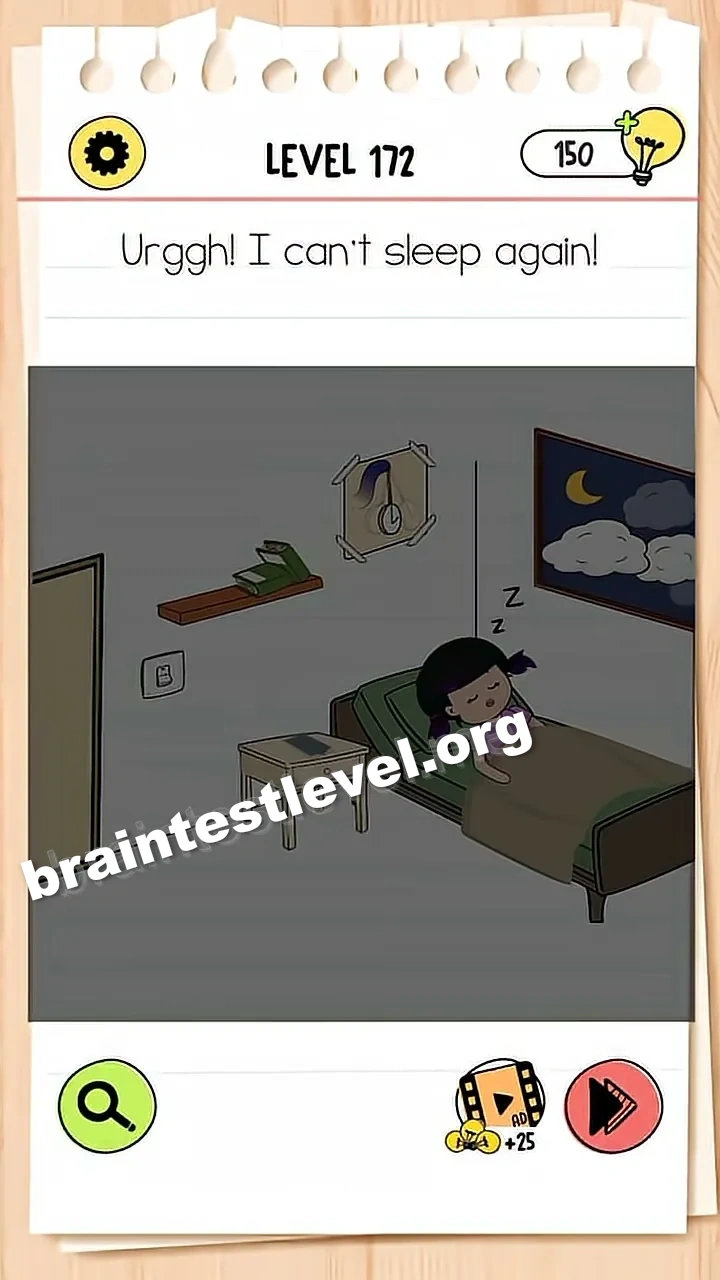
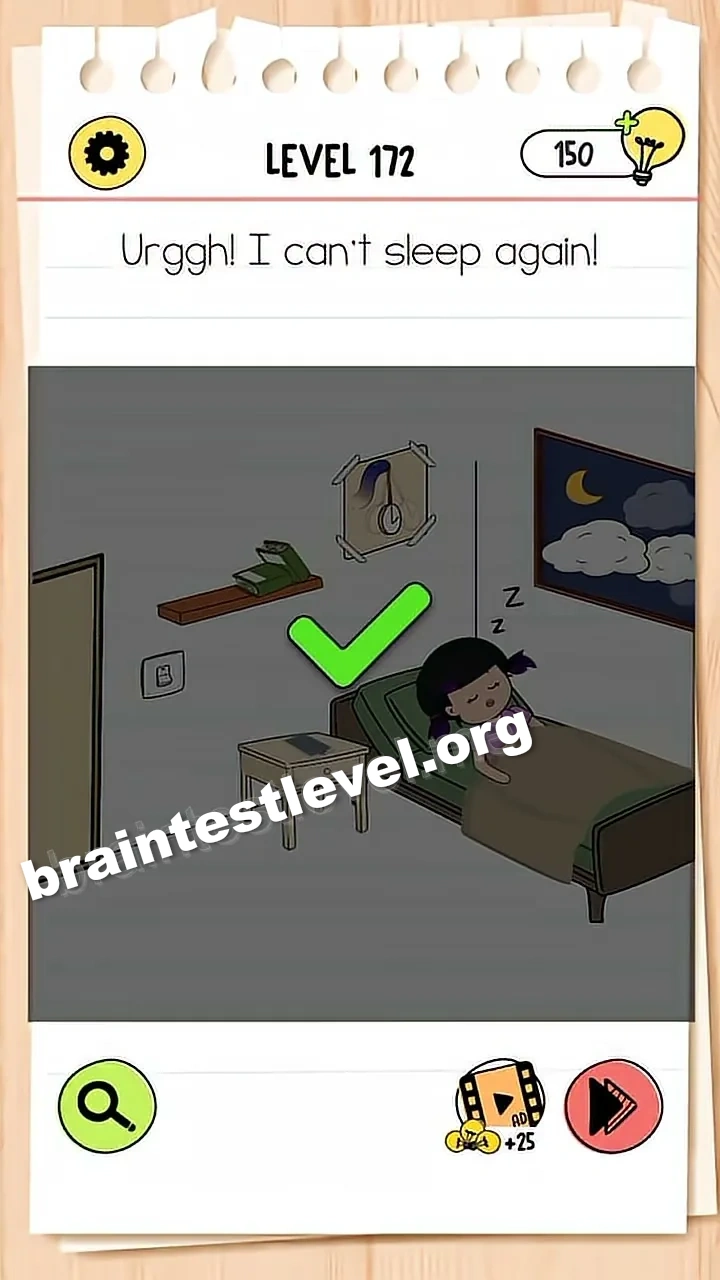
Close the door by dragging it shut, then tap the light switch on the wall to turn off the lights.
Skills Tested
Step-by-Step Solution
- 1) Find the open door.
- 2) Drag the door until it is shut.
- 3) Look at the light switch on the wall.
- 4) Tap it to turn off the lights.
Hint
Reveal a hint
Shut the door, then kill the light from the wall.
Why It Works
Sleep needs a dark, shut-in room. Closing the door blocks the disturbance, and flicking the switch cuts the light, which together let the poor kid finally rest.
Frequently asked questions
How do I help them sleep in Brain Test 4 Level 172?
Close the door by dragging it shut, then tap the light switch on the wall to turn off the lights.
What is the answer to Brain Test 4 Level 172?
Drag the door closed and then press the wall light switch so the room goes dark.
What is the trick in Brain Test 4 Level 172?
Two quiet steps fix it: shut the door and switch off the light. Both calm the room down.
Why do I need to close the door in Brain Test 4 Level 172?
Closing it cuts off whatever is disturbing the sleeper before you darken the room with the switch.
Is there a video walkthrough for Brain Test 4 Level 172?
Yes, the video shows the door being dragged shut and the wall switch being tapped to kill the light.
How do I avoid getting stuck in Brain Test 4 Level 172?
Handle both steps in order. First shut the door, then tap the switch to turn off the lights.