
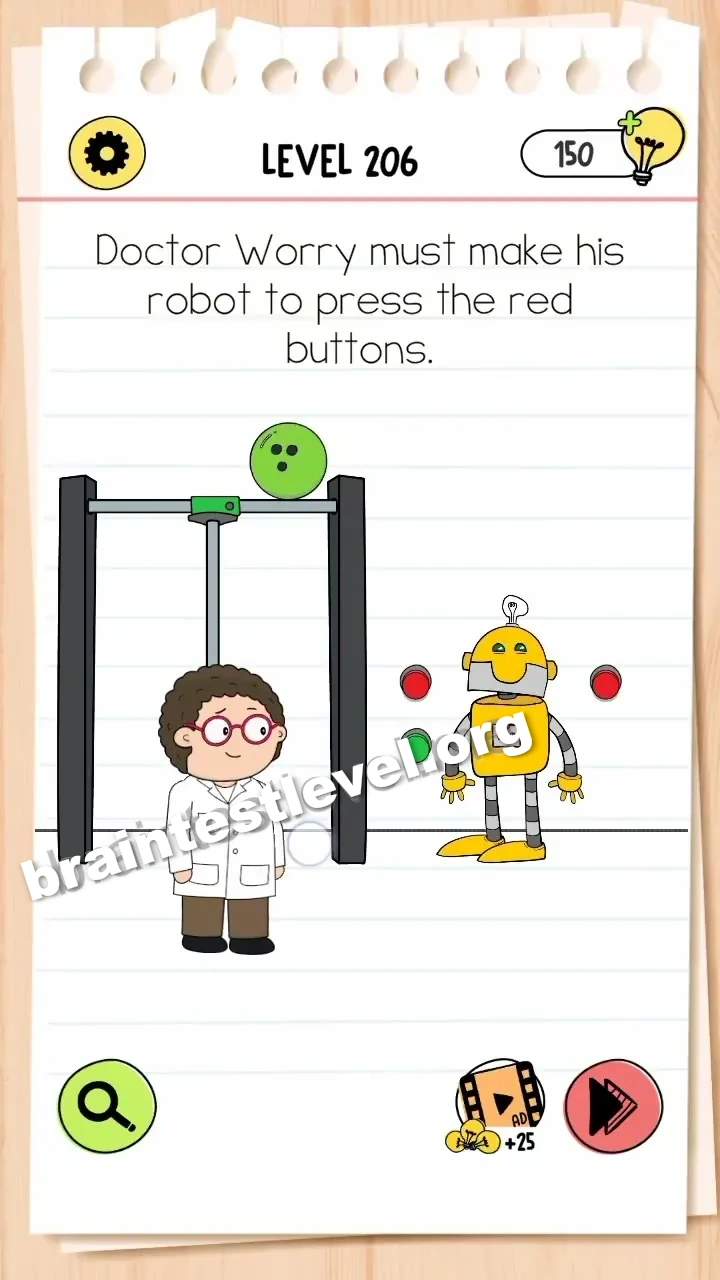
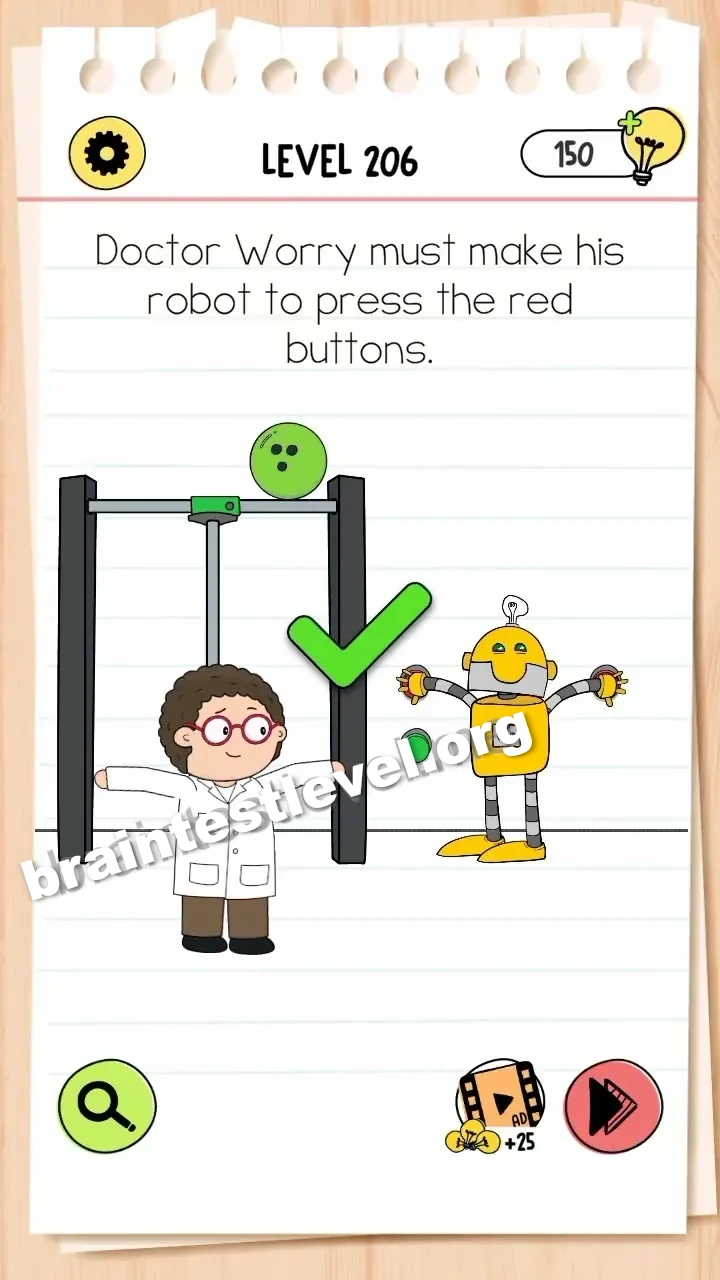
Brain Test 4 Level 206: Doctor Worry must make his robot to press the red buttons.
Brain Test 4 Level 206
Screenshots
Quick Answer
Drag the two red buttons from the poles onto the robot's hands.
Skills Tested
Step-by-Step Solution
- 1) Look at the two red buttons mounted on the poles.
- 2) Drag the first button off its pole.
- 3) Drop it into one robot hand.
- 4) Repeat with the second button for the other hand.
Hint
Reveal a hint
Pull the red buttons off the poles and hand them to the robot.
Why It Works
This checks spatial thinking and simple problem solving. Instead of moving the robot toward the buttons, you bring the buttons back to the robot so it has both hands ready to press.
Frequently asked questions
How do I pass Brain Test 4 Level 206?
Take both red buttons off their poles and drag each one into a robot hand. The robot can then press them and complete the task.
What is the answer to Brain Test 4 Level 206?
Pull the two red buttons from the poles and drop them onto the robot hands, giving the robot what it needs to press them.
What is the trick in Brain Test 4 Level 206?
The robot cannot stretch over to the poles, so you must detach the buttons and supply them directly to the waiting hands instead.
Why do I need to take the buttons in Brain Test 4 Level 206?
The red buttons are mounted too far away for the robot to use. Removing them and placing them onto the robot hands connects the two properly.
Is there a video walkthrough for Brain Test 4 Level 206?
Yes. The video shows each red button being pulled from its pole and set into the matching robot hand.
How do I avoid getting stuck in Brain Test 4 Level 206?
Do not wait for the robot to move toward the switches. Grab both buttons yourself and hand each one to the robot hands directly.