
Brain Test 4 Level 216: I have been sitting here for minutes! Let me pass!
Brain Test 4 Level 216
Screenshots
Quick Answer
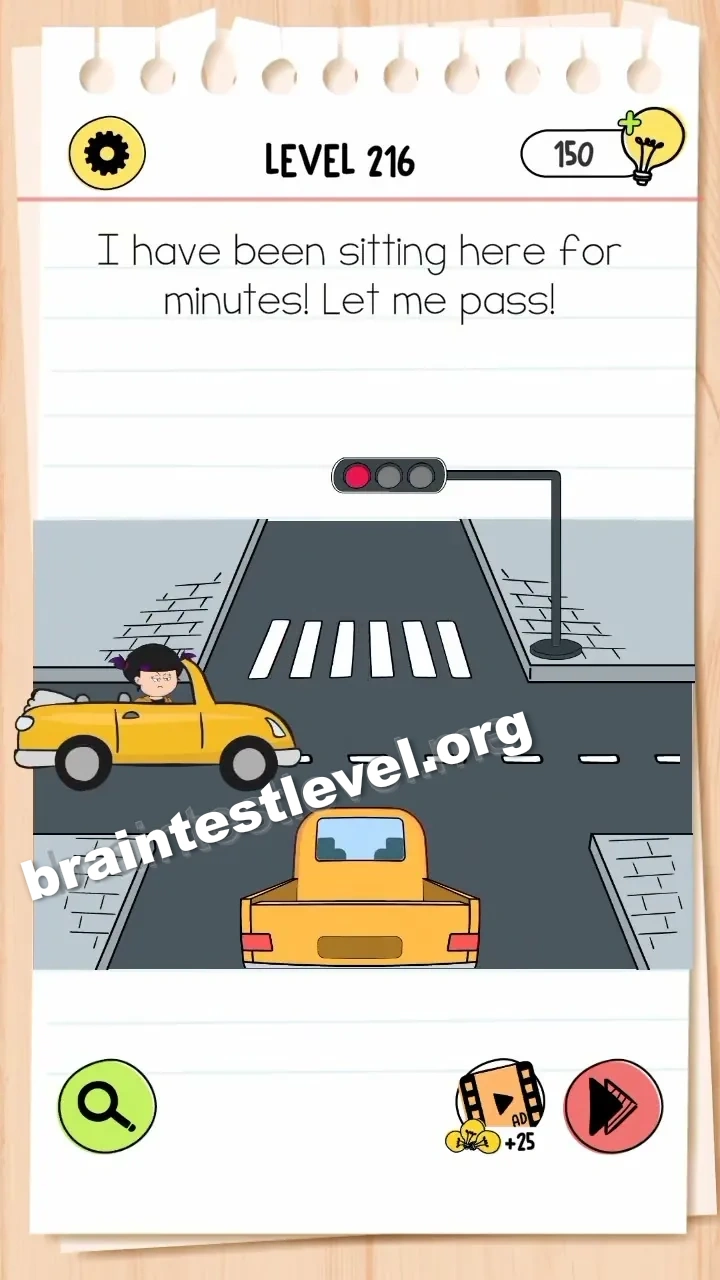
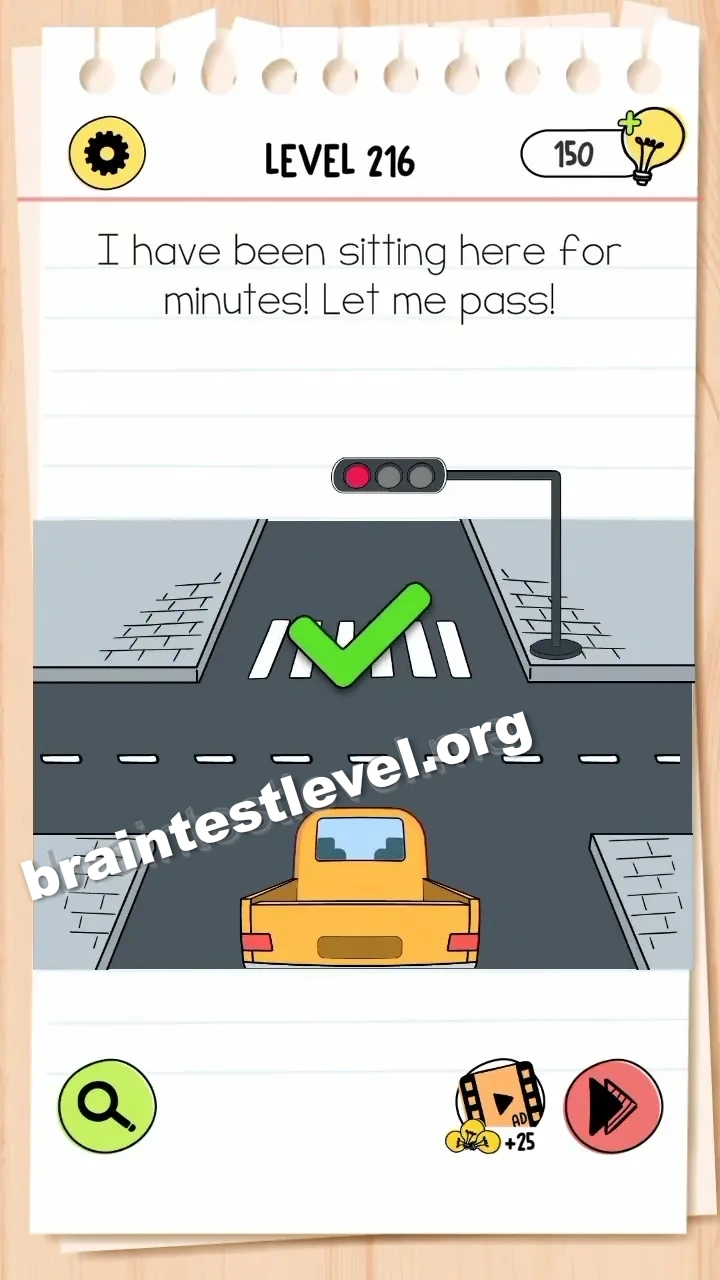
Drag the traffic light pole upwards to reveal the green light so the car can pass.
Skills Tested
Step-by-Step Solution
- 1) Notice the car waiting at the traffic light.
- 2) See that the green light is not showing.
- 3) Drag the pole upward.
- 4) Let the revealed green light send the car through.
Hint
Reveal a hint
Raise the pole so the green light becomes visible.
Why It Works
This tests observation of the scene. The green signal is there but shifted out of sight, so you drag the pole up to line it up and open the way for the car.
Frequently asked questions
How do I pass Brain Test 4 Level 216?
Drag the traffic light pole upward until the green light shows, letting the car pass through the intersection.
What is the answer to Brain Test 4 Level 216?
Pull the pole up to bring the green signal into view, and the car is then free to drive onward.
What is the trick in Brain Test 4 Level 216?
The green light exists but sits out of view, so you have to physically raise the pole to reveal it rather than waiting for a red-green change.
Why do I need to move the pole in Brain Test 4 Level 216?
Raising the pole lines up the green light, and only then does the waiting car get its signal to pass.
Is there a video walkthrough for Brain Test 4 Level 216?
Yes. The video shows the pole being pushed up and the green light clearing the way for the car.
How do I avoid getting stuck in Brain Test 4 Level 216?
Do not wait for the light to cycle on its own. Grab the pole and slide it up so the green signal becomes visible.