
Brain Test 4 Level 222: Astrodog must receive the transmission.
Brain Test 4 Level 222
Screenshots
Quick Answer
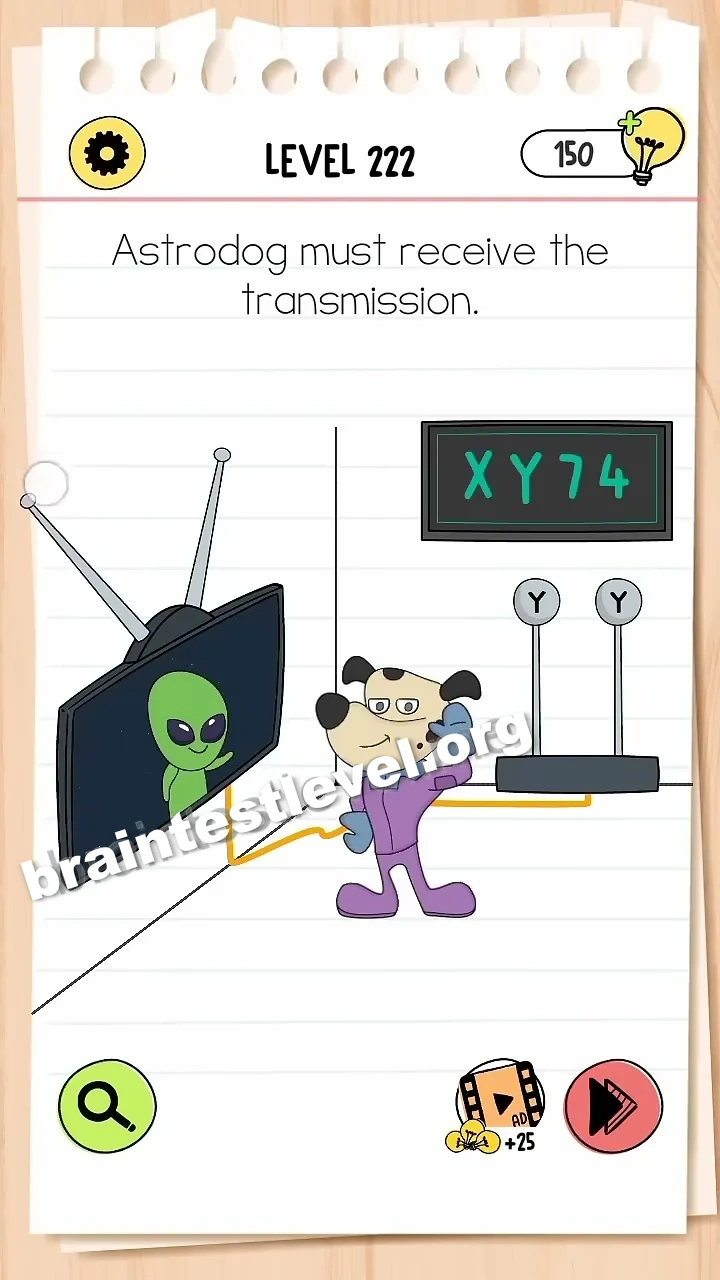
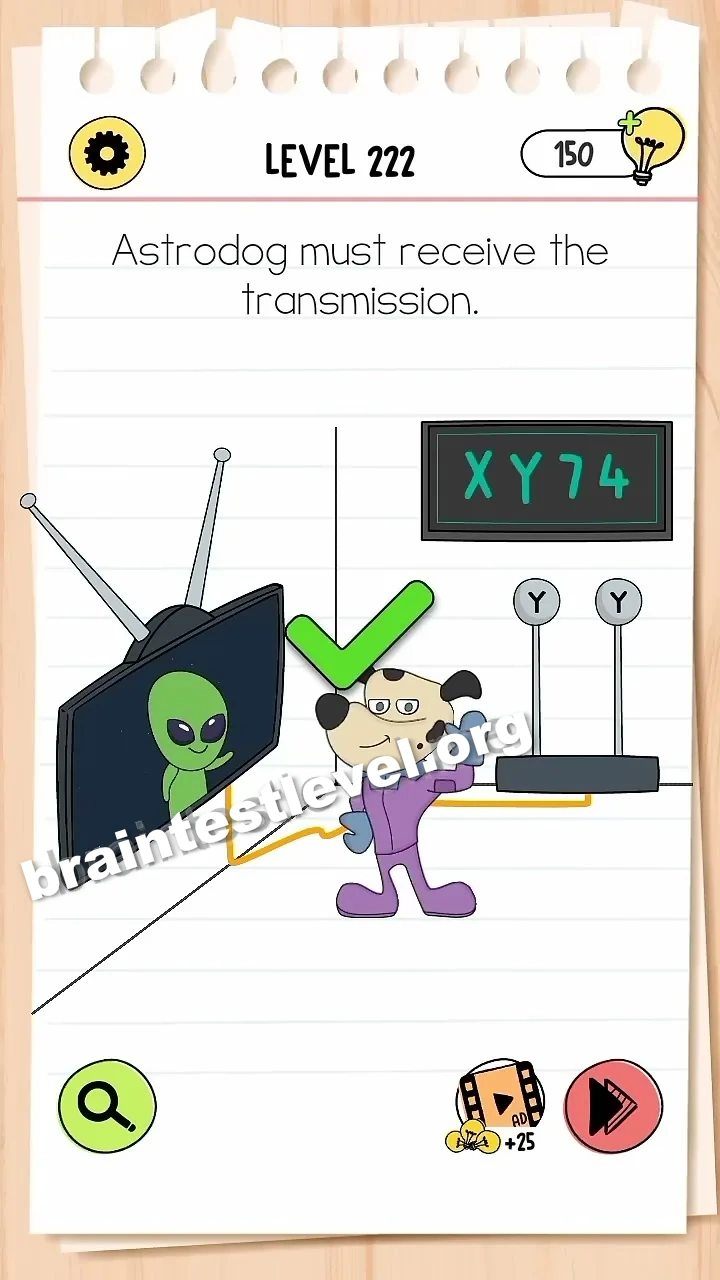
Adjust the TV's antennas to match the angles of the router's antennas (X and Y), which correspond to the shapes of '7' and '4' shown on the screen.
Skills Tested
Step-by-Step Solution
- 1) Notice the router antenna angles labeled X and Y.
- 2) Look at the 7 and 4 shapes shown on the screen.
- 3) Rotate the two TV antennas to match those angles.
- 4) Confirm the signal connects for Astrodog.
Hint
Reveal a hint
Turn the TV antennas to copy the router angles.
Why It Works
This tests pattern recognition and matching. The screen and router point to specific angles, and once you rotate the TV antennas to mirror them, the signal arrives and Astrodog gets the transmission.
Frequently asked questions
How do I pass Brain Test 4 Level 222?
Rotate the TV antennas so they match the router antenna angles, which line up with the 7 and 4 shapes shown on the screen.
What is the answer to Brain Test 4 Level 222?
Adjust the two TV antennas to copy the router angles (X and Y), which correspond to the 7 and 4 shapes on the screen.
What is the trick in Brain Test 4 Level 222?
The correct angle is not random. The router antennas and the on-screen 7 and 4 give you the exact shapes the TV antennas must follow.
Why do I need to match the antennas in Brain Test 4 Level 222?
Matching the TV antennas to the router angles creates the link needed for Astrodog to receive the incoming transmission.
Is there a video walkthrough for Brain Test 4 Level 222?
Yes. The video shows the TV antennas being turned to line up with the router and the on-screen digits.
How do I avoid getting stuck in Brain Test 4 Level 222?
Do not guess the angles. Use both the router position guides and the 7 and 4 shapes on the screen to set each antenna correctly.