
Brain Test 4 Level 254: Doctor Worry must test his new glider.
Brain Test 4 Level 254
Screenshots
Quick Answer
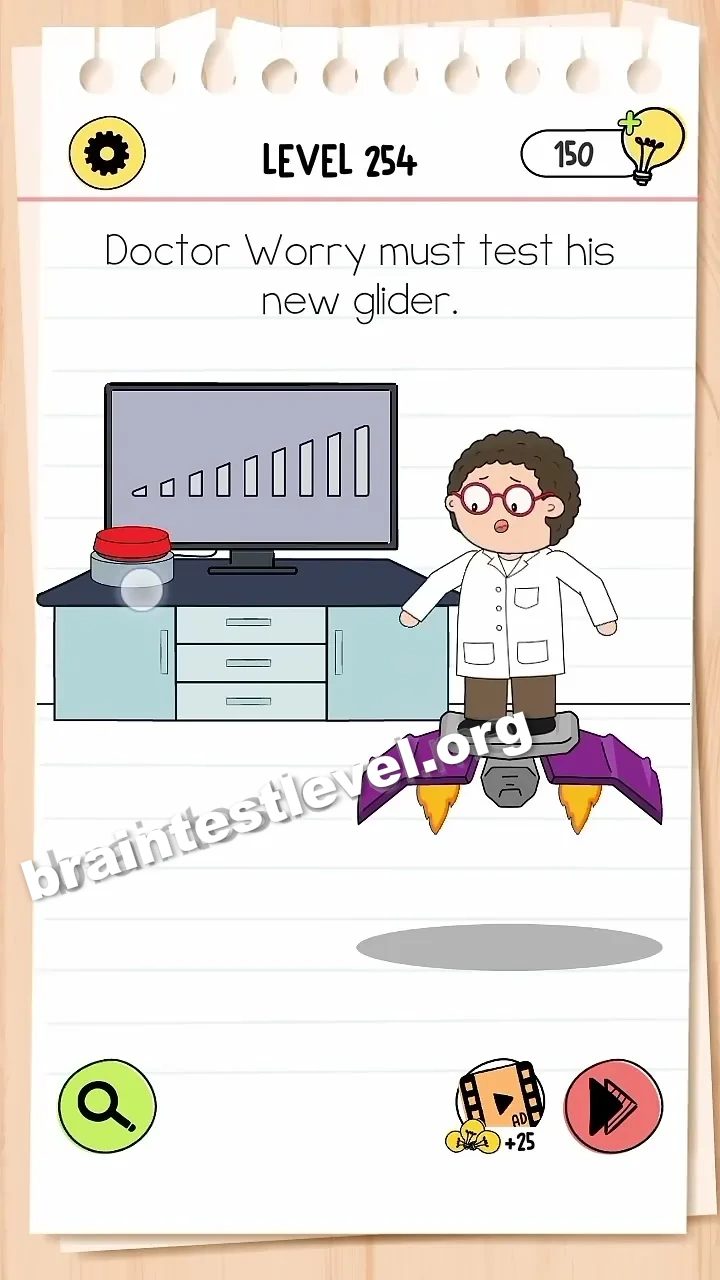
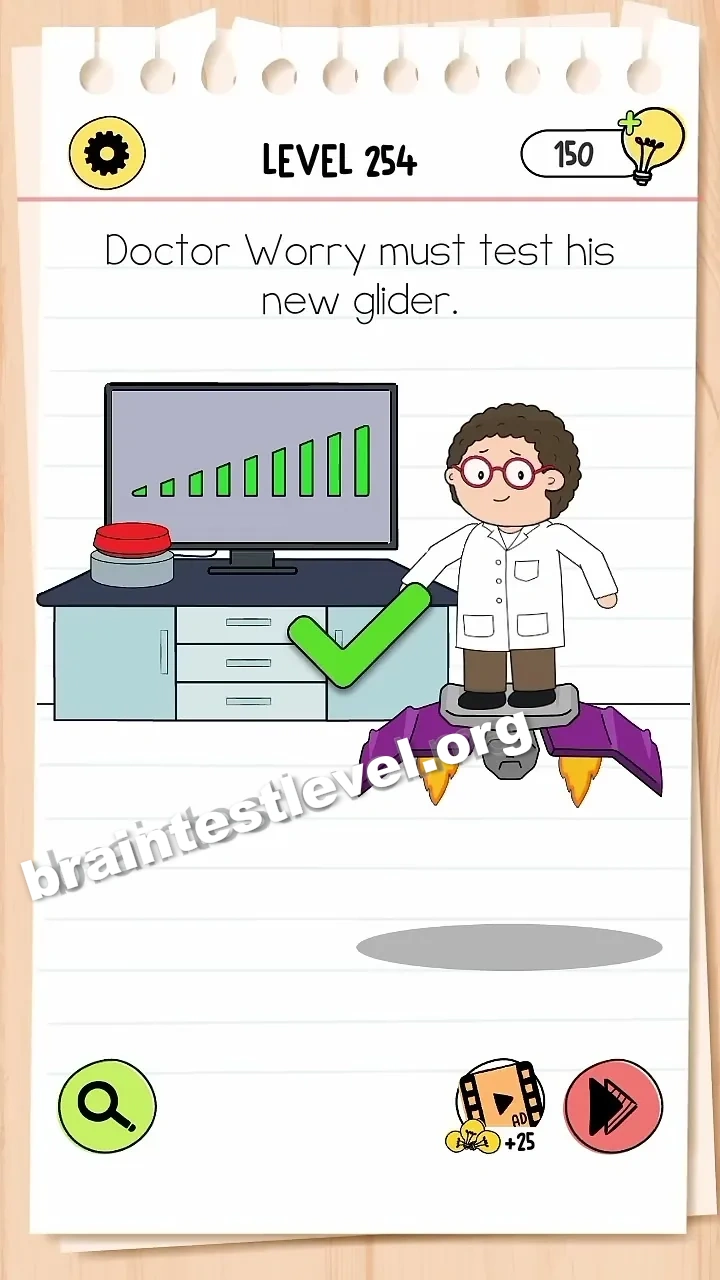
Repeatedly tap the red button to fully charge the power bar on the monitor, launching the glider.
Skills Tested
Step-by-Step Solution
- 1) Look at Doctor Worry standing beside his glider.
- 2) Press the red button again and again.
- 3) Watch the power bar on the monitor climb higher.
- 4) When the bar is full, the glider launches.
Hint
Reveal a hint
Keep mashing that red button until the meter on the monitor is totally full.
Why It Works
This test rewards patience rather than clever thinking. The monitor shows how much power remains, and the red button feeds the charge. Repeating the tap fills the bar, and a full bar sends the glider flying.
Frequently asked questions
How do I solve Brain Test 4 Level 254?
Repeatedly tap the red button to charge the power bar on the monitor fully, and the glider will launch.
What is the answer to Brain Test 4 Level 254?
Tap the red button over and over until the monitor power bar is full, which launches the glider.
What is the trick in Brain Test 4 Level 254?
The trick is simply persistence. Keep tapping the red button to fill the power bar that sends the glider off.
Why do I need to keep tapping the red button in Brain Test 4 Level 254?
Each press adds a bit of power, so enough taps fill the bar on the monitor and finally launch the glider.
Is there a video walkthrough for Brain Test 4 Level 254?
Yes. The embedded video shows the red button being pressed until the power bar fills and the glider launches.
How do I avoid getting stuck in Brain Test 4 Level 254?
Do not stop after one press. Keep tapping the red button until the monitor power bar is full to launch the glider.