
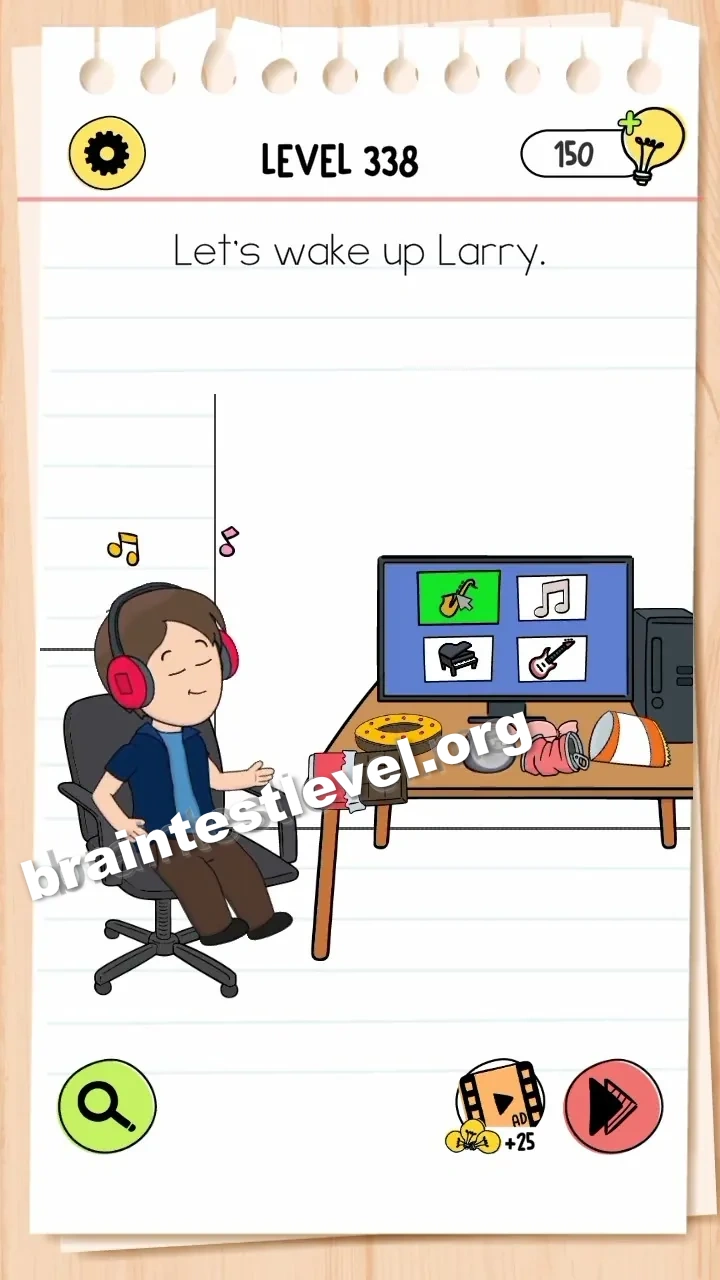
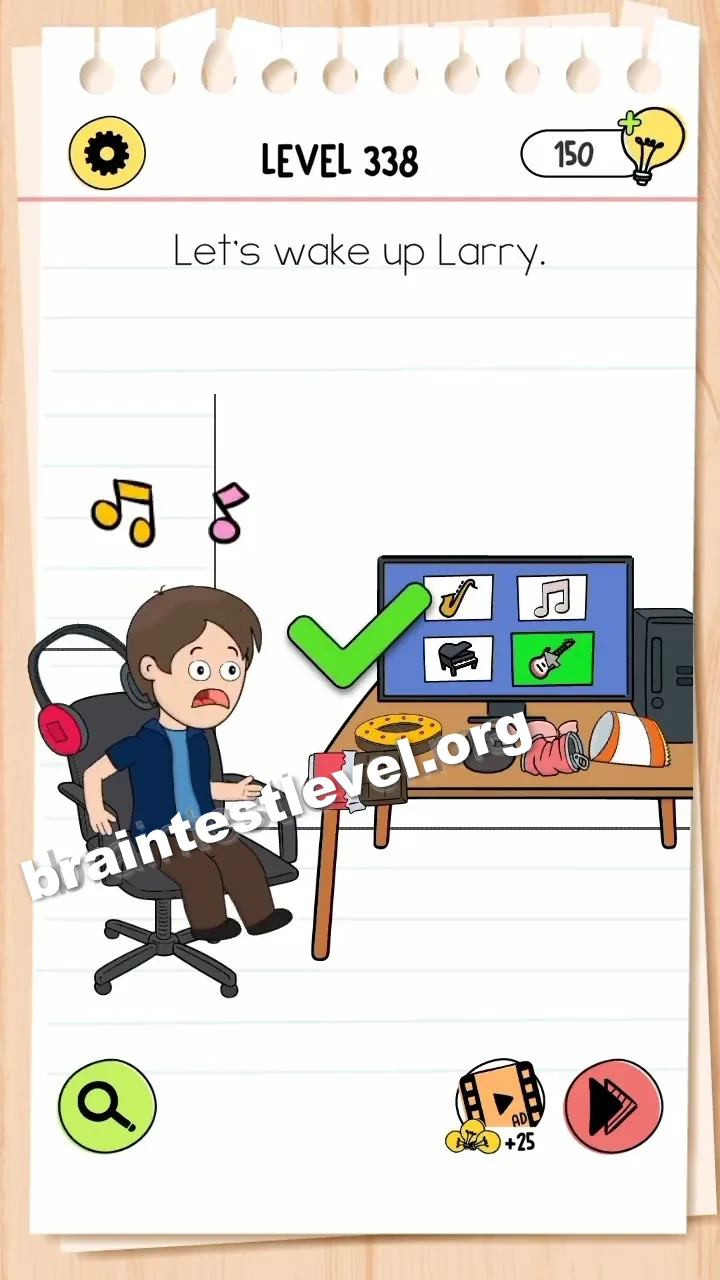
Brain Test 4 Level 338: Let's wake up Larry.
Brain Test 4 Level 338
Screenshots
Quick Answer
Assemble the speaker on the desk, then tap the instruments on the computer screen to play loud music and wake Larry.
Skills Tested
Step-by-Step Solution
- 1) Find the sleeping Larry on the screen.
- 2) Assemble the speaker parts on the desk.
- 3) Tap the instruments shown on the computer.
- 4) Let the loud music wake Larry up.
Hint
Reveal a hint
Combine the speaker build with the on-screen instruments to raise the volume.
Why It Works
This demands sequencing and using available gadgets. The speaker must be completed first, and only then do the screen instruments produce loud enough music to shake Larry from his sleep.
Frequently asked questions
How do I wake Larry in Brain Test 4 Level 338?
Assemble the speaker on the desk, then tap the instruments on the computer screen to play loud music and wake him.
What is the answer to Brain Test 4 Level 338?
Build the desk speaker, then tap the instruments on the computer screen so loud music rings out and wakes Larry.
What is the trick in Brain Test 4 Level 338?
You need both actions working together. The speaker body alone does nothing until you tap the on-screen instruments to produce the sound.
Why do I need to assemble the speaker in Brain Test 4 Level 338?
The assembled speaker is what makes the on-screen instruments loud enough to reach Larry and pull him out of sleep.
Is there a video walkthrough for Brain Test 4 Level 338?
Yes. The video shows the speaker assembled on the desk, followed by the instruments being tapped to wake Larry.
How do I avoid getting stuck in Brain Test 4 Level 338?
Build the speaker first, then tap the instruments. Skipping the assembly leaves you without the loudness needed to wake him.