
Brain Test 4 Level 400: Help! My brakes aren't working!
Brain Test 4 Level 400
Screenshots
Quick Answer
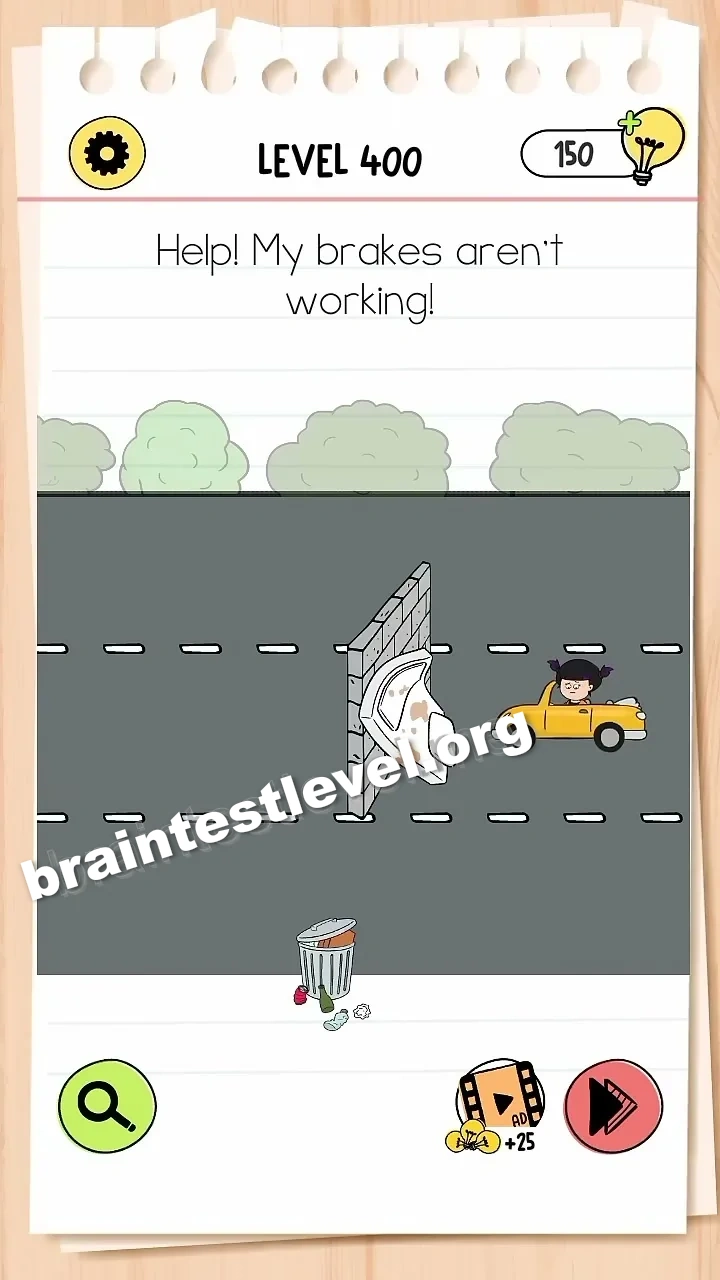
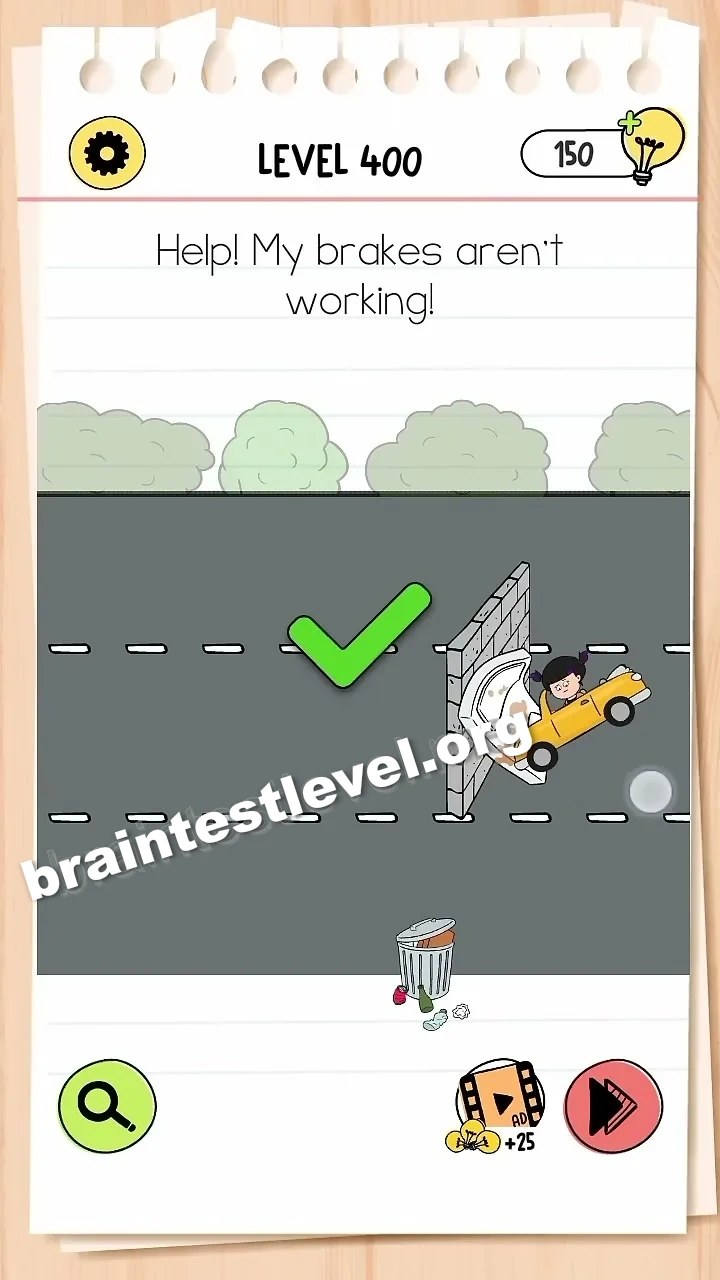
Drag the mattress from the bottom-left corner onto the brick wall to cushion the car's impact.
Skills Tested
Step-by-Step Solution
- 1) Look for the mattress in the bottom-left corner.
- 2) Drag it out into the scene.
- 3) Place it against the brick wall.
- 4) Let it cushion the cars impact.
Hint
Reveal a hint
Drag the mattress onto the wall to cushion the crash.
Why It Works
When stopping is impossible, protection becomes the answer. Moving the mattress from the corner onto the brick wall gives the car a soft barrier, absorbing the shock of the impact and keeping the driver safe.
Frequently asked questions
How do I stop the car in Brain Test 4 Level 400?
Drag the mattress from the bottom-left corner onto the brick wall to cushion the car impact.
What is the answer to Brain Test 4 Level 400?
Move the mattress from the corner against the brick wall so it softens the crash.
What is the trick in Brain Test 4 Level 400?
You cannot fix the brakes, so you place the mattress on the wall to protect the car as it hits.
Why do I need the mattress in Brain Test 4 Level 400?
It gives the incoming car a padded surface to hit, cushioning the impact instead of crashing into bricks.
Is there a video walkthrough for Brain Test 4 Level 400?
Yes, the video shows dragging the mattress onto the wall to cushion the car impact.
How do I avoid getting stuck in Brain Test 4 Level 400?
Stop looking for a brake fix and grab the mattress from the corner to block the car against the wall.