
Brain Test 4 Level 409: Fix the painting.
Brain Test 4 Level 409
Screenshots
Quick Answer
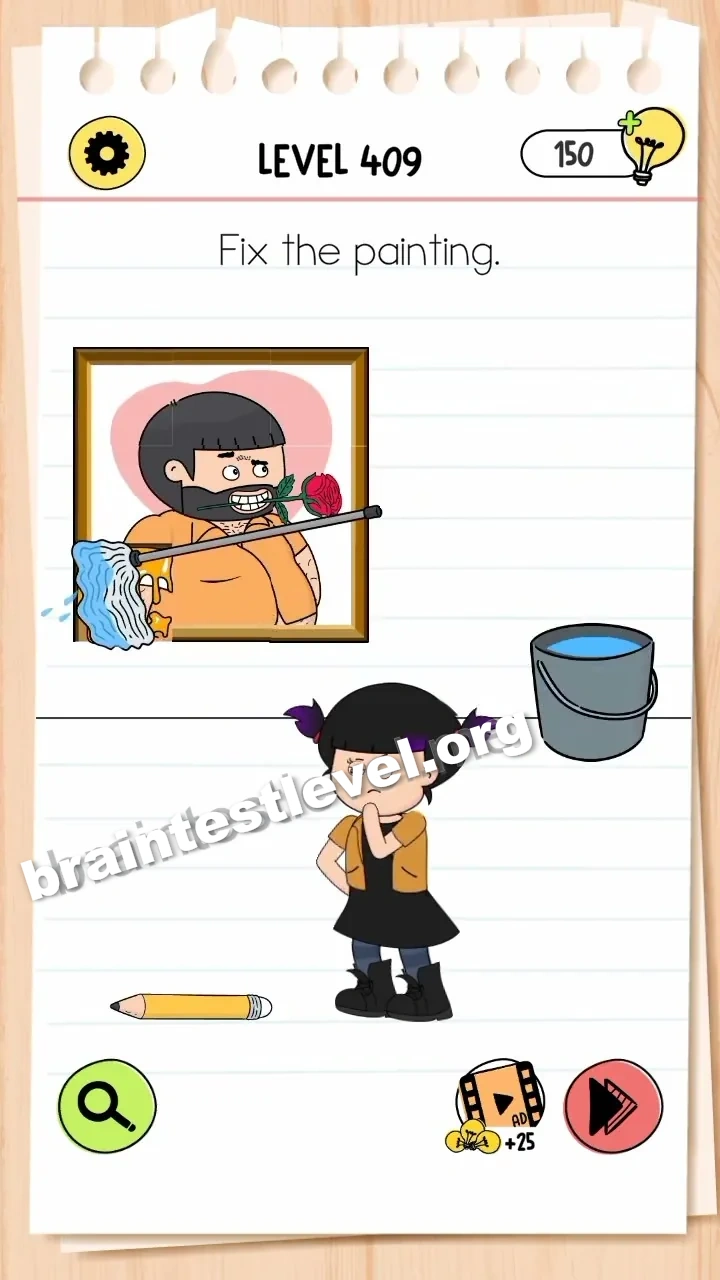
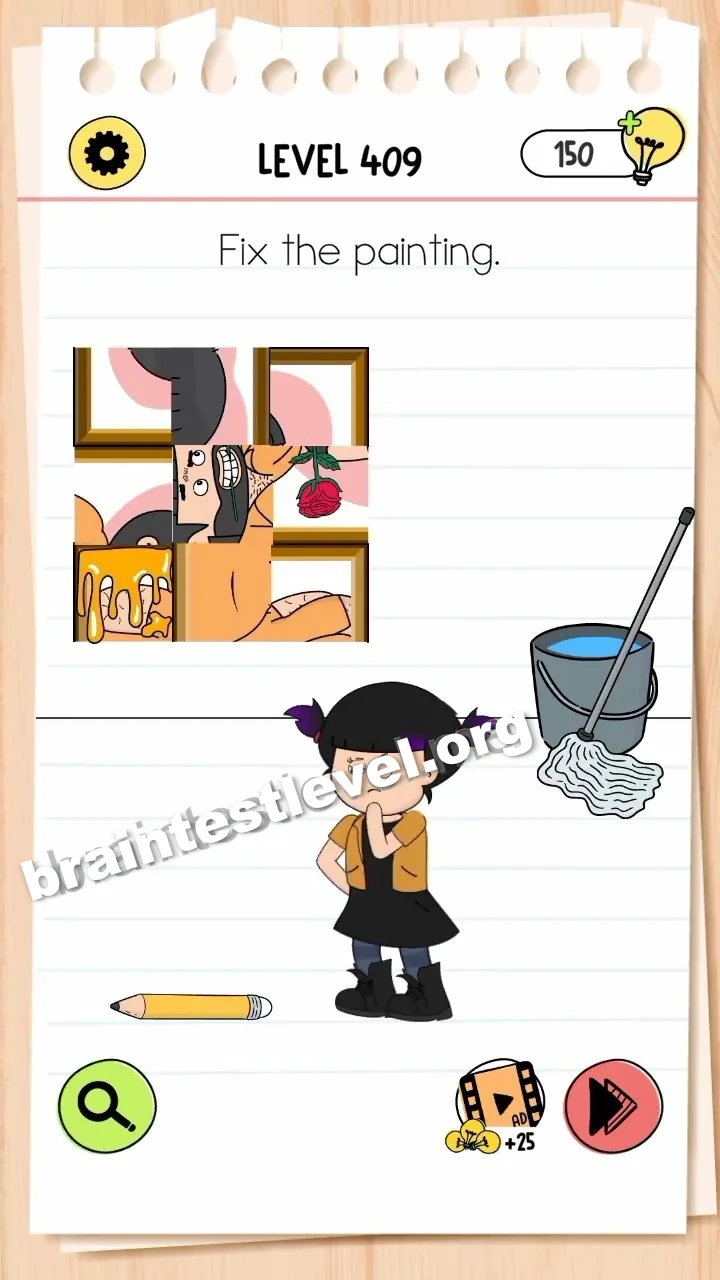
Tap the scrambled painting pieces to rotate them into place, then drag the mop to clean the yellow stain on the bottom-left corner.
Skills Tested
Step-by-Step Solution
- 1) Tap a scrambled piece to rotate it.
- 2) Keep tapping until it lines up.
- 3) Do the same for every scrambled piece.
- 4) Drag the mop over the yellow stain to clean it.
Hint
Reveal a hint
Rotate the pieces first, then mop away the yellow stain.
Why It Works
Repairing the painting combines rotation and cleaning. Spinning each scrambled piece realigns the image, while mopping the yellow mark takes away the last flaw, giving you back a fully fixed piece of artwork.
Frequently asked questions
How do I fix the painting in Brain Test 4 Level 409?
Tap the scrambled pieces to rotate them into place, then mop the yellow stain in the corner.
What is the answer to Brain Test 4 Level 409?
Rotate each scrambled piece the right way, then clean the yellow stain with the mop.
What is the trick in Brain Test 4 Level 409?
You fix the image by turning the pieces and then removing the yellow stain with the mop.
Why do I need the mop in Brain Test 4 Level 409?
It cleans the yellow stain in the bottom-left corner that rotation alone cannot remove.
Is there a video walkthrough for Brain Test 4 Level 409?
Yes, the video shows rotating the pieces and mopping the yellow stain to fix the painting.
How do I avoid getting stuck in Brain Test 4 Level 409?
Finish rotating every piece first, then finish with the mop on the yellow stain in the corner.