
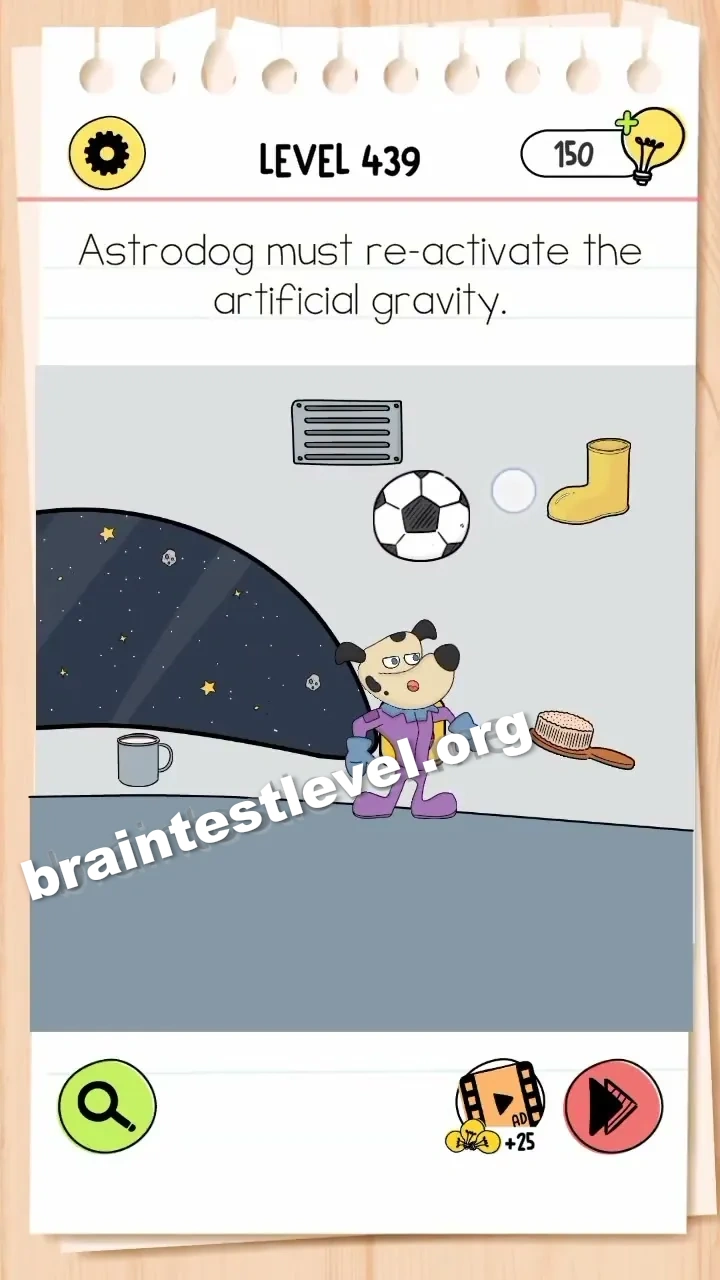
Brain Test 4 Level 439: Astrodog must re-activate the artificial gravity.
Brain Test 4 Level 439
Screenshots
Quick Answer
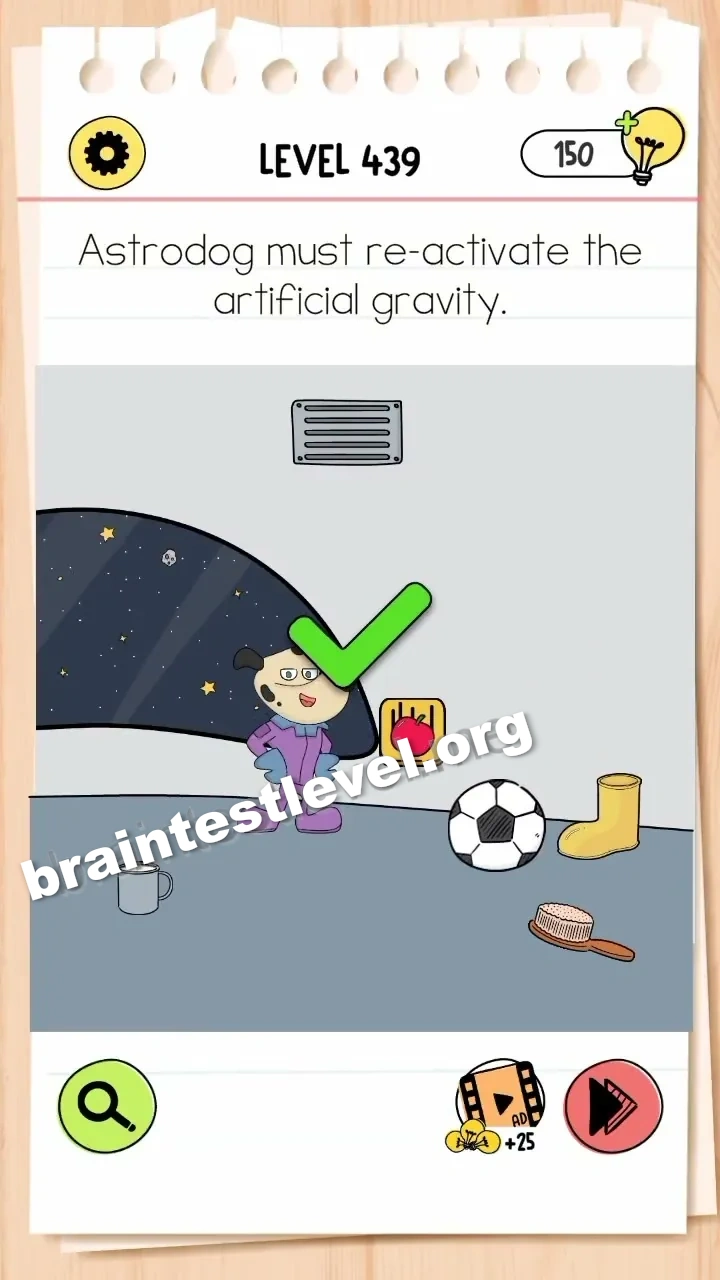
Drag the brush to Astrodog's back to make him move, then tap the revealed red button.
Skills Tested
Step-by-Step Solution
- 1) Pick up the brush.
- 2) Drag it across Astrodog back.
- 3) Let him move and reveal the red button.
- 4) Tap the button to restart the gravity.
Hint
Reveal a hint
Brush Astrodog to make him reveal the button.
Why It Works
The gravity control sits hidden right where Astrodog is resting. Tickling his back with the brush gets him to move, uncovering the red button, and tapping that switch restores the artificial gravity.
Frequently asked questions
How do I reactivate gravity in Brain Test 4 Level 439?
Drag the brush to Astrodog's back to make him move, then tap the red button that is revealed.
What is the answer to Brain Test 4 Level 439?
Brush Astrodog so he shifts, revealing the red button, and tap it to turn the artificial gravity back on.
What is the trick in Brain Test 4 Level 439?
The red power button is hidden under Astrodog, so brushing him to move reveals it for you.
Why do I need the brush in Brain Test 4 Level 439?
The brush makes Astrodog move out of the way, exposing the red button that restores artificial gravity.
Is there a video walkthrough for Brain Test 4 Level 439?
Yes, the video shows brushing Astrodog to reveal the red button and tapping it to restore gravity.
How do I avoid getting stuck in Brain Test 4 Level 439?
Brush Astrodog first to uncover the red button; it stays hidden until he moves away from the spot.