
Brain Test 4 Level 469: Help Judy become a TikTok phenomenon
Brain Test 4 Level 469
Screenshots
Quick Answer
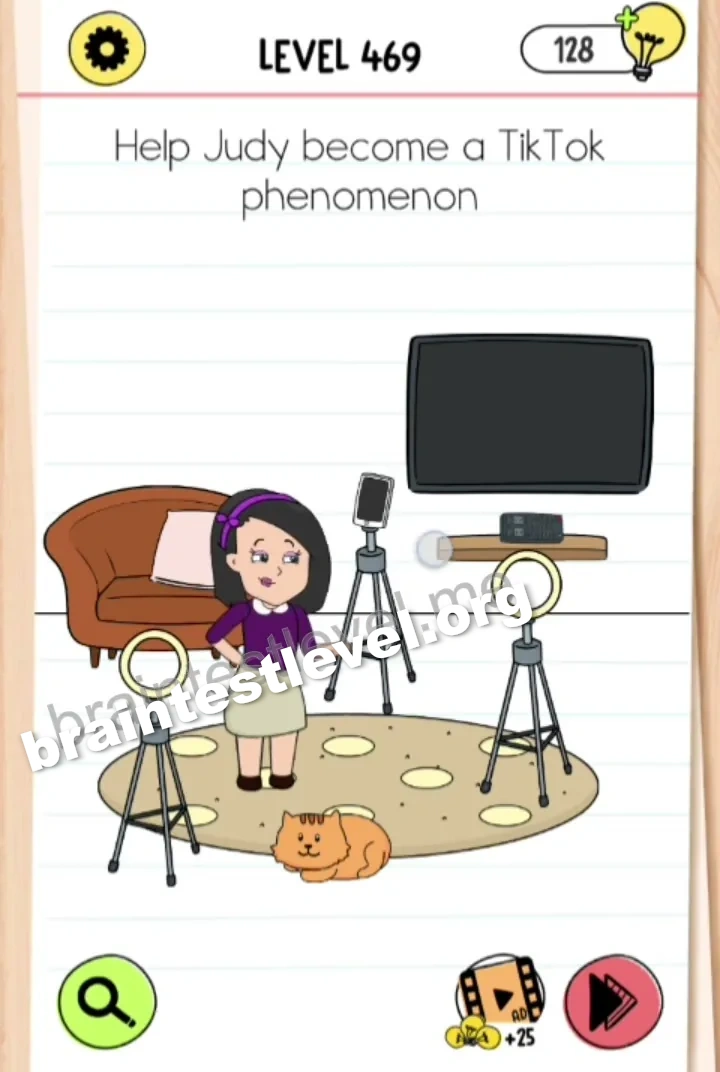
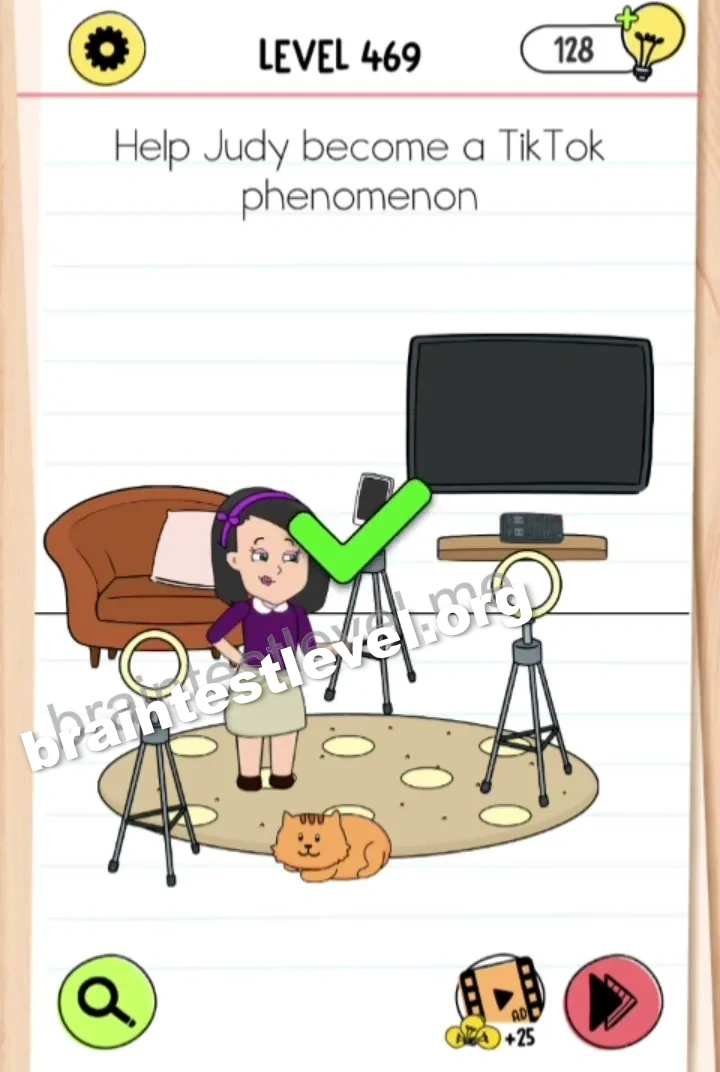
Drag the two ring lights from the carpet onto the side tripods, then place Judy's phone on the middle tripod.
Skills Tested
Step-by-Step Solution
- 1) Pick up the first ring light from the carpet.
- 2) Place it on one of the side tripods.
- 3) Add the second ring light to the other tripod.
- 4) Put Judy’s phone on the middle tripod.
Hint
Reveal a hint
Mount both ring lights on the side tripods, then phone on the middle.
Why It Works
The scene is about putting loose filming gear where it belongs. Attaching the ring lights to the two side tripods adds proper lighting, and placing the phone on the middle tripod lines everything up so Judy can record and go viral.
Frequently asked questions
How do I set up the filming gear in Brain Test 4 Level 469?
Put the two ring lights on the side tripods and place Judy’s phone on the middle tripod.
What is the answer to Brain Test 4 Level 469?
Attach both ring lights to the side tripods and set the phone on the middle tripod.
What is the trick in Brain Test 4 Level 469?
You must assemble the scattered gear so the ring lights frame the pod once the phone is mounted.
Why do I need the ring lights in Brain Test 4 Level 469?
The side ring lights light up Judy before the phone starts recording on the middle tripod.
Is there a video walkthrough for Brain Test 4 Level 469?
Yes, the video shows mounting the ring lights and adding the phone to the tripods.
How do I avoid getting stuck in Brain Test 4 Level 469?
Set each ring light on a side tripod and place the phone on the middle one.