
Brain Test 4 Level 475: Do you REALLY know our faces?
Brain Test 4 Level 475
Screenshots
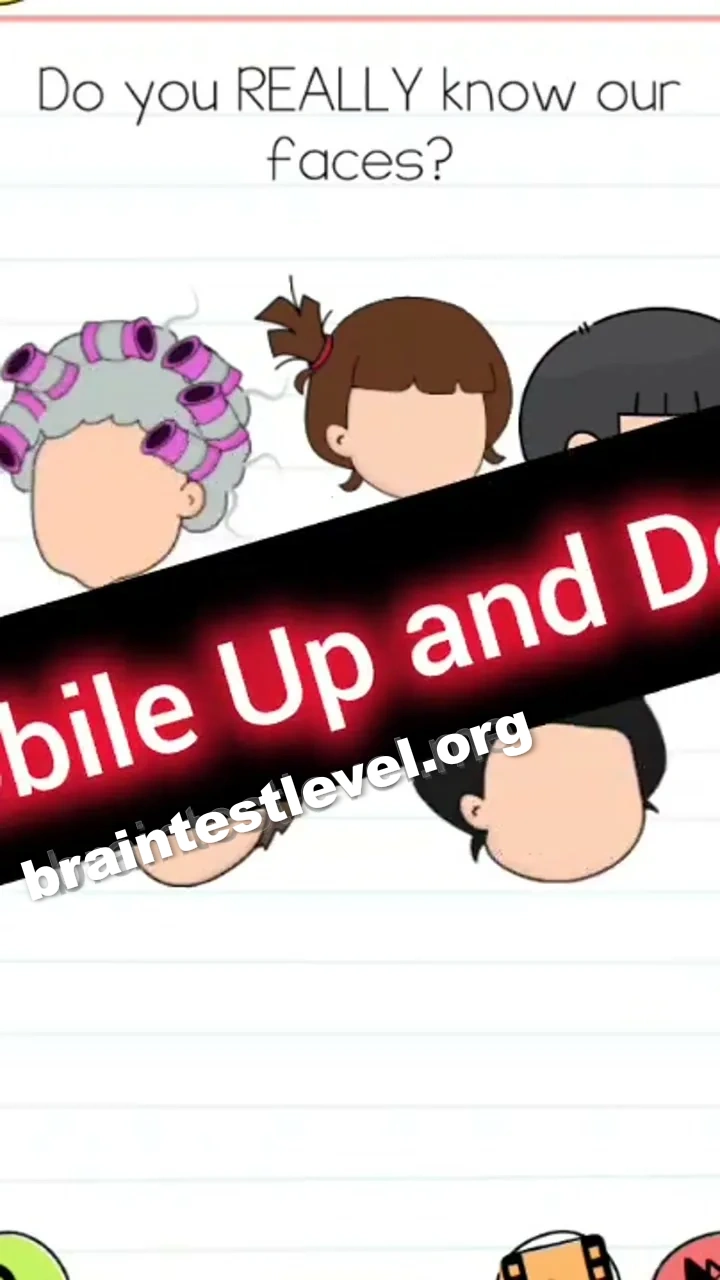

Quick Answer
Shake or tilt your mobile device up and down to automatically assign the correct facial features to each character.
Skills Tested
Step-by-Step Solution
- 1) Hold your phone firmly in your hand.
- 2) Shake or tilt it up and down.
- 3) Wait for the features to auto-assign.
- 4) Watch each character get its correct face.
Hint
Reveal a hint
Tilt or shake your phone and let the features assign themselves.
Why It Works
This twist removes the matching step and makes motion the entire solution. Once you shake or tilt the device up and down, the correct features are assigned to every character automatically, so no dragging is required to pass the level.
Frequently asked questions
How do I solve Brain Test 4 Level 475?
Shake or tilt your mobile device up and down so the correct facial features assign to each character.
What is the answer to Brain Test 4 Level 475?
Tilt or shake the phone and the features auto-assign to every character.
What is the trick in Brain Test 4 Level 475?
No dragging is needed because shaking the device automatically assigns the right features.
Why do I need to tilt my device in Brain Test 4 Level 475?
Tilting up and down triggers the auto-assign so each character gets its correct face.
Is there a video walkthrough for Brain Test 4 Level 475?
Yes, the video shows shaking the device to auto-assign all the facial features.
How do I avoid getting stuck in Brain Test 4 Level 475?
Just shake or tilt your phone up and down and wait for the features to assign themselves.