
Brain Test 4 Level 490: Tap the green bird.
Brain Test 4 Level 490
Screenshots
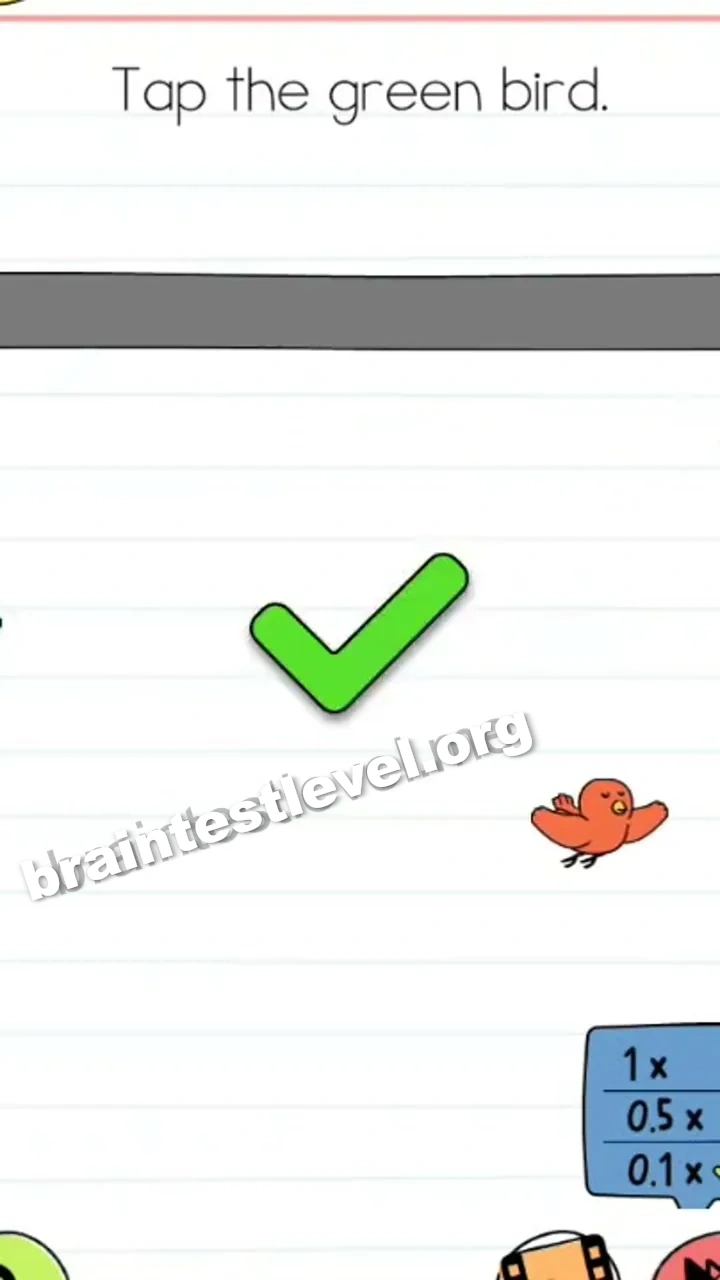
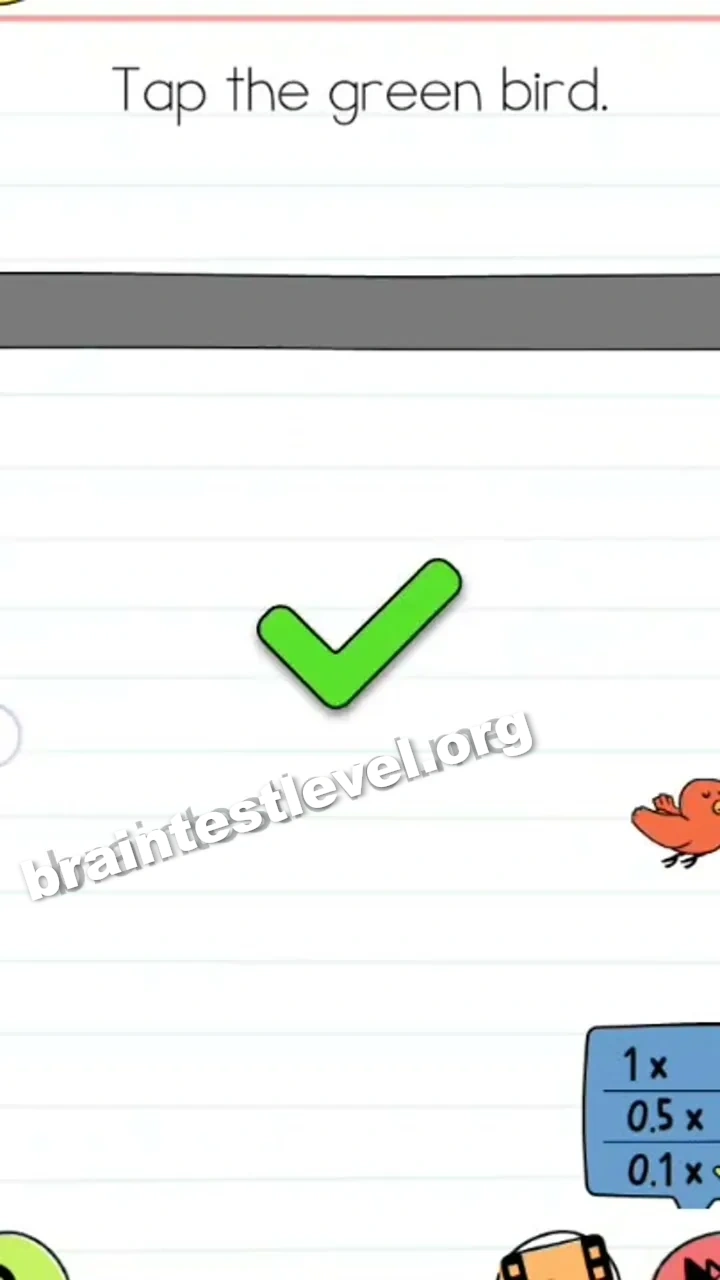
Quick Answer
Open the settings menu, change the speed to 0.1x to slow down the birds, and tap the green bird.
Skills Tested
Step-by-Step Solution
- 1) Open the settings menu.
- 2) Change the speed to the slowest setting.
- 3) Wait for the birds to slow down.
- 4) Tap the green bird.
Hint
Reveal a hint
Open settings and slow the speed down before tapping the green bird.
Why It Works
The solution is using the settings to alter playback speed rather than chase a fast target. Reducing the animation to a crawl lets the birds move slowly enough for you to land a tap on the green one.
Frequently asked questions
How do I tap the green bird in Brain Test 4 Level 490?
Open the settings menu, change the speed to the lowest setting, and tap the green bird once it slows.
What is the answer to Brain Test 4 Level 490?
Slow the birds down with the settings speed option, then tap the green bird.
What is the trick in Brain Test 4 Level 490?
The birds move too fast until you use the settings to slow the speed down.
Why do I need the settings menu in Brain Test 4 Level 490?
Changing the speed in settings slows the birds so you can tap the green one.
Is there a video walkthrough for Brain Test 4 Level 490?
Yes, the video shows adjusting the speed and tapping the green bird.
How do I avoid getting stuck in Brain Test 4 Level 490?
Open settings, set the speed lower, then tap the green bird once it slows down.