
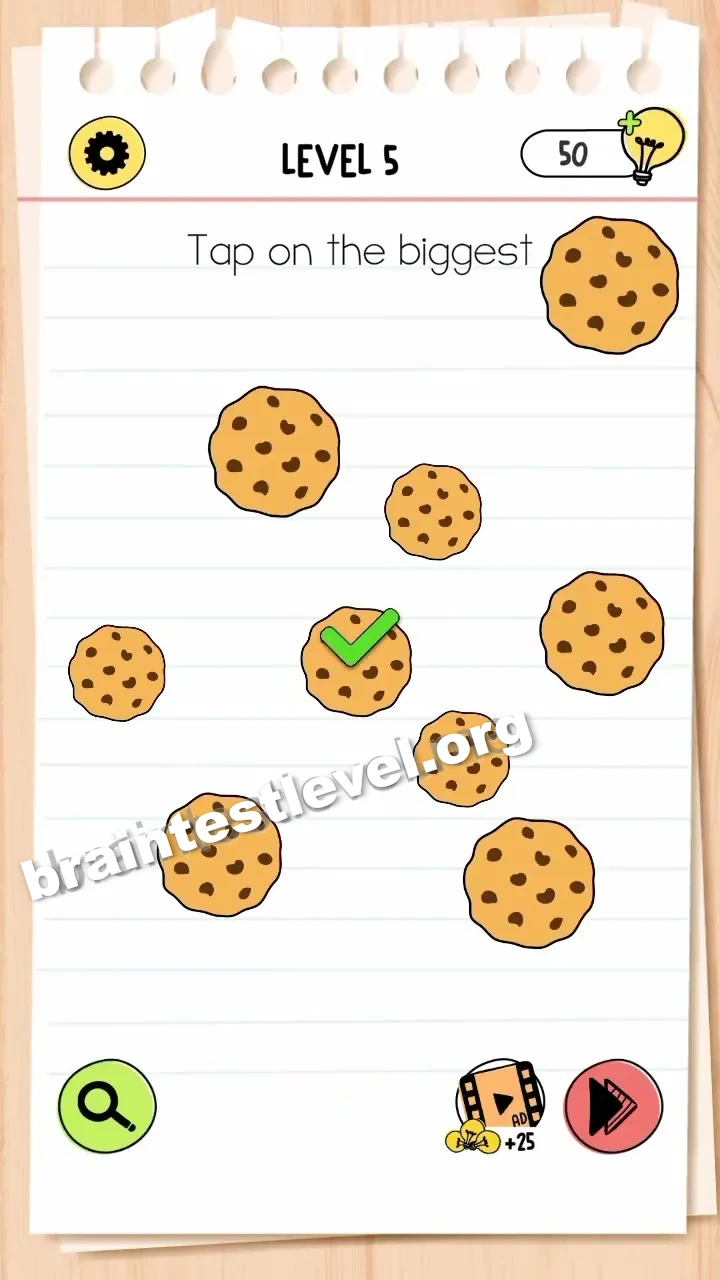
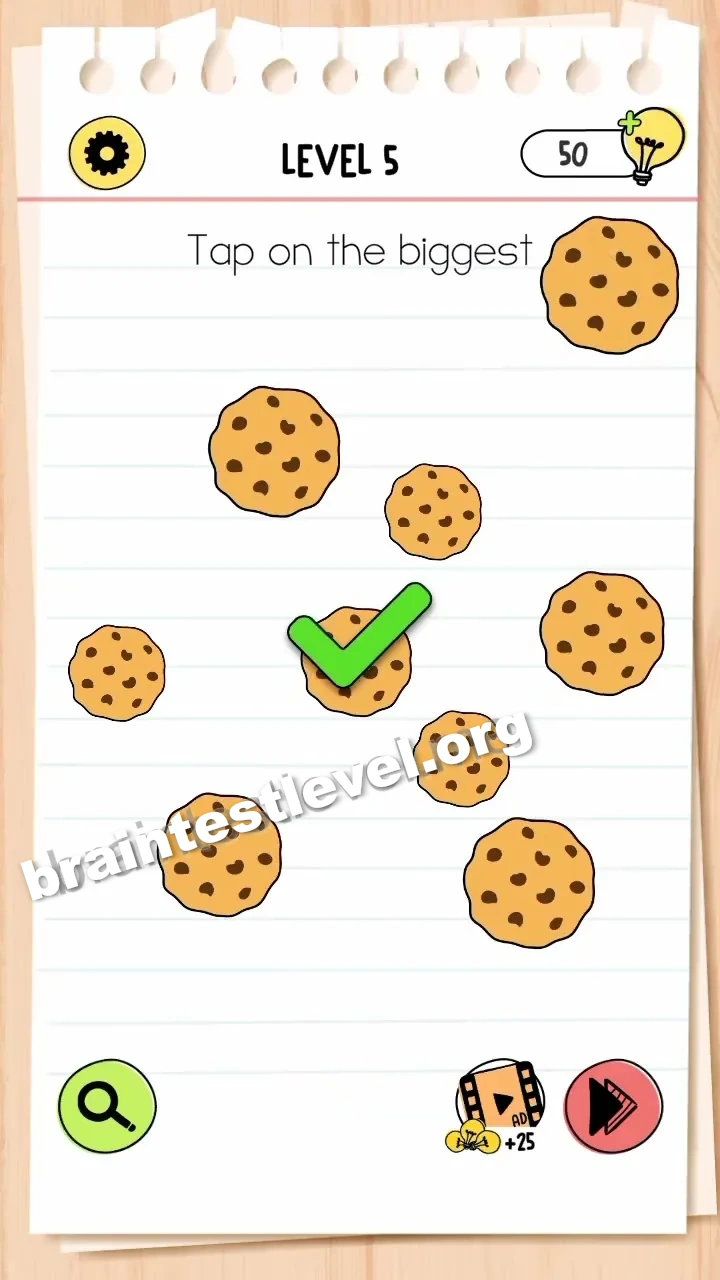
Brain Test 4 Level 5: Tap on the biggest cookie.
Brain Test 4 Level 5
Screenshots
Quick Answer
Tap on the largest cookie displayed on the screen.
Skills Tested
Step-by-Step Solution
- 1) Look at all the cookies on the screen.
- 2) Identify the one that is drawn the largest.
- 3) Tap it to clear the level.
Hint
Reveal a hint
Just look for the cookie that fills the most space on screen.
Why It Works
Unlike trickier levels, this one is straightforward: spot the largest cookie by size and tap it.
Frequently asked questions
How do I solve Brain Test 4 Level 5?
Look at all the cookies on the screen and tap the one that is drawn the largest. There is no extra trick.
What is the answer to Brain Test 4 Level 5?
Tap on the largest cookie displayed on the screen. Just find the biggest one by size and tap it.
What is the trick in Brain Test 4 Level 5?
Unlike trickier levels, there is no hidden step. You simply compare the cookies and tap the largest one.
Which cookie is the biggest in Brain Test 4 Level 5?
The cookie that fills the most space on screen is the target. Tap it and the level clears right away.
Is there a video walkthrough for Brain Test 4 Level 5?
Yes. The embedded video shows all the cookies and highlights the largest one to tap.
How do I avoid getting stuck in Brain Test 4 Level 5?
There is nothing to drag or unlock. Just spot the cookie that is drawn largest and tap it to finish the level.