
Brain Test 4 Level 50: What is my password.
Brain Test 4 Level 50
Screenshots
Quick Answer
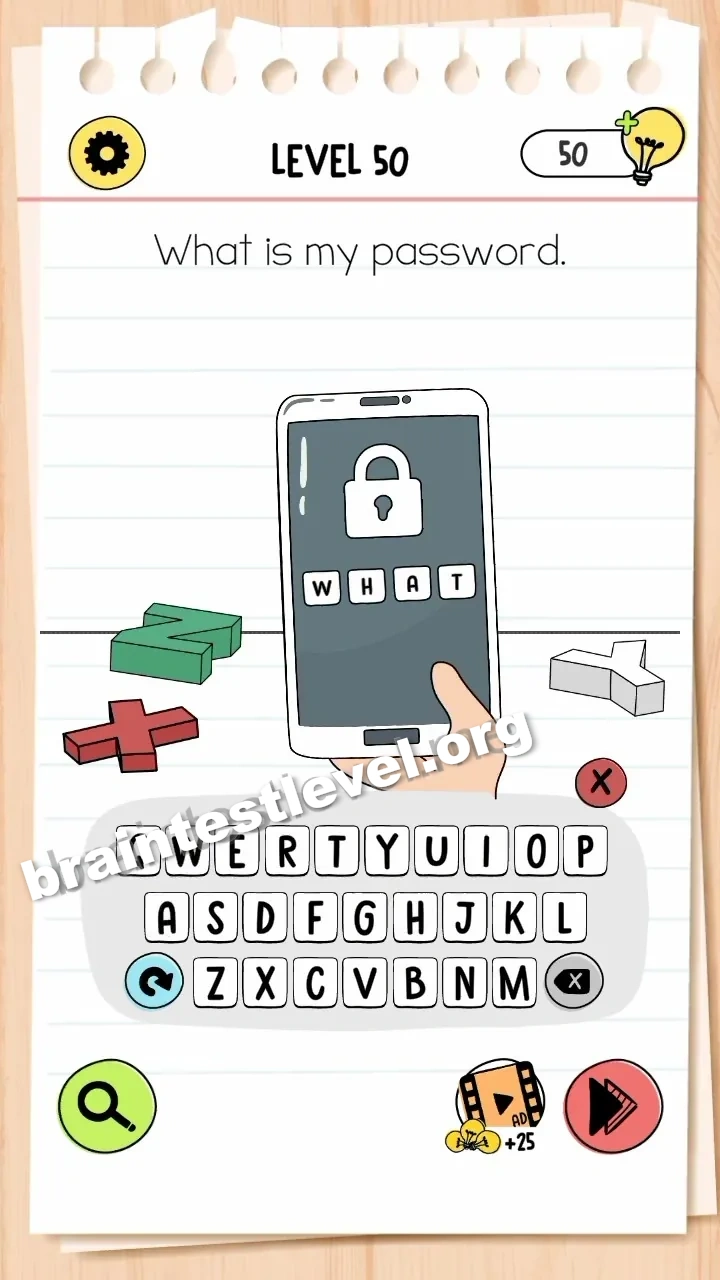
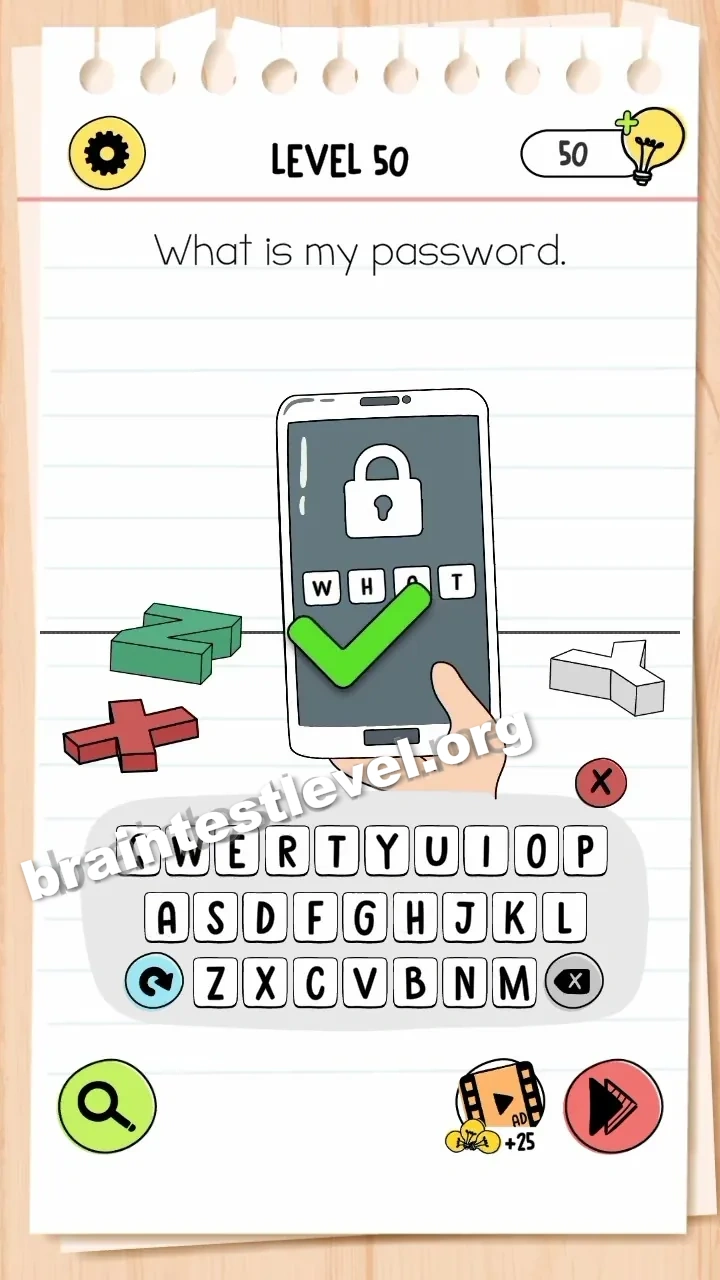
Tap the input fields on the phone to open the keyboard, then type 'WHAT' to unlock it.
Skills Tested
Step-by-Step Solution
- 1) Look at the locked phone on the table.
- 2) Tap the input field to bring up the keyboard.
- 3) Type the letters WHAT into the field.
- 4) The phone unlocks and the level completes.
Hint
Reveal a hint
Spell out the word WHAT on the keypad.
Why It Works
This riddle hides the password in plain sight, because the question itself reads as a request for information. Answering "What?" literally, by typing WHAT, is the lateral-thinking twist that unlocks the phone.
Frequently asked questions
How do I unlock the phone in Brain Test 4 Level 50?
Tap the input fields to open the keyboard, then type WHAT to unlock the phone.
What is the answer to Brain Test 4 Level 50?
The password is WHAT. Enter it on the phone keyboard after tapping the input field.
What is the trick in Brain Test 4 Level 50?
The password is a literal answer to the question. You type the word WHAT to unlock the device.
Why do I need to type WHAT in Brain Test 4 Level 50?
The word WHAT is the password called for by the question, so spelling it unlocks the phone.
Is there a video walkthrough for Brain Test 4 Level 50?
Yes. The video shows tapping the phone input to open the keyboard and typing WHAT to unlock.
How do I avoid getting stuck in Brain Test 4 Level 50?
Do not search for a hidden number. Tap the field to show the keyboard and type the word WHAT.