
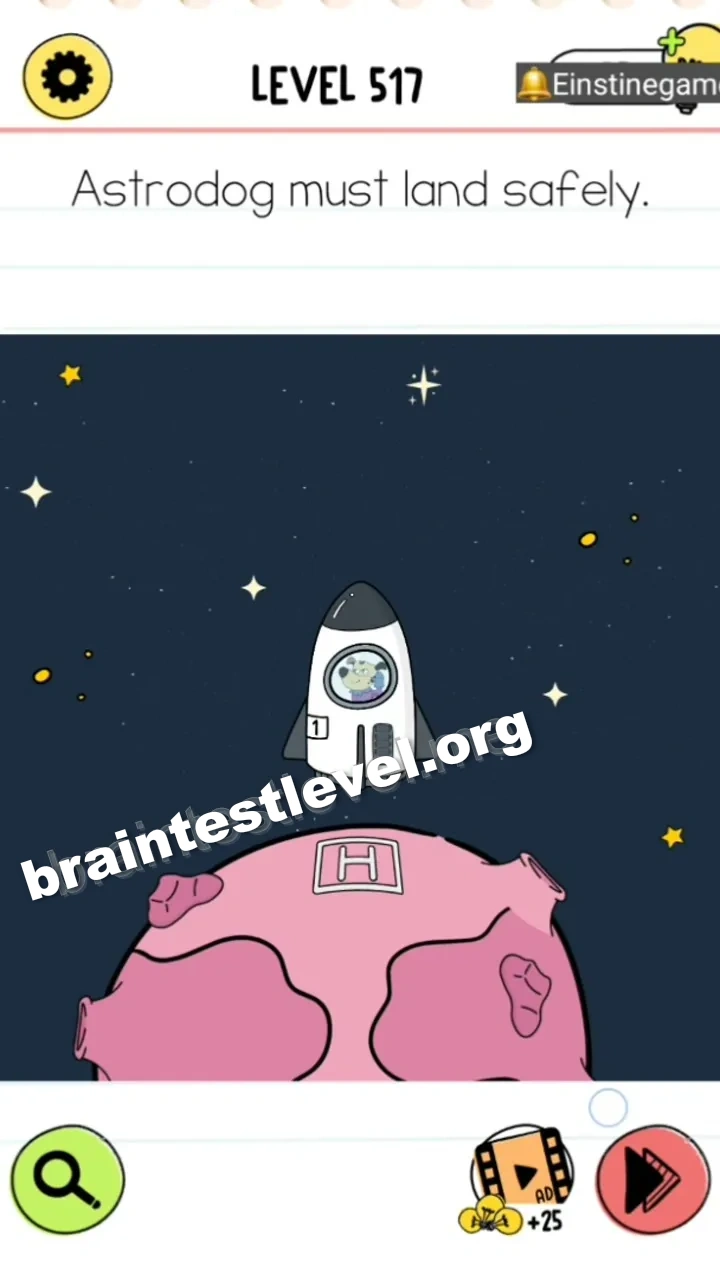
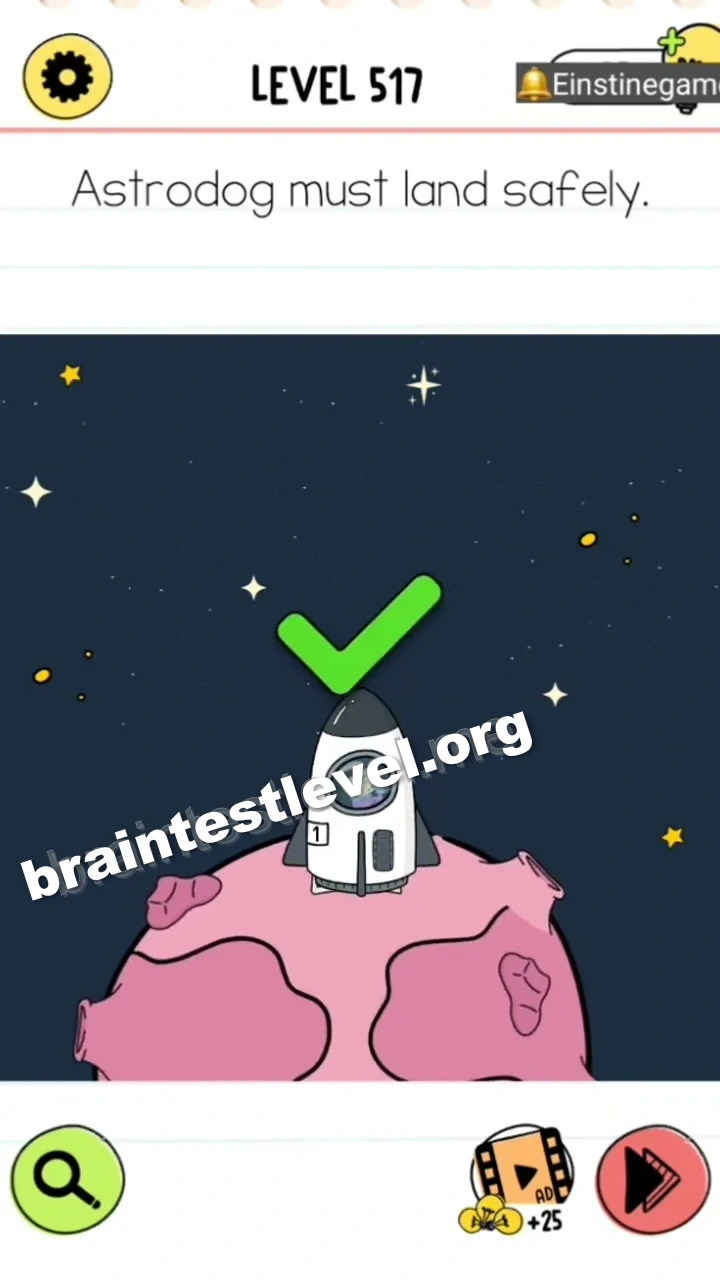
Brain Test 4 Level 517: Astrodog must land safely.
Brain Test 4 Level 517
Screenshots
Quick Answer
Drag the band-aid patch from the left side of the planet to cover the crater where the rocket is landing, allowing it to touch down safely.
Skills Tested
Step-by-Step Solution
- 1) Find the band-aid patch on the left side of the planet.
- 2) Pick the patch up.
- 3) Drag it over the crater where the rocket is landing.
- 4) With the crater covered, the rocket touches down safely.
Hint
Reveal a hint
Cover the landing crater with the band-aid patch on the planet.
Why It Works
The danger is a crater sitting exactly where the rocket touches down. Applying the oversized band-aid over it effectively fills the hole and gives the rocket firm ground. This is a fun play on using a medical patch for a completely mechanical problem.
Frequently asked questions
How do I land the rocket safely in Brain Test 4 Level 517?
Drag the band-aid patch onto the landing crater so the rocket can touch down without trouble.
What is the answer to Brain Test 4 Level 517?
Use the patch to cover the crater, giving the rocket a smooth place to land.
What is the trick in Brain Test 4 Level 517?
A band-aid is used to seal the crater, so the landing spot becomes flat and safe.
Why do I need the band-aid in Brain Test 4 Level 517?
The patch fills the crater, preventing the rocket from crashing during its landing.
Is there a video walkthrough for Brain Test 4 Level 517?
Yes, the video shows placing the patch over the crater before the rocket lands.
How do I avoid getting stuck in Brain Test 4 Level 517?
Cover the crater with the patch before the rocket comes down, or the landing will fail.