
Brain Test 5 Level 37: Fix his audio issue.
Brain Test 5 Level 37
Screenshots
Quick Answer
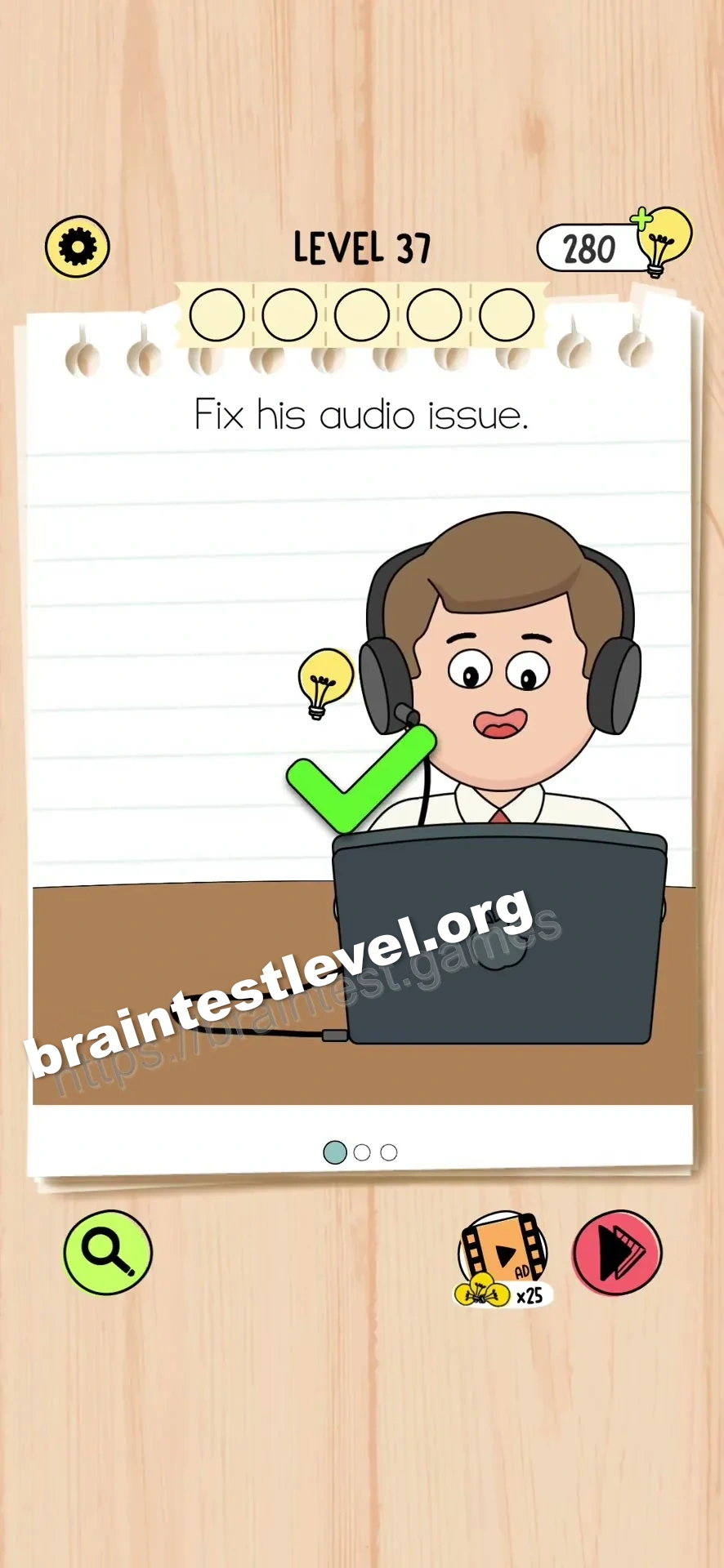
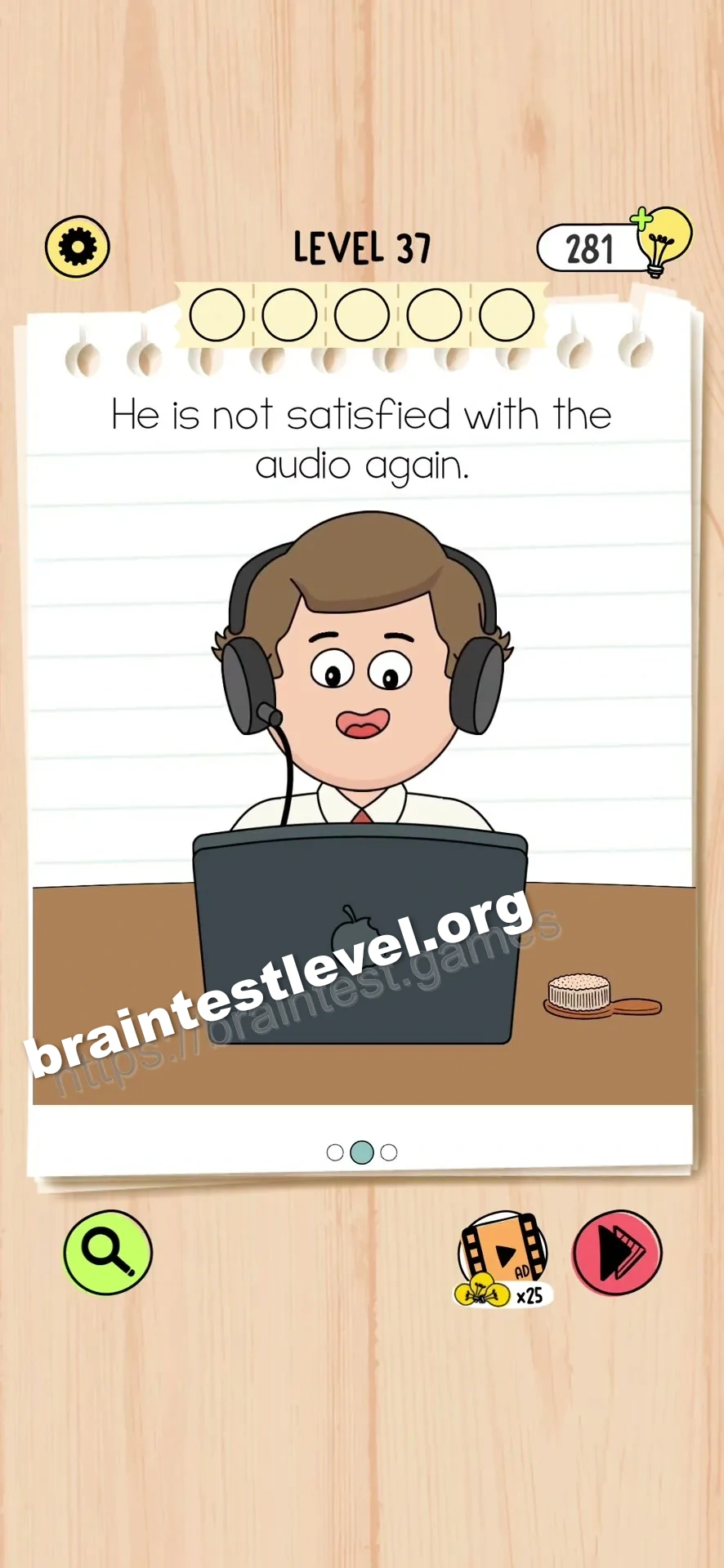
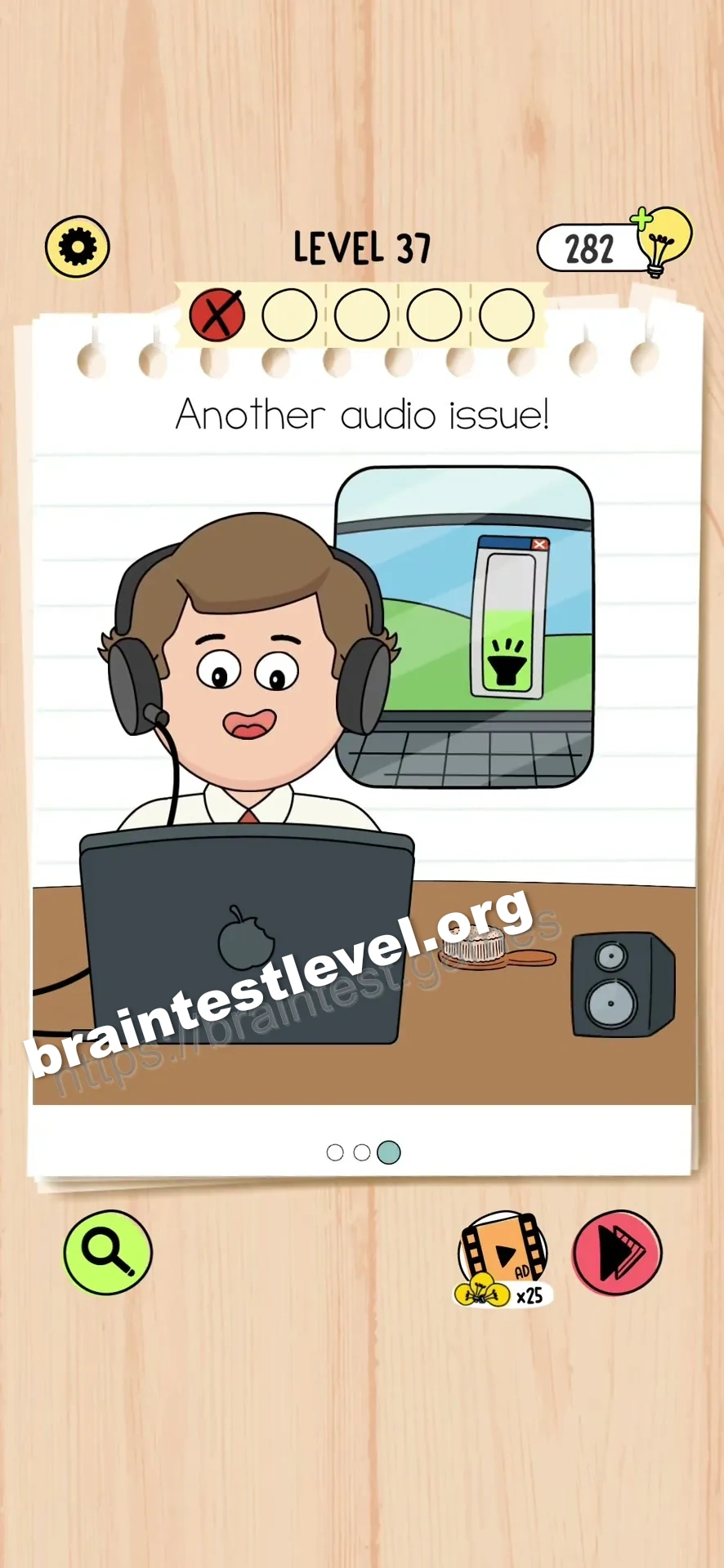
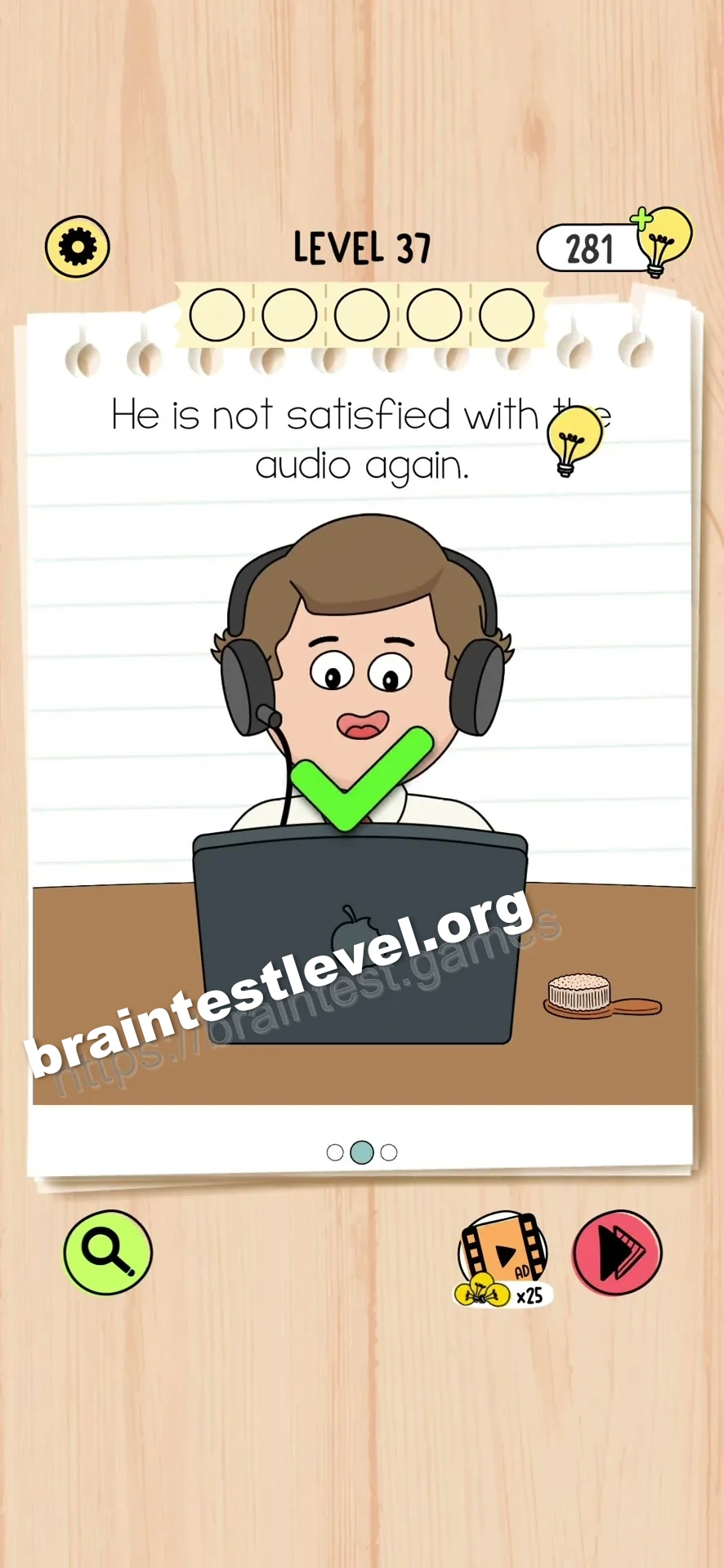
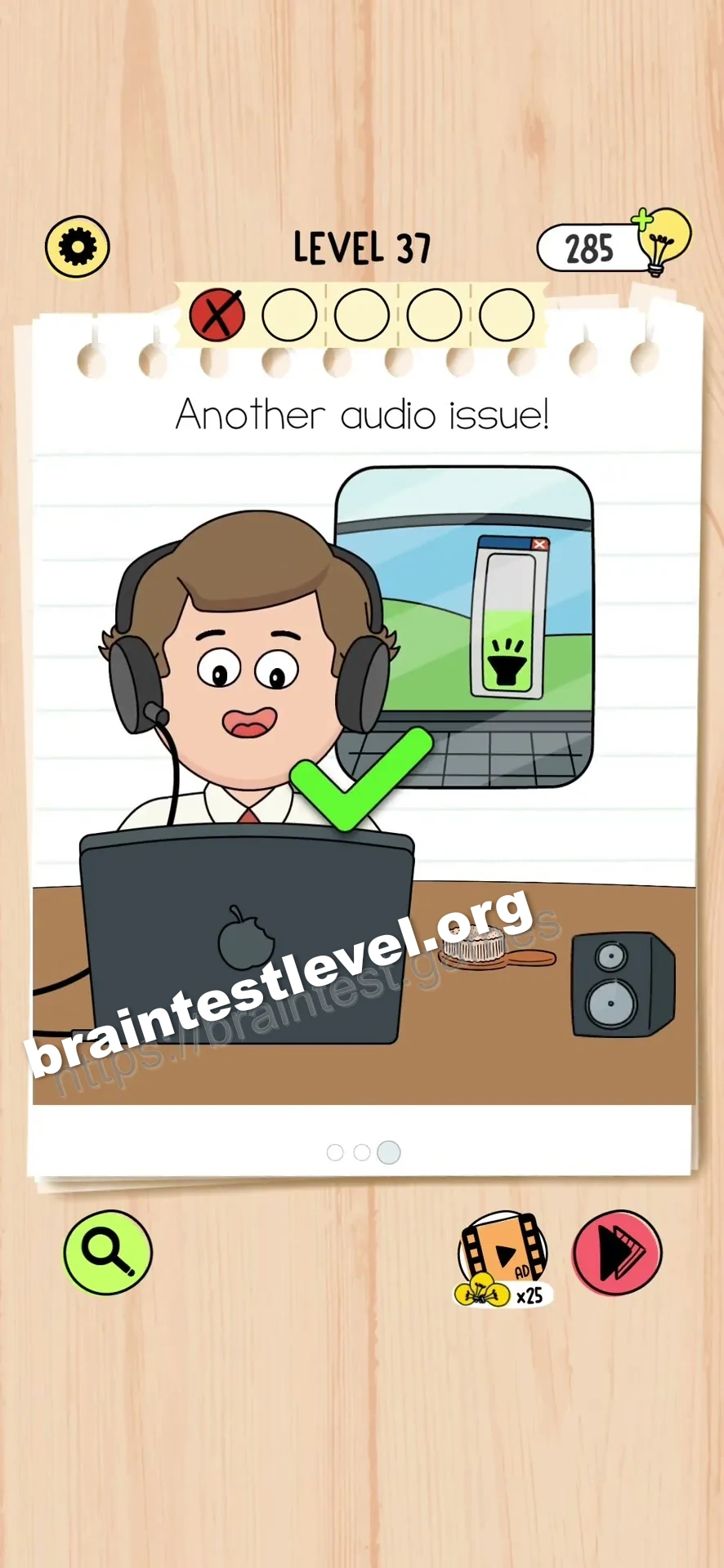
Plug the headphone cable into the laptop. Use the brush to clean the dirt from his ear. Drag the volume slider down to the green level.
Skills Tested
Step-by-Step Solution
- 1) Plug the headphone cable into the laptop.
- 2) Clean the dirt out of his ear with the brush.
- 3) Move the volume slider downward so it lands in the green.
Scenes
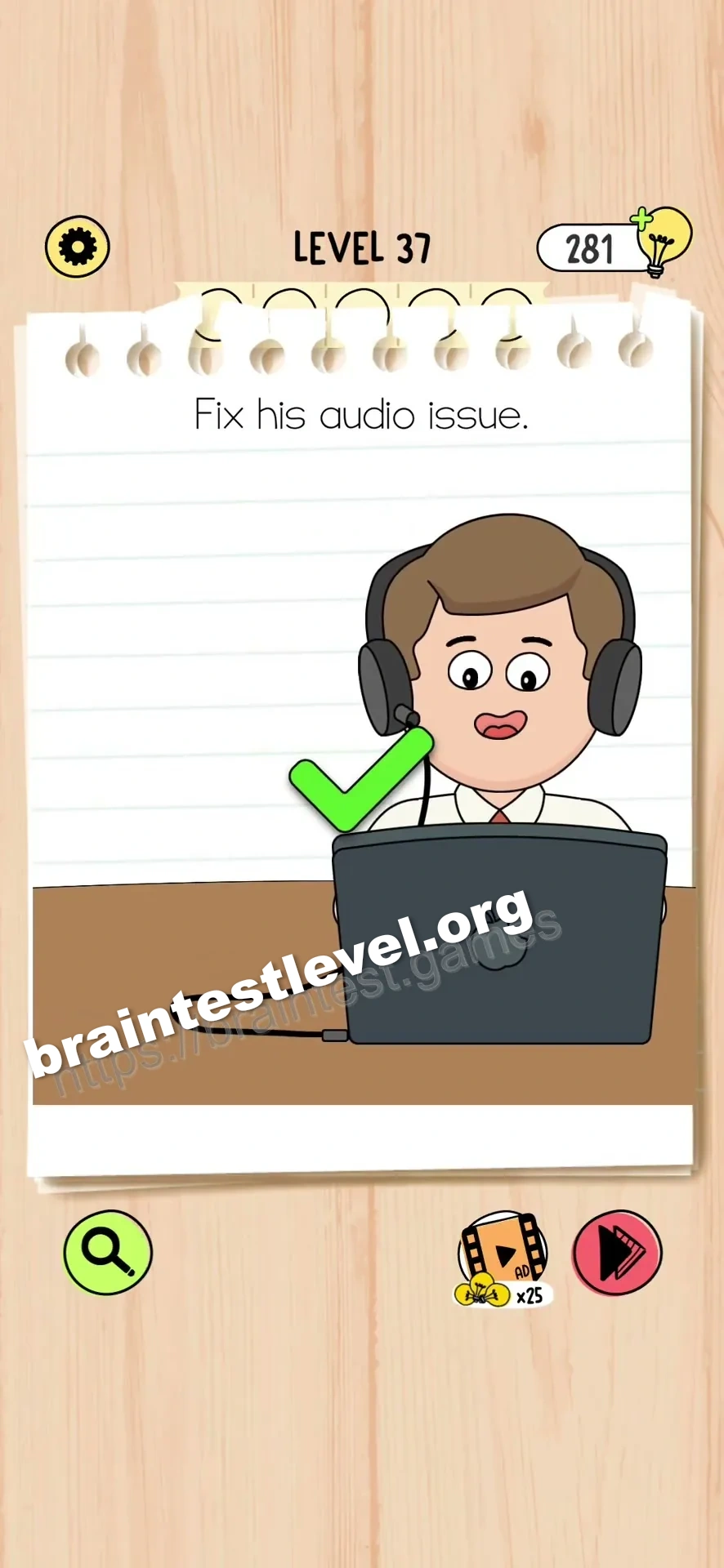
Insert the headphone cable into the laptop.
Clean his ear by brushing away the grime.
Lower the volume slider into the green zone.
Hint
Reveal a hint
Restore the connection, clean the ear, then bring the volume into the safe range.
Why It Works
Bad audio usually has a simple cause. Connecting the cable repairs the signal, brushing the ear clears the blockage, and lowering the slider to green brings the volume back to a healthy level where nothing is distorted.
Frequently asked questions
How do I fix the audio issue in Brain Test 5 Level 37?
Plug the headphone cable into the laptop, brush the dirt from his ear, then drag the volume slider down to green.
What is the answer to Brain Test 5 Level 37?
Plug in the cable, clean his ear with the brush, and lower the volume slider to the green zone.
What is the hidden mechanic in Brain Test 5 Level 37?
Each scene addresses a separate cause of bad sound: no signal, blocked ear, and excessive volume.
Why do I need to clean his ear in Brain Test 5 Level 37?
The dirt clogging his ear muffles the sound, so brushing it away lets him finally hear clearly.
Is there a video walkthrough for Brain Test 5 Level 37?
Yes, the video covers plugging in the cable, cleaning the ear, and adjusting the volume in order.
How do I avoid getting stuck in Brain Test 5 Level 37?
Move through the scenes in order and finish by dragging the slider to the green level to satisfy the last check.