
Brain Test 5 Level 95: Find a way to dry his laptop!
Brain Test 5 Level 95
Screenshots
Quick Answer
Use the metal bar to open the rice barrel, then place the wet laptop inside. Open the window, place logs in the fireplace to start a fire, and put the laptop near it. Drag the loose keyboard keys back to their correct positions. Use the wrench on the toy car to extract its battery, then place it in the charger to be struck by lightning. Open the laptop settings, select the mouse menu, and choose the clean mouse option.
Skills Tested
Step-by-Step Solution
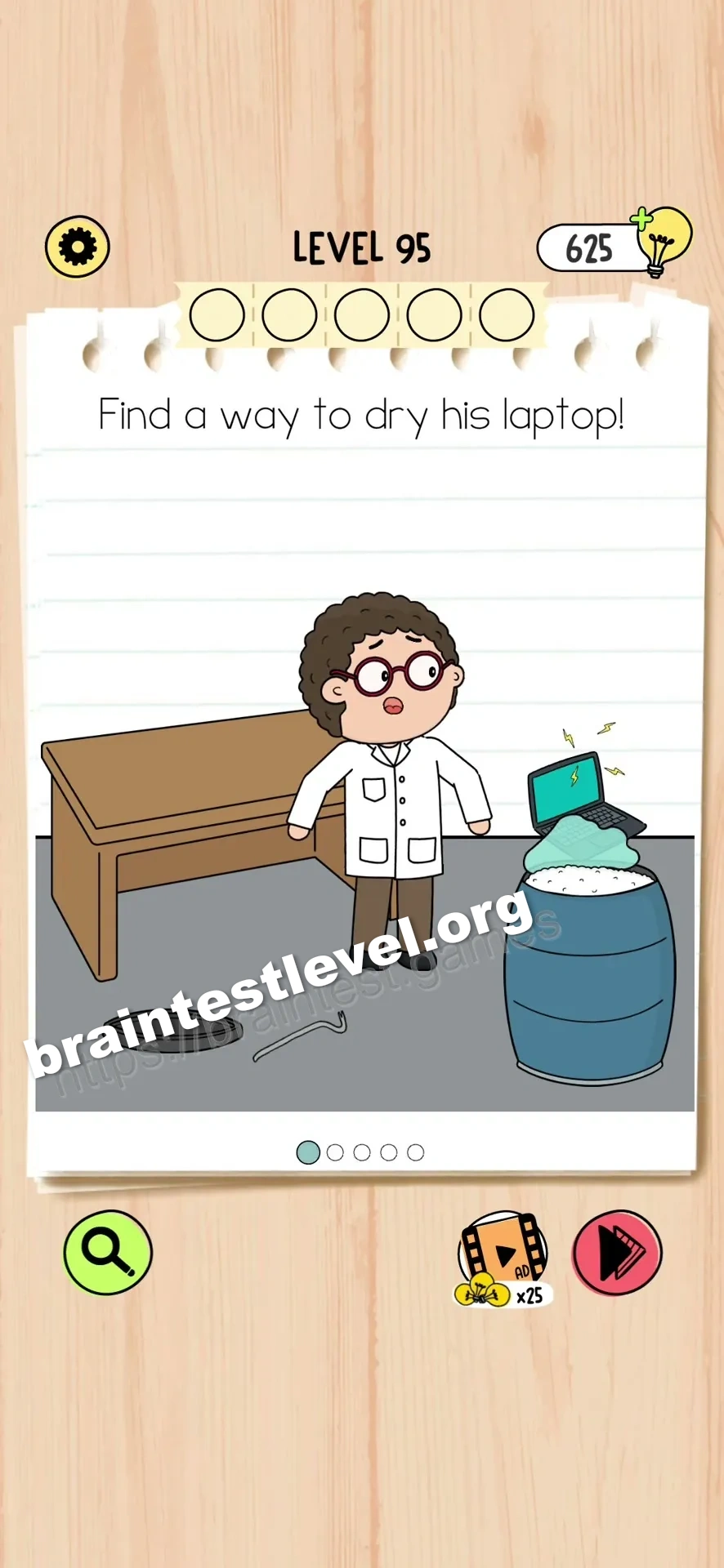
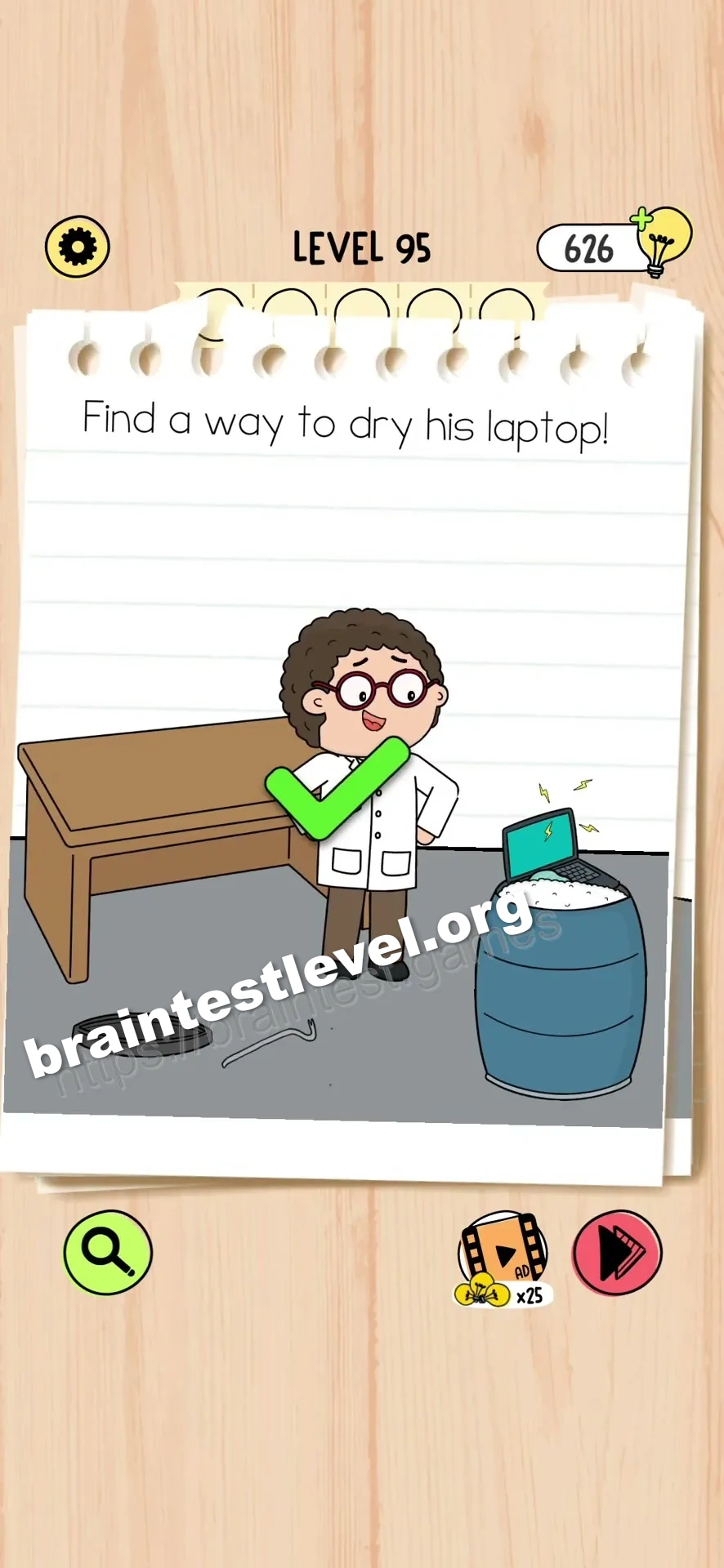
- 1) Use the metal bar to pry open the rice barrel and place the wet laptop inside.
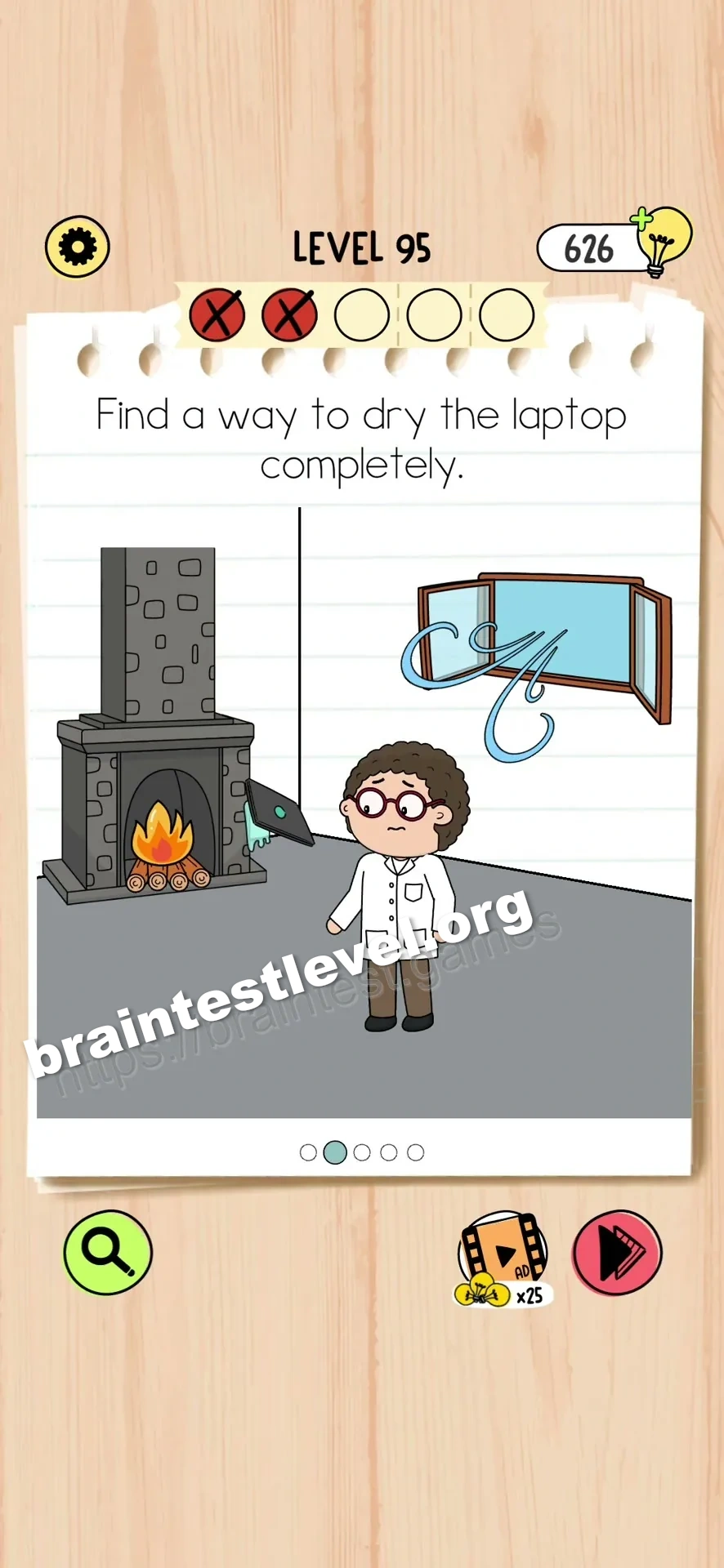
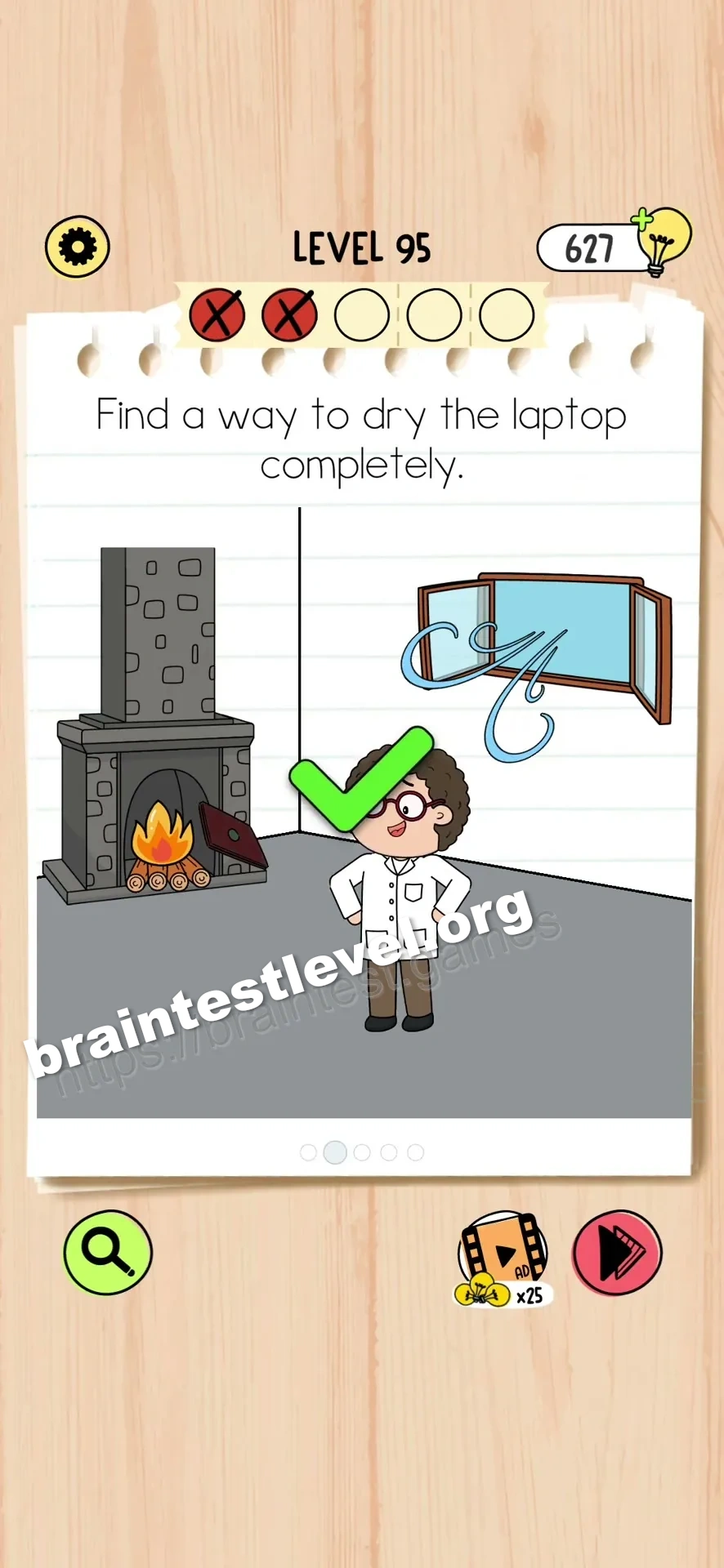
- 2) Open the window, add logs to the fireplace, light the fire, and set the laptop near it.
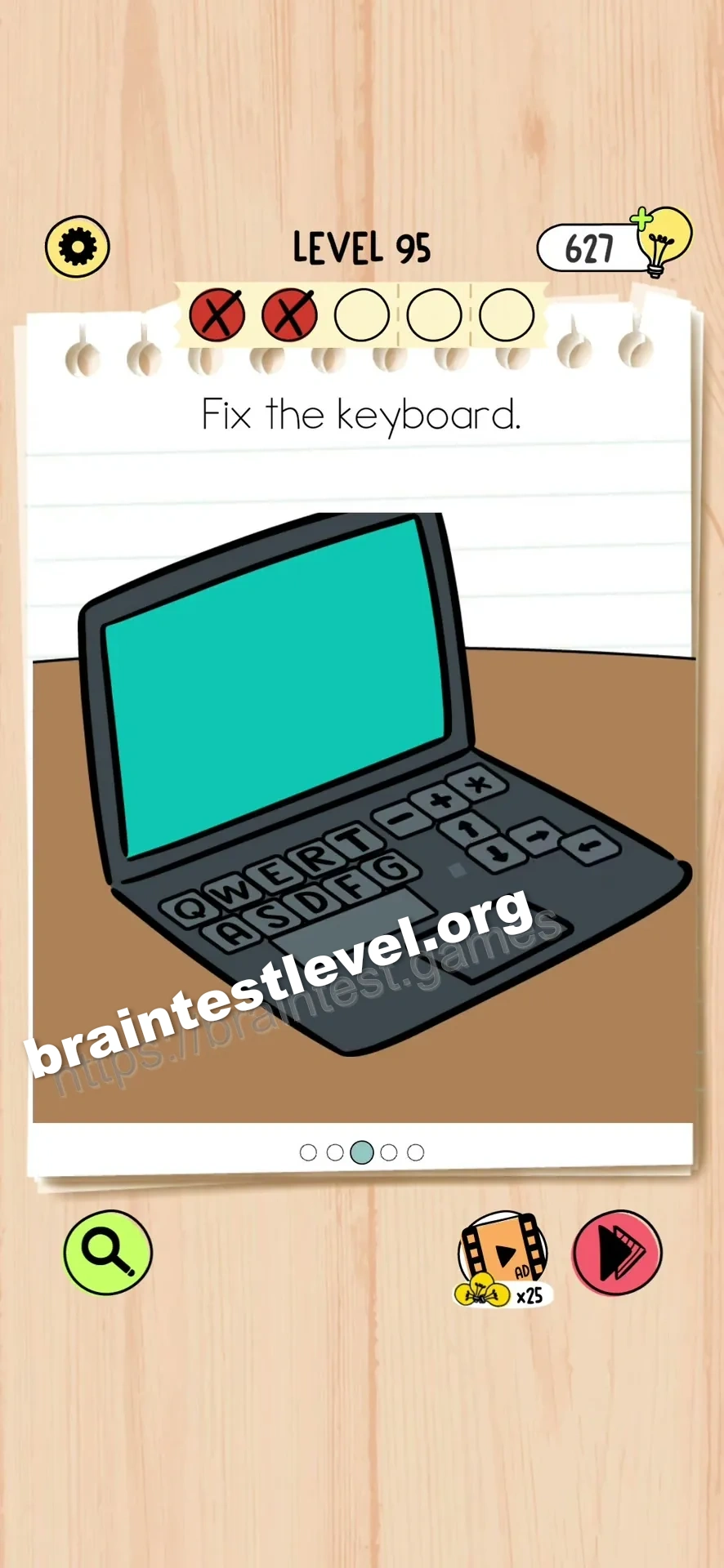
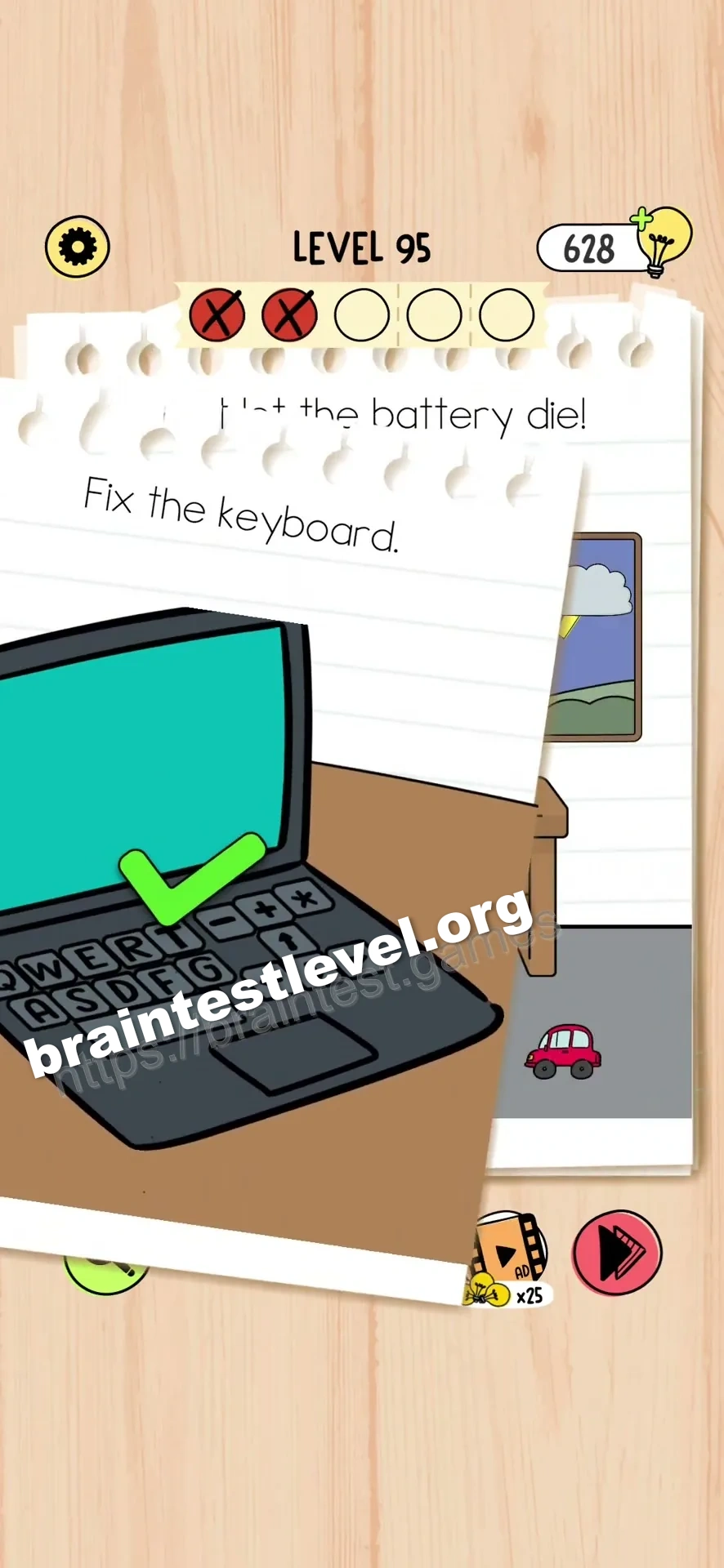
- 3) Return every loose keyboard key to its correct position.
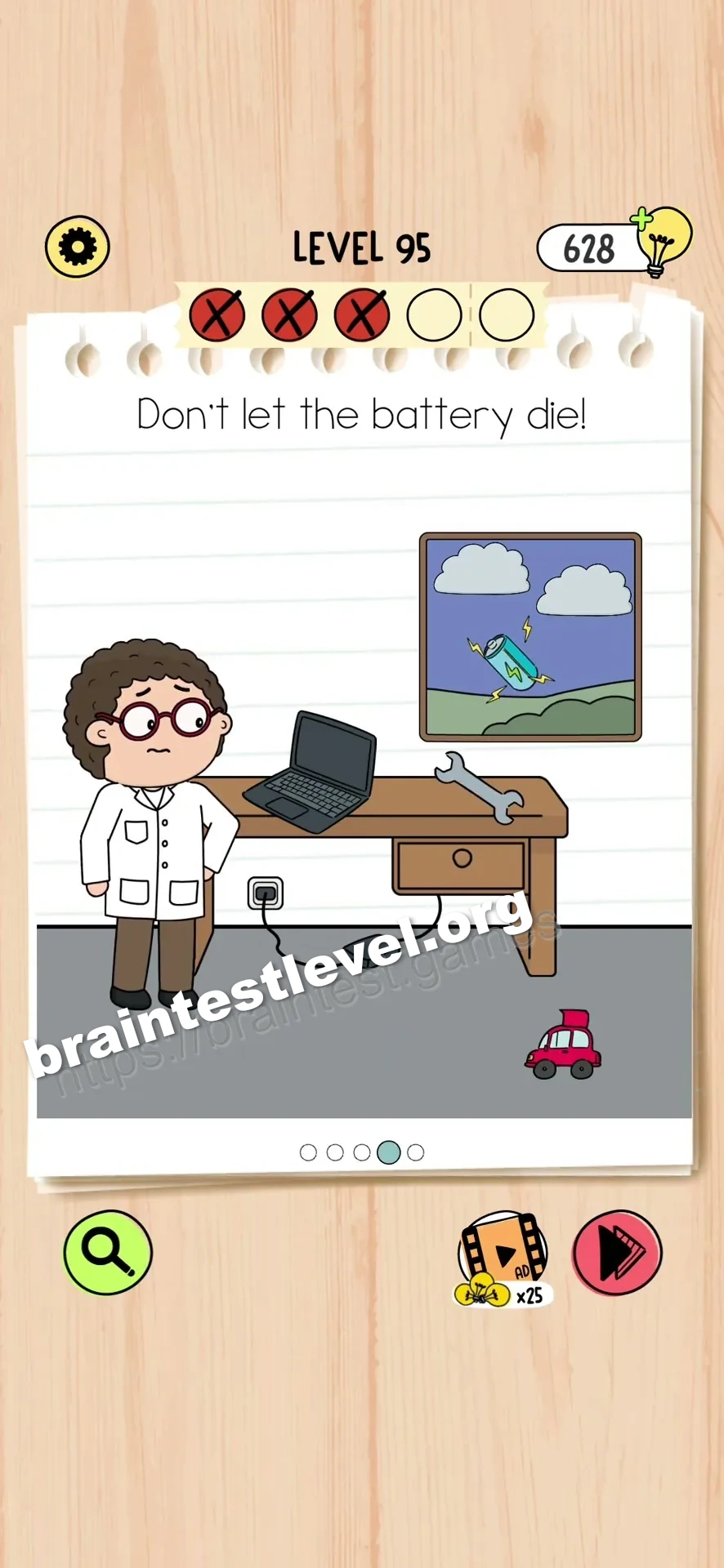
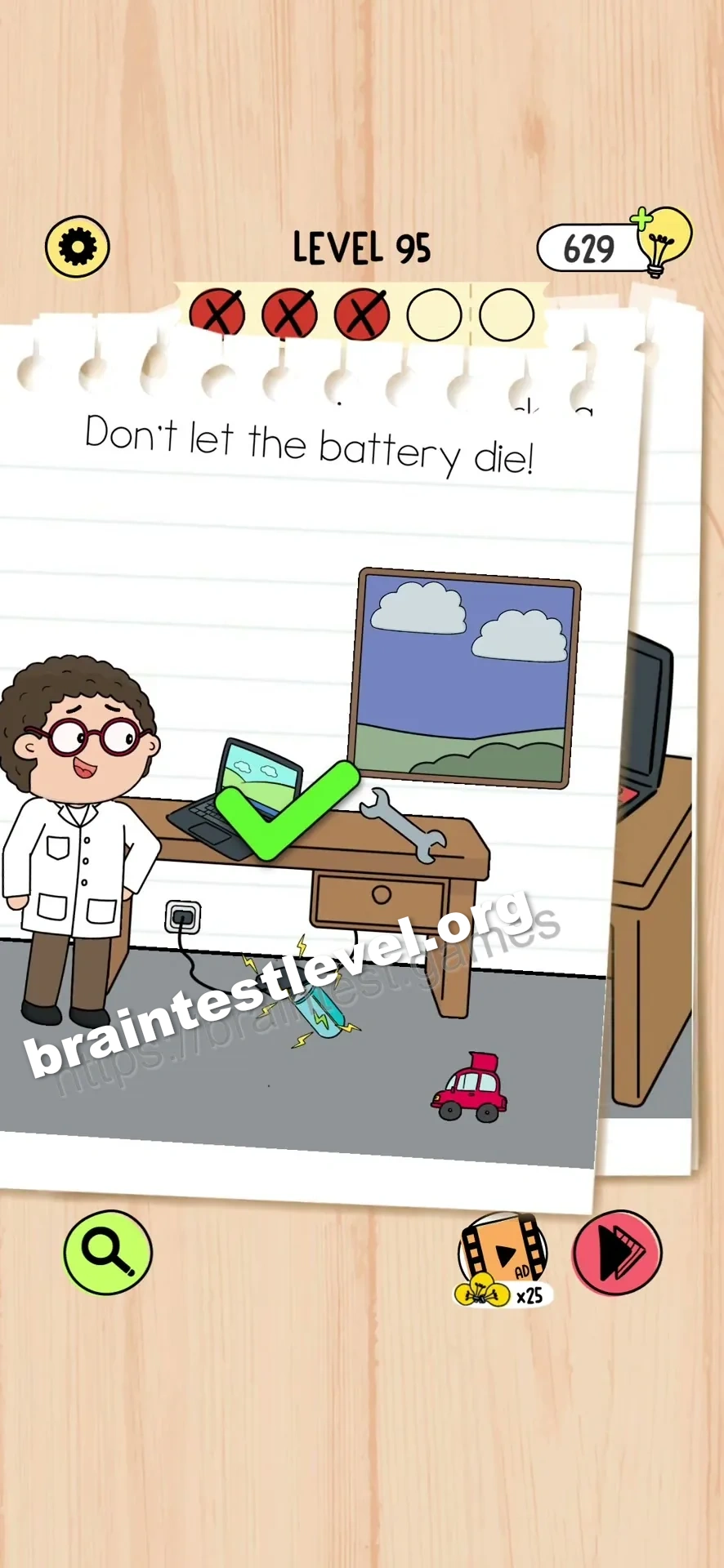
- 4) Extract the toy car battery with the wrench and set it into the charging dock so lightning can hit it.
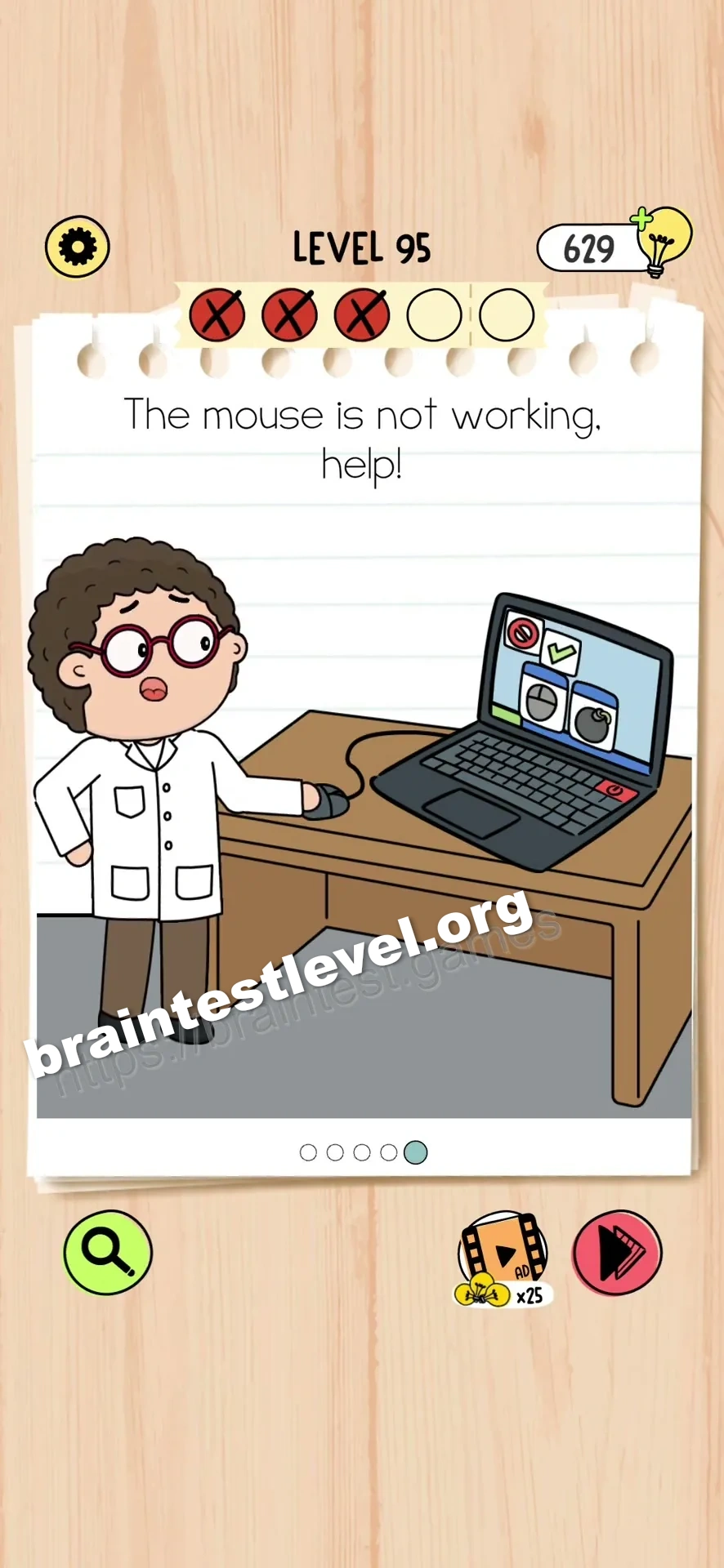
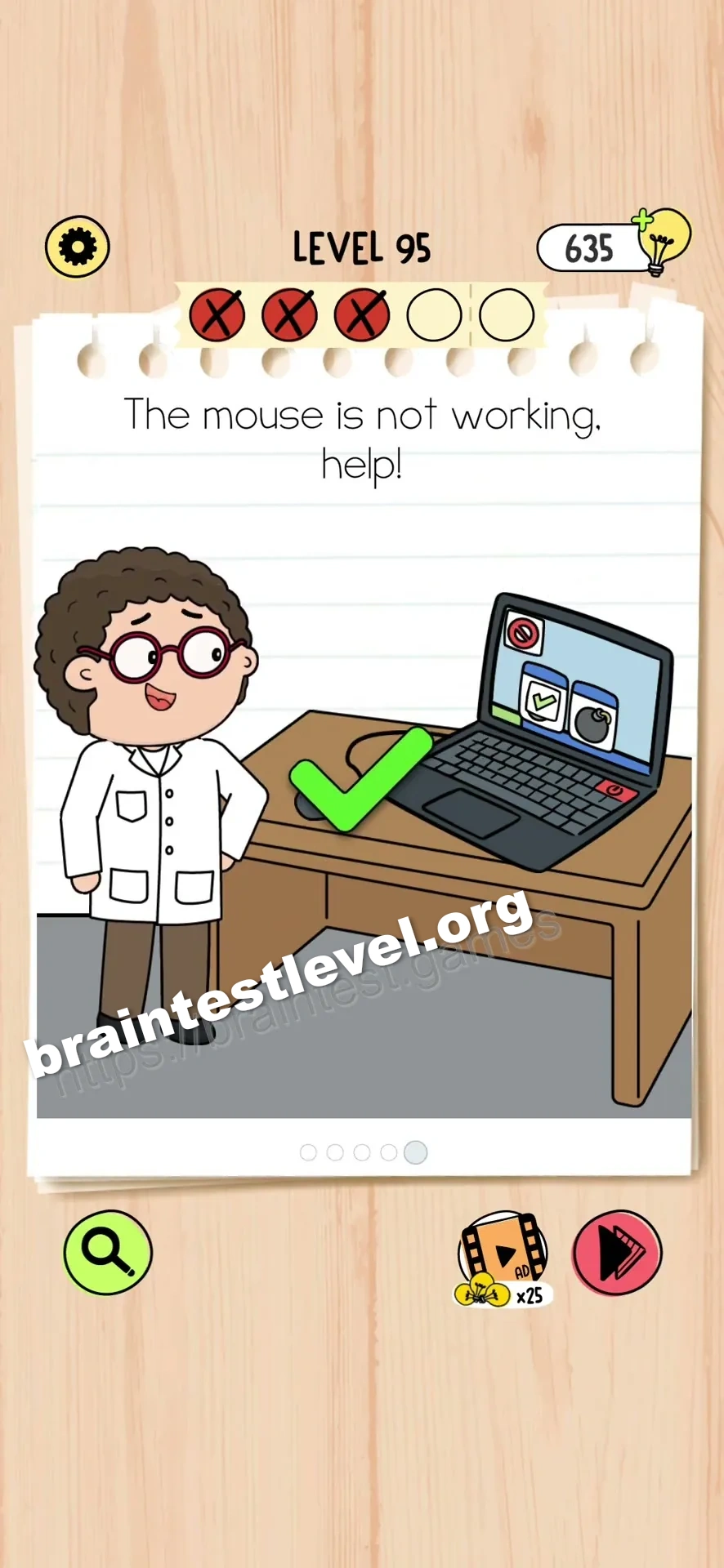
- 5) Open the laptop settings, enter the mouse menu, and select the clean mouse option.
Scenes
Pry open the rice barrel with the metal bar and set the dripping laptop inside to draw out the moisture.
Open the window, load logs into the fireplace, start the fire, and put the laptop beside the warmth.
Drag each loose keyboard key back to the spot where it belongs.
Loosen the toy car battery with the wrench and drop it in the charger so it can be hit by lightning.
Open the laptop settings, go to the mouse menu, and pick the clean mouse option.
Hint
Reveal a hint
Open the laptop settings to fix the mouse after you finish the other repairs.
Why It Works
This is a multi-part repair where each screen cures one symptom. Burying the laptop in rice handles the wet damage, and letting it rest near a lit fireplace dries it out further. The keyboard is fixed by snapping keys back in, the dead battery is pulled from the toy car and charged by lightning, and the cursor is smoothed out by choosing the clean mouse option within the laptop settings.
Frequently asked questions
What is the answer to Brain Test 5 Level 95?
Dry the laptop in rice and by a fire, fix the keys and battery, then choose the clean mouse option in settings to make it work.
How do I dry the laptop in Brain Test 5 Level 95?
Open the rice barrel with the metal bar and put the laptop inside, then also leave it near a lit fireplace to speed the drying.
What is the trick in Brain Test 5 Level 95?
The mouse problem is not mechanical; you must open the laptop settings and switch to the clean mouse option to cure the cursor lag.
Why do I need the toy car battery in Brain Test 5 Level 95?
The laptop battery is missing, so you pull the toy car battery with the wrench and let lightning charge it in the charger.
Is there a video walkthrough for Brain Test 5 Level 95?
Yes, the walkthrough shows every repair, from the rice soak and fire drying to the key fix, battery swap, and settings mouse pick.
How do I avoid getting stuck in Brain Test 5 Level 95?
Work through the fixes in order, drying the laptop first, then keys, battery, and finally the mouse setting so nothing is missed.