
Brain Test All-Star Visual
Brain Test All-Star Level 108: Shut down the PC.
Brain Test All-Star Level 108
Easy
Screenshots
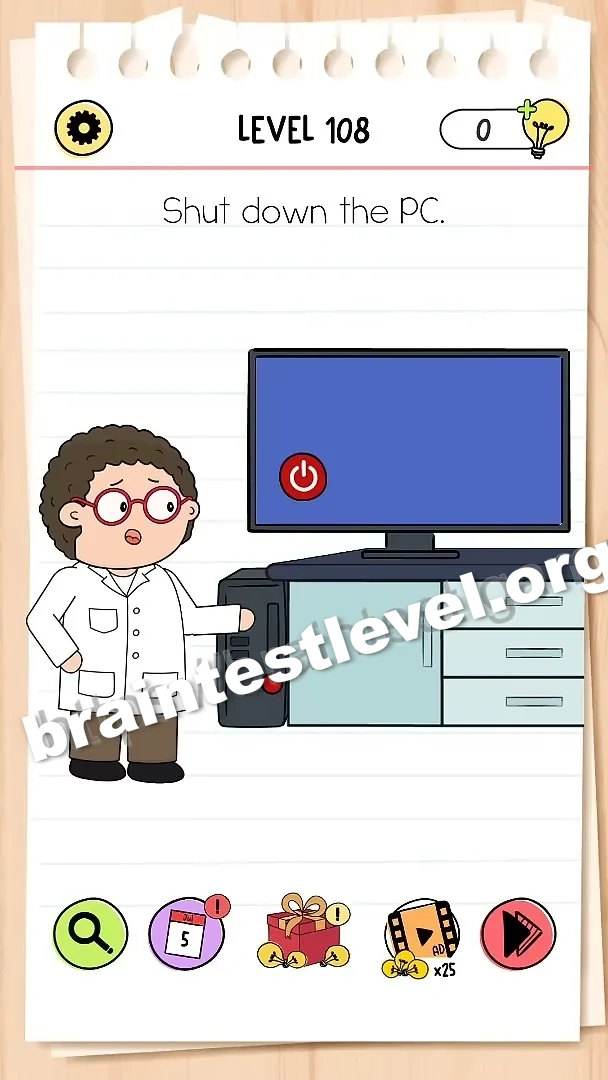
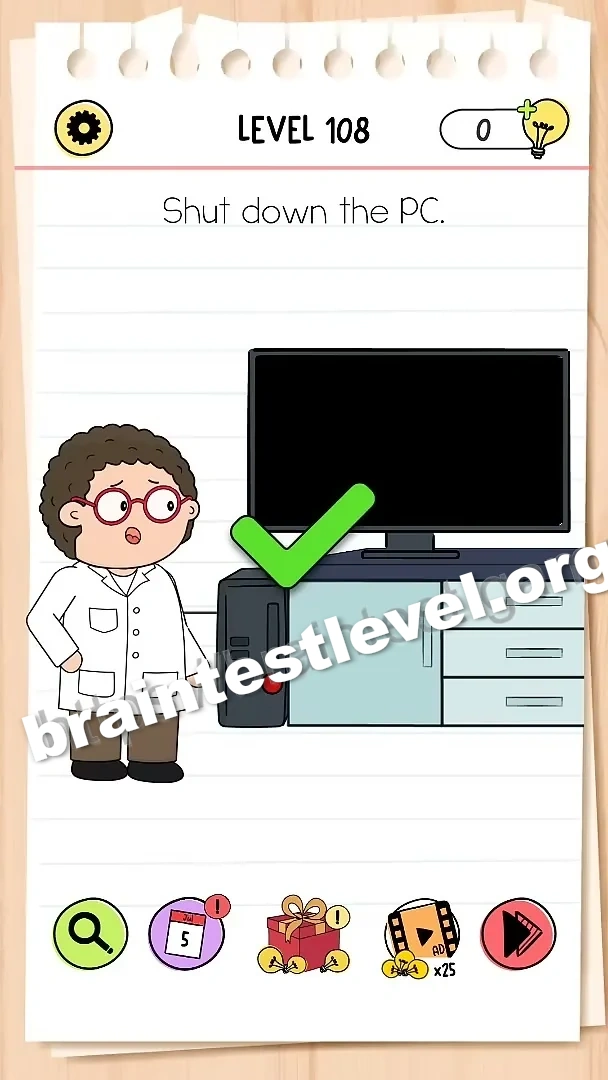
Quick Answer
Tap the red power button on the computer tower to turn off the PC.
Skills Tested
Observation
Step-by-Step Solution
- 1) Look at the computer tower.
- 2) Find the red power button.
- 3) Tap the red power button.
- 4) Watch the PC shut down.
Hint
Reveal a hint
Find the red power button on the tower and tap it.
Why It Works
This is an observation puzzle: the answer is right on the hardware. Spotting the red power button and tapping it turns the PC off.
Frequently asked questions
How do I solve Brain Test All-Star Level 108?
Tap the red power button on the computer tower to turn off the PC.
What is the answer to Brain Test All-Star Level 108?
Find the red power button on the tower and tap it to shut down the PC.
Why do I need the power button in Brain Test All-Star Level 108?
The red button is the only way to turn off the PC in this scene.
What is the trick in Brain Test All-Star Level 108?
There is no software menu; the physical power button is the answer.
Is there a video walkthrough for Brain Test All-Star Level 108?
Yes. The embedded video shows tapping the red power button on the tower.
How do I avoid getting stuck in Brain Test All-Star Level 108?
Look closely at the tower and tap the red power button.