
Brain Test All-Star Level 208: Defeat the zombies!
Brain Test All-Star Level 208
Screenshots
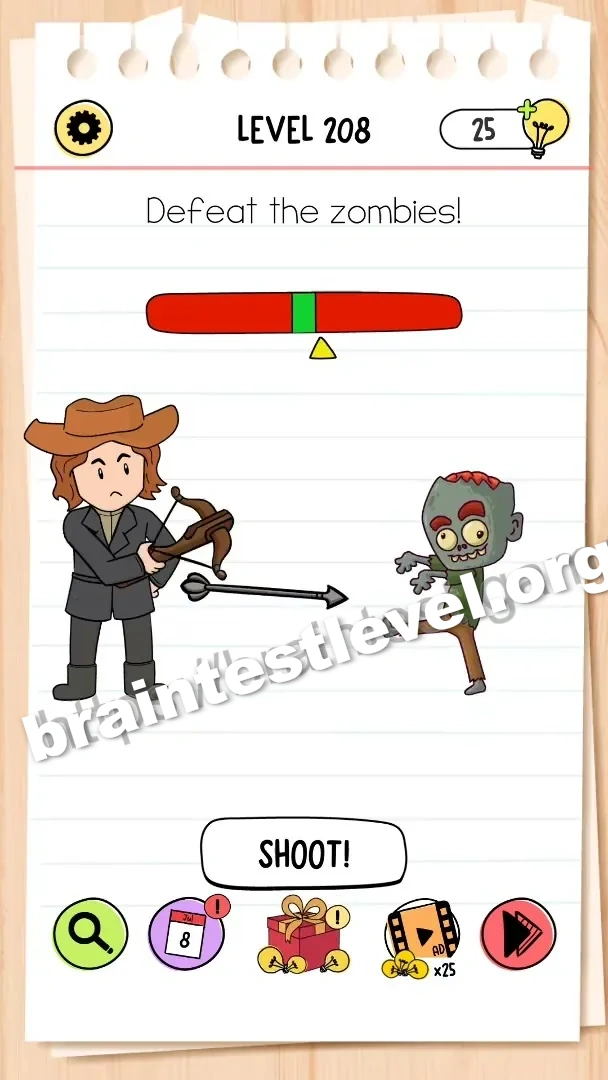
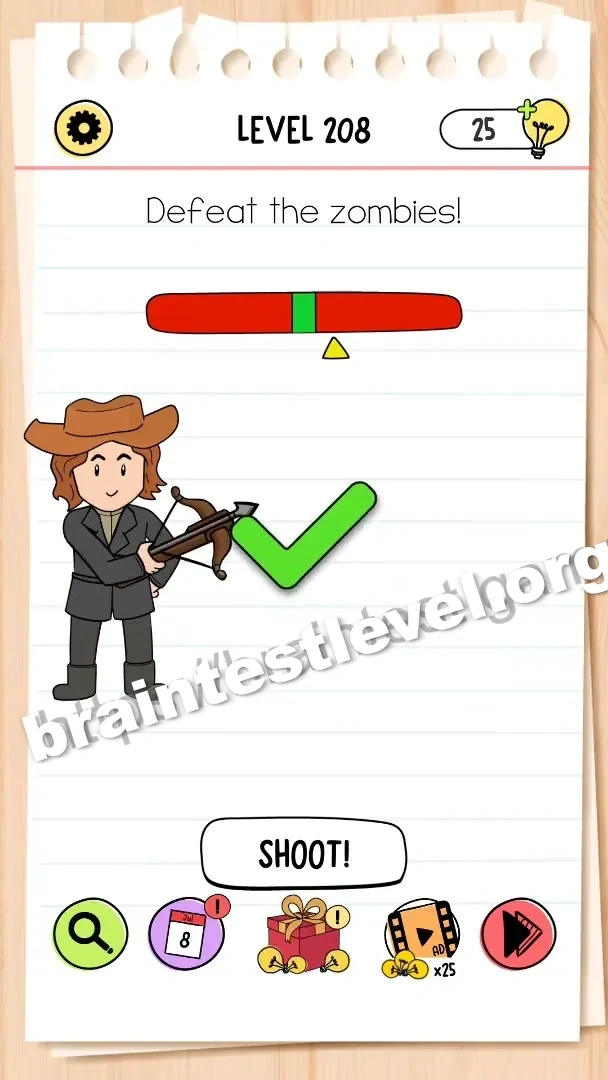
Quick Answer
Tap the 'SHOOT!' button when the moving indicator is in the green zone to shoot the zombies.
Skills Tested
Step-by-Step Solution
- 1) Watch the moving indicator on the screen.
- 2) Wait until it enters the green zone.
- 3) Tap SHOOT! to fire and defeat the zombies.
Hint
Reveal a hint
Wait for the green zone, then fire. Timing is everything.
Why It Works
This puzzle is a timing challenge. Shooting only works when the indicator is in the green zone, so you must press the button at the exact right moment.
Frequently asked questions
How do I defeat the zombies in Brain Test All-Star Level 208?
Tap the SHOOT! button when the moving indicator is in the green zone to shoot the zombies.
What is the answer to Brain Test All-Star Level 208?
Fire the shot when the indicator reaches the green zone.
What is the trick in Brain Test All-Star Level 208?
The shot only connects while the indicator is in the green zone, so you must time your tap.
Why do I need to wait for the green zone in Brain Test All-Star Level 208?
Shooting outside the green zone misses, and only a well-timed shot defeats the zombies.
Is there a video walkthrough for Brain Test All-Star Level 208?
Yes. The embedded video shows timing the shot in the green zone.
How do I avoid getting stuck in Brain Test All-Star Level 208?
Do not tap early; watch the indicator and press SHOOT! the moment it enters the green zone.