
Brain Test All-Star Level 246: Find a way to power up the machine.
Brain Test All-Star Level 246
Screenshots
Quick Answer
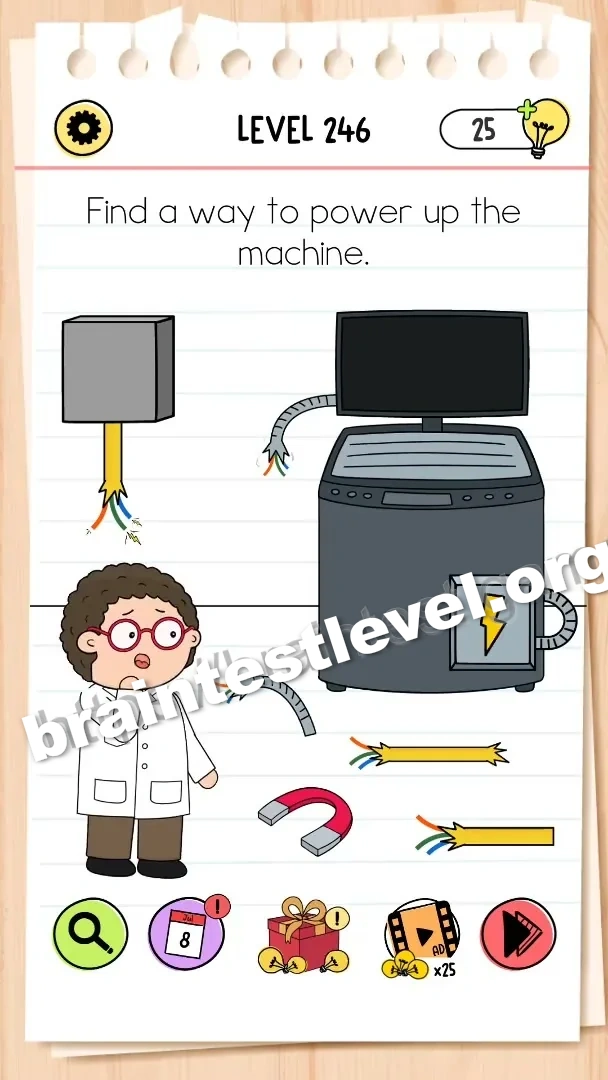
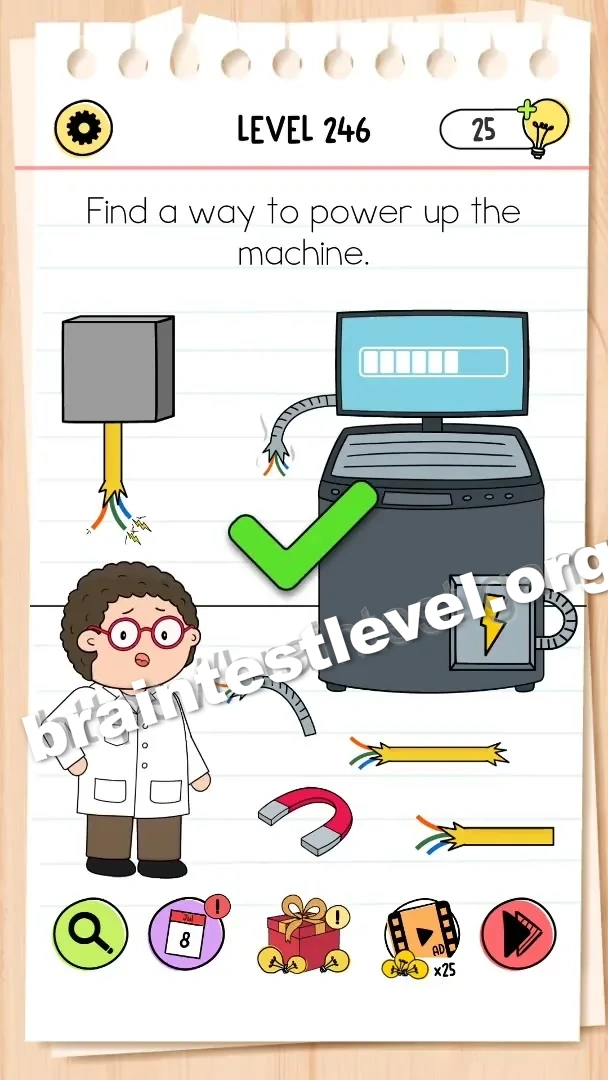
Drag the lightning bolt icon from the left power box to the machine's power slot on the right.
Skills Tested
Step-by-Step Solution
- 1) Look at the power box on the left to find the lightning bolt icon.
- 2) Drag the lightning bolt icon from the power box.
- 3) Drop it into the machine's power slot on the right.
Hint
Reveal a hint
Look for the small energy symbol and where the machine is meant to receive it.
Why It Works
This puzzle is about connecting a power source to the machine. Spotting the lightning bolt icon and dragging it into the matching slot restores power to the machine.
Frequently asked questions
How do I power up the machine in Brain Test All-Star Level 246?
Drag the lightning bolt icon from the left power box to the machine's power slot on the right.
What is the answer to Brain Test All-Star Level 246?
Drag the lightning bolt icon into the machine's power slot to turn the machine on.
What is the trick in Brain Test All-Star Level 246?
The lightning bolt icon is the missing power source, and you must move it from the power box to the machine's slot.
Why do I need the power slot in Brain Test All-Star Level 246?
The machine's power slot is where the lightning bolt icon belongs, so dropping it there powers up the machine.
Is there a video walkthrough for Brain Test All-Star Level 246?
Yes. The embedded video shows dragging the lightning bolt icon into the machine's power slot.
How do I avoid getting stuck in Brain Test All-Star Level 246?
Grab the lightning bolt icon from the left power box and release it directly over the machine's power slot on the right.