
Brain Test All-Star Level 26: Get rid of annoying ads!
Brain Test All-Star Level 26
Screenshots
Quick Answer
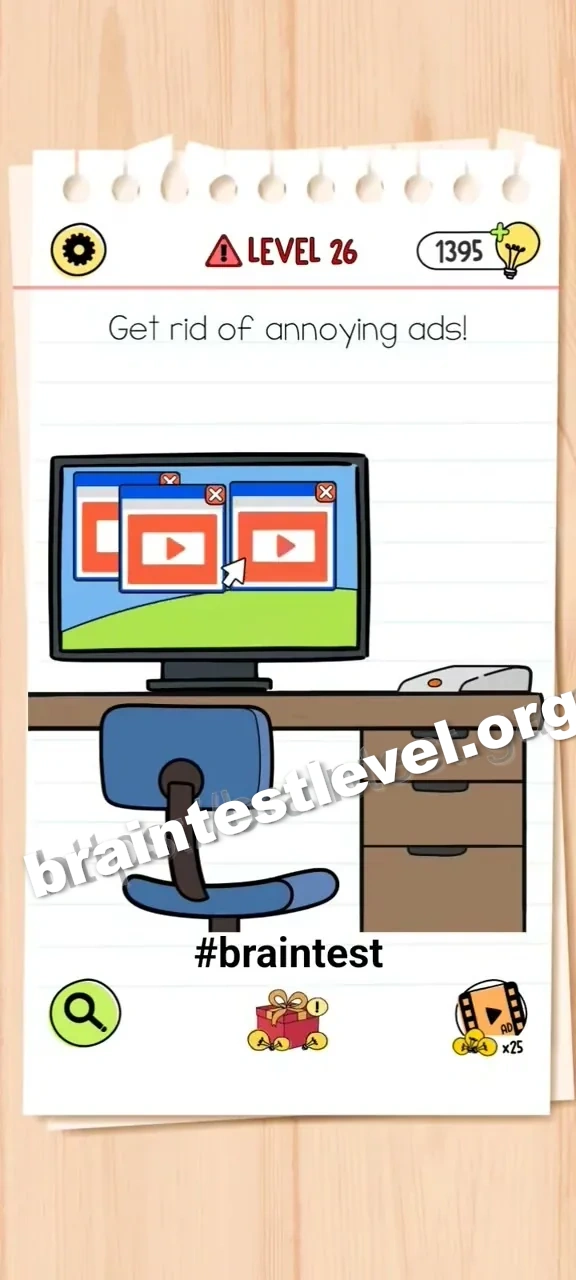
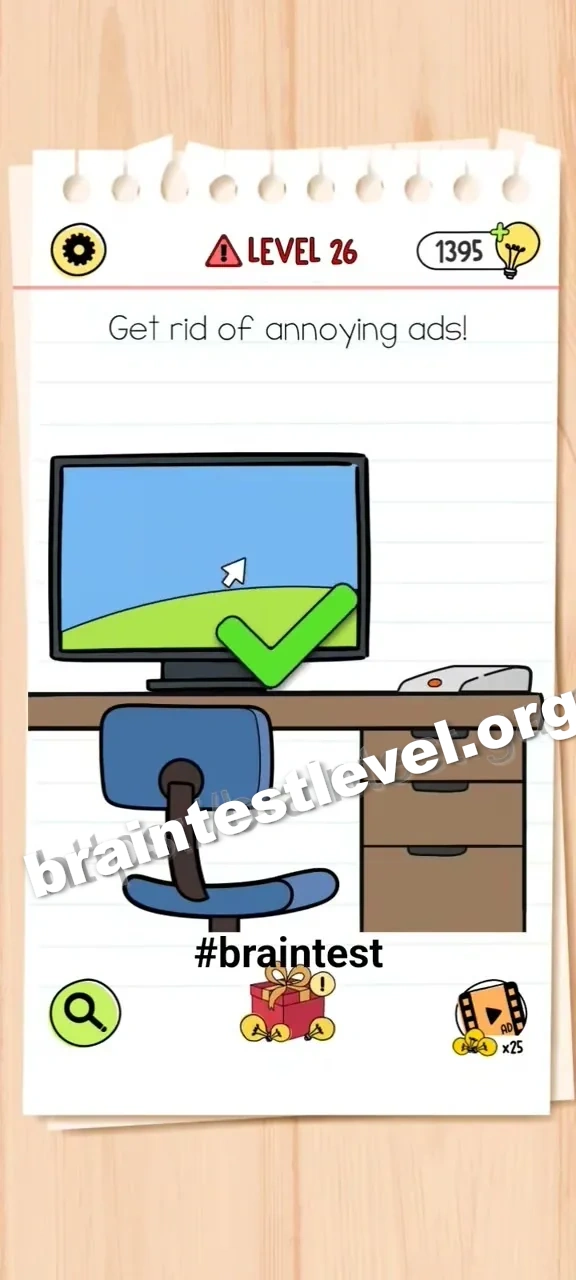
Drag the router's antenna down to turn off the internet and clear the ads.
Skills Tested
Step-by-Step Solution
- 1) Find the router on the screen.
- 2) Grab its antenna.
- 3) Drag the antenna down to turn off the internet.
- 4) Watch the ads disappear.
Hint
Reveal a hint
Fold the router's antenna down to switch off the internet and remove the ads.
Why It Works
This is a silly real-world logic joke: no internet, no ads. Tapping the router antenna is all it takes to end the ad feed.
Frequently asked questions
How do I solve Brain Test All-Star Level 26?
Drag the router's antenna down to switch off the internet, which clears all the ads.
What is the answer to Brain Test All-Star Level 26?
Fold the router antenna down so the internet turns off and the ads stop appearing.
Why do I need the router in Brain Test All-Star Level 26?
The router provides the internet connection, and turning it off is what makes the ads disappear.
What is the trick in Brain Test All-Star Level 26?
The ads come from being online, so the simple fix is to cut the connection with the router antenna.
Is there a video walkthrough for Brain Test All-Star Level 26?
Yes. The embedded video shows lowering the router antenna to remove the ads.
How do I avoid getting stuck in Brain Test All-Star Level 26?
Do not fight the ads directly; just drag the router antenna down to end the internet connection.