
Brain Test All-Star Logic
Brain Test All-Star Level 531: Tap on Earth.
Brain Test All-Star Level 531
Hard
Screenshots
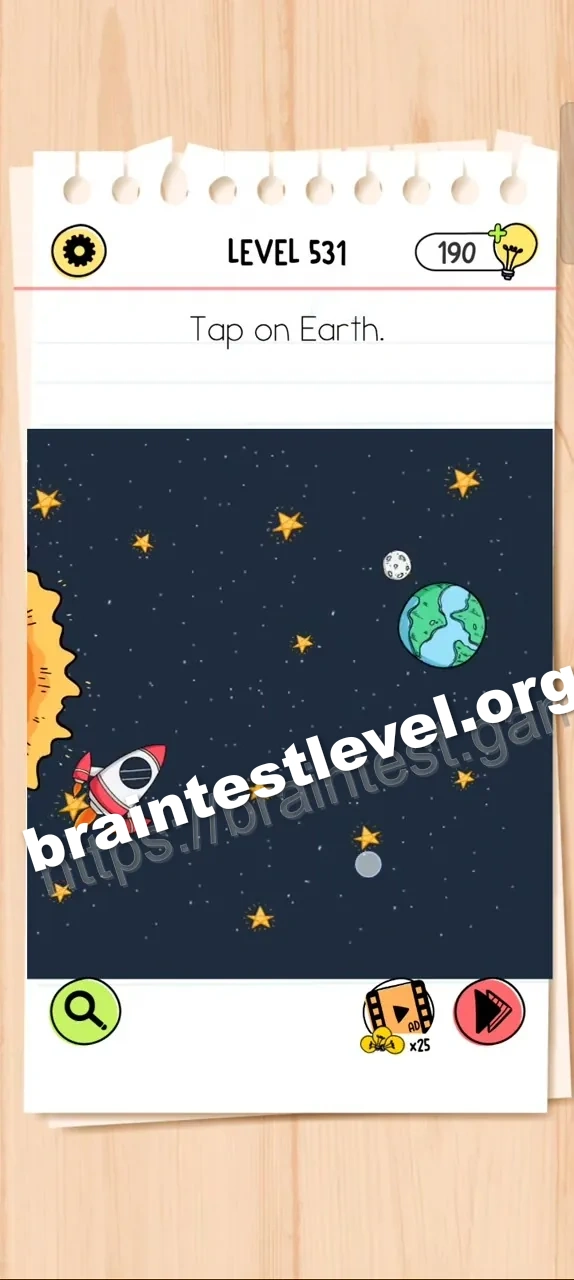
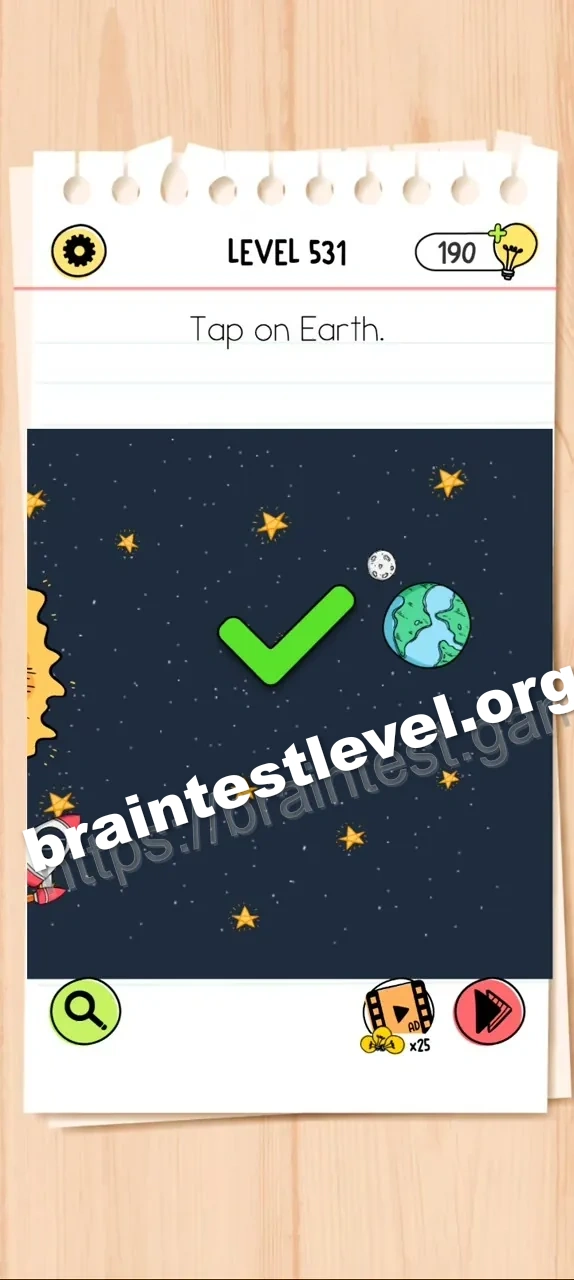
Quick Answer
Swipe left on the screen to reveal Earth, then tap on it.
Skills Tested
LogicProblem Solving
Step-by-Step Solution
- 1) Swipe left on the screen to scroll the view.
- 2) Look for Earth as it appears.
- 3) Tap on Earth to complete the level.
Hint
Reveal a hint
The planet is out of view. Move the screen to bring it into sight.
Why It Works
The level asks for Earth, but the image starts hidden. A swipe gesture scrolls the screen and exposes Earth, after which one tap completes the goal.
Frequently asked questions
How do I tap on Earth in Brain Test All-Star Level 531?
Swipe left on the screen to reveal Earth, then tap on it.
What is the answer to Brain Test All-Star Level 531?
Slide the screen to the left to bring Earth into view and then tap it.
What is the trick in Brain Test All-Star Level 531?
Earth is hidden off screen, so a swipe is required before you can tap it.
Why do I swipe left in Brain Test All-Star Level 531?
Swiping moves the hidden Earth into the visible part of the screen.
Is there a video walkthrough for Brain Test All-Star Level 531?
Yes. The embedded video shows the swipe and the tap on Earth.
How do I avoid getting stuck in Brain Test All-Star Level 531?
If Earth is not visible, swipe left instead of tapping empty space.