
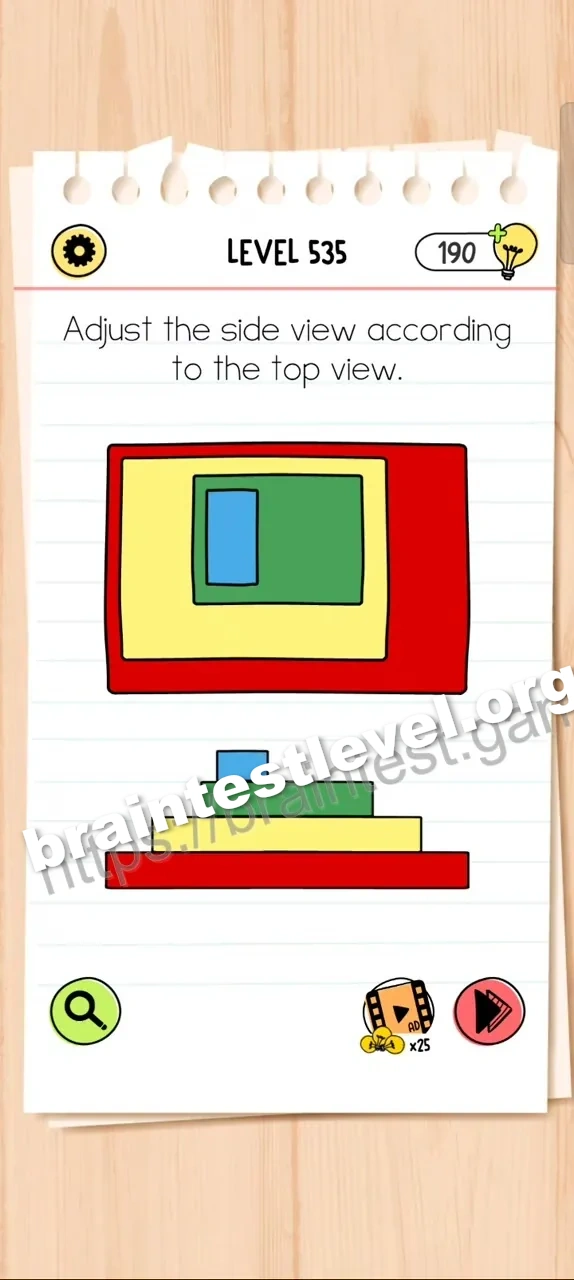
Brain Test All-Star Level 535: Adjust the side view according to the top view.
Brain Test All-Star Level 535
Screenshots
Quick Answer
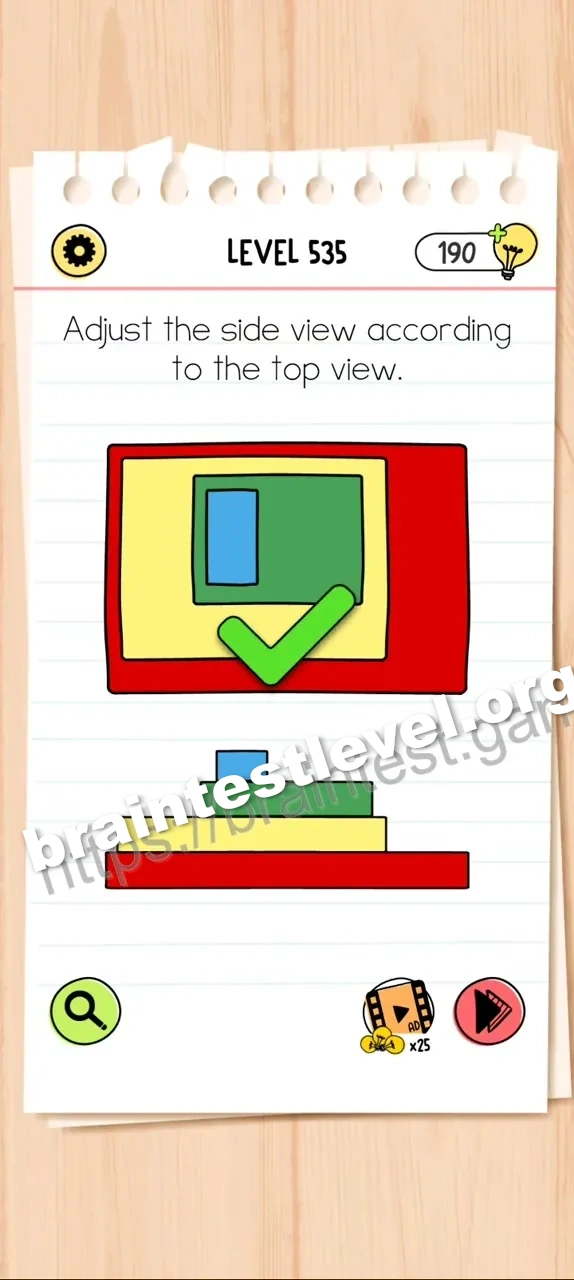
Align all the colored blocks in the side view to the left by dragging them, matching the top-down perspective.
Skills Tested
Step-by-Step Solution
- 1) Compare the side view with the top view.
- 2) Drag each colored block in the side view to the left.
- 3) Keep going until every block is aligned with the top-down perspective.
Hint
Reveal a hint
Push every block in the side view toward the same side as the top view.
Why It Works
This puzzle tests how the two views relate in space. By sliding all side-view blocks to the left, the profile matches the top-down layout exactly.
Frequently asked questions
How do I adjust the side view in Brain Test All-Star Level 535?
Drag all the colored blocks in the side view to the left to match the top view.
What is the answer to Brain Test All-Star Level 535?
Slide every block in the side view leftward until it matches the top-down perspective.
What is the trick in Brain Test All-Star Level 535?
The side view starts misaligned, so every block must be pushed to one side.
Why do I align the blocks in Brain Test All-Star Level 535?
The blocks must match the top view for the side view to be correct.
Is there a video walkthrough for Brain Test All-Star Level 535?
Yes. The embedded video shows dragging all blocks to the left.
How do I avoid getting stuck in Brain Test All-Star Level 535?
Move every block, not just one, and check the top view as you go.