
Brain Test All-Star Drag & Drop
Brain Test All-Star Level 76: Fix his computer.
Brain Test All-Star Level 76
Easy
Screenshots
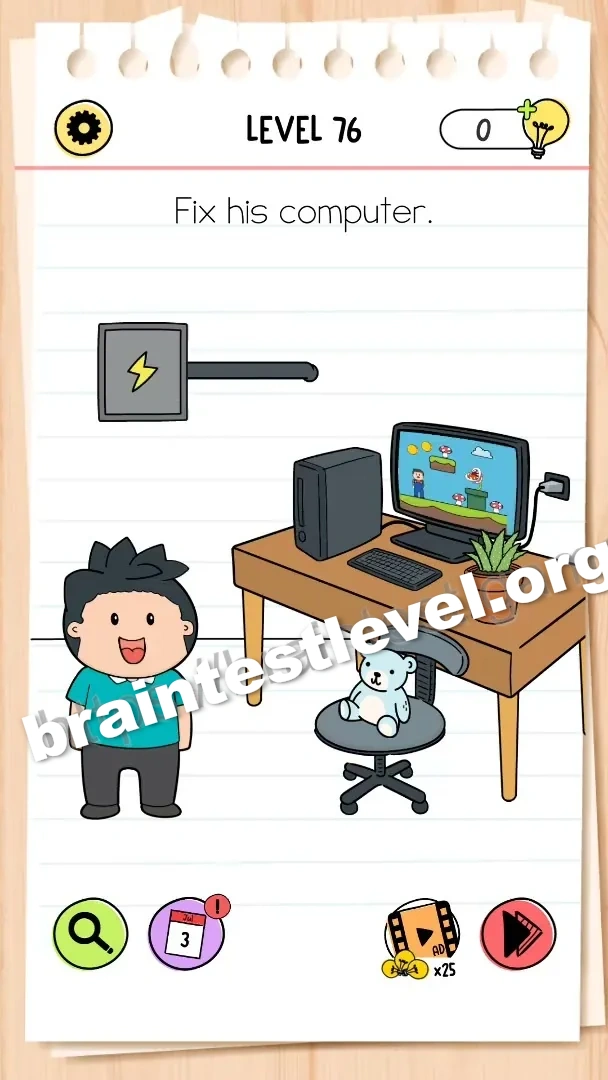
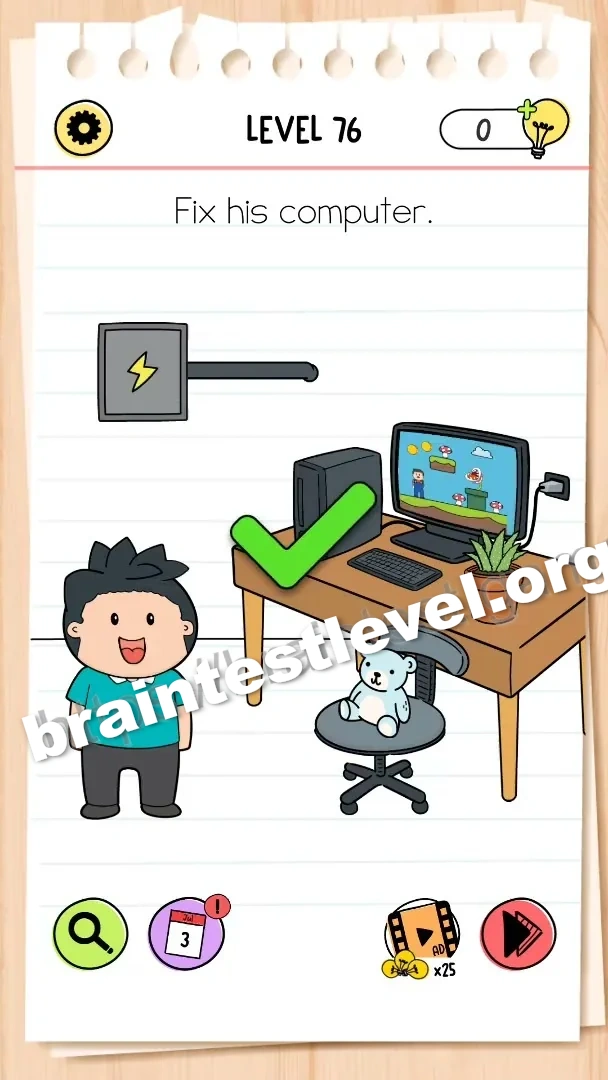
Quick Answer
Drag the power cord to the wall outlet to turn on the computer.
Skills Tested
Spatial ThinkingObservation
Step-by-Step Solution
- 1) Pick up the power cord.
- 2) Drag it to the wall outlet.
- 3) Plug the cord into the outlet.
- 4) Watch the computer turn on.
Hint
Reveal a hint
Plug the power cord into the wall outlet to start the computer.
Why It Works
This is a simple connectivity puzzle: no power, no computer. Connecting the cord to the outlet fixes everything.
Frequently asked questions
How do I solve Brain Test All-Star Level 76?
Drag the power cord into the wall outlet to give the computer power and turn it on.
What is the answer to Brain Test All-Star Level 76?
Plug the power cord into the wall outlet so the computer can start.
Why do I need the wall outlet in Brain Test All-Star Level 76?
The computer is unplugged, so it needs the outlet to receive power.
What is the trick in Brain Test All-Star Level 76?
The computer is fine; it simply was not connected to the power outlet.
Is there a video walkthrough for Brain Test All-Star Level 76?
Yes. The embedded video shows plugging in the power cord.
How do I avoid getting stuck in Brain Test All-Star Level 76?
Just connect the power cord to the wall outlet and the computer will power on.