
Brain Test Level 14: Turn it off! Too dangerous!
Brain Test Level 14
Screenshots
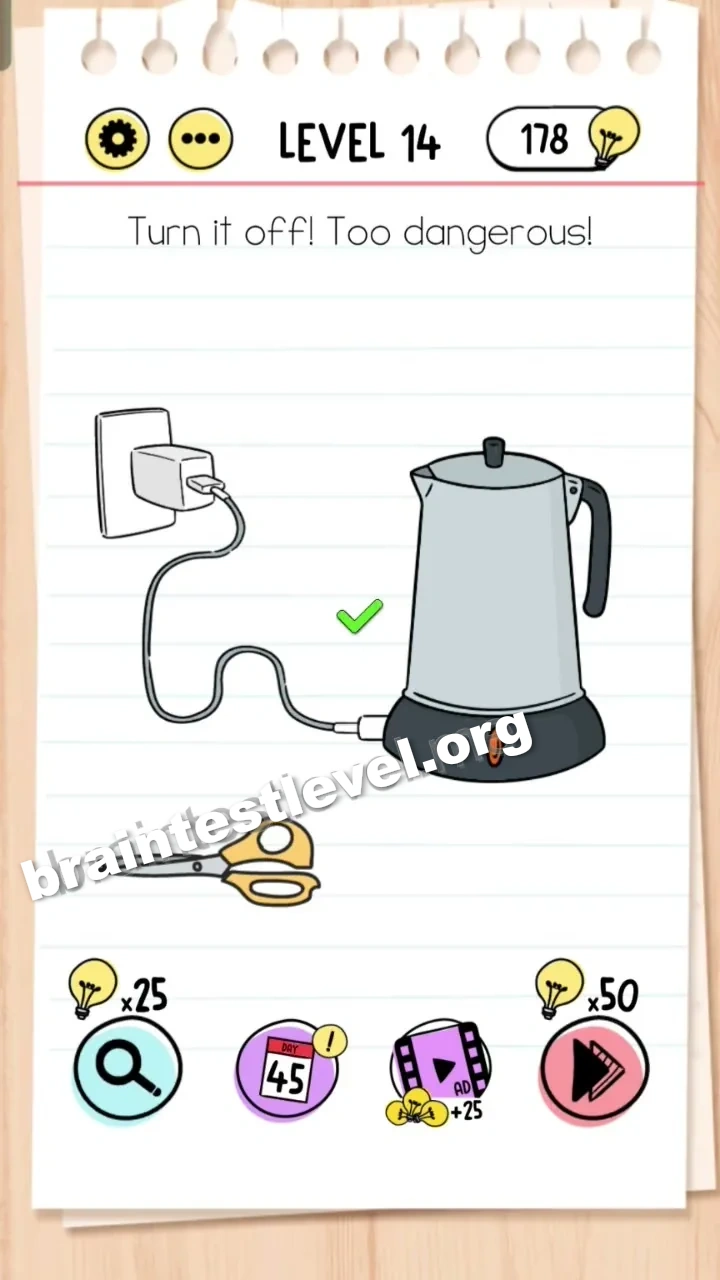
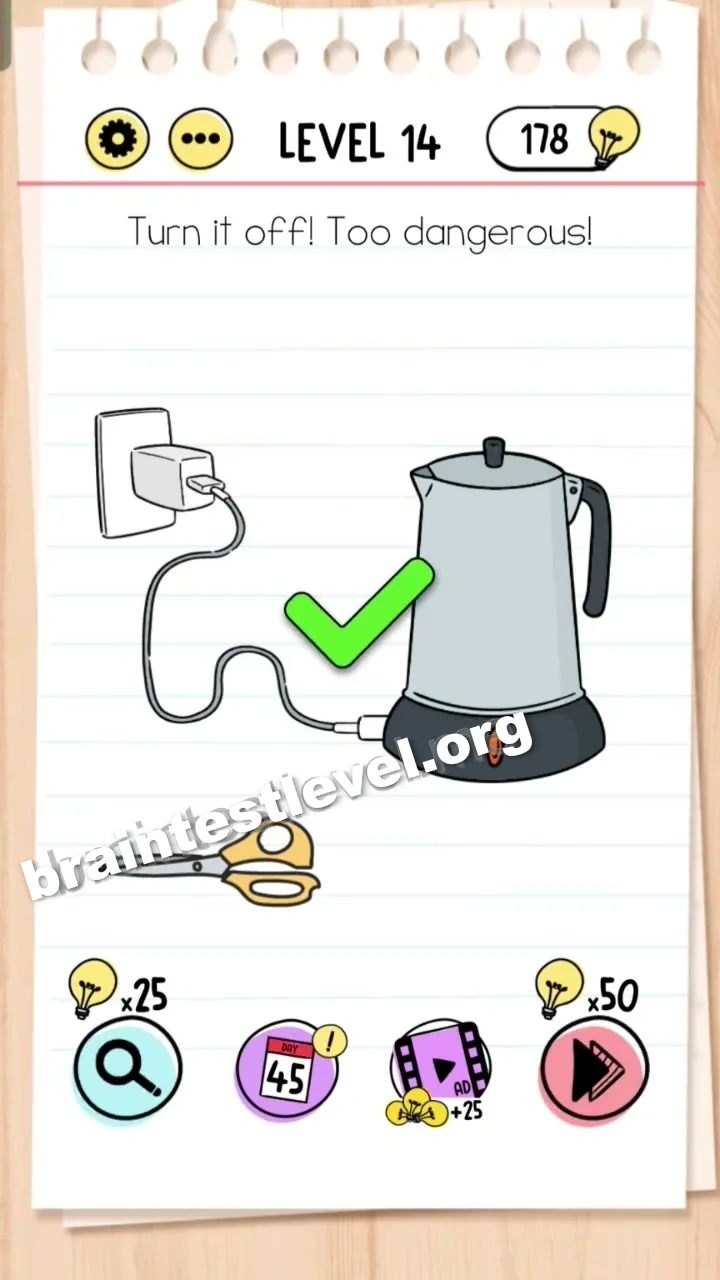
Quick Answer
Tap the red power button on the kettle to turn it off safely.
Skills Tested
Step-by-Step Solution
- 1) Look at the kettle and find the red power button on its body.
- 2) Make sure you tap the button on the kettle rather than on any other object.
- 3) Tap the red power button to switch the kettle off.
- 4) Confirm the kettle powers down so the dangerous situation is resolved and the level clears.
Hint
Reveal a hint
Look for the small power control right on the kettle itself.
Why It Works
Instead of changing the surrounding scene, you only need the kettle’s own control. Tapping the red power button directly is the fastest and safest way to turn it off, which is exactly what the wording asks for.
Frequently asked questions
How do I turn off the kettle in Brain Test level 14?
Tap the red power button located on the kettle to switch it off and make the dangerous scene safe.
What is the answer to Brain Test level 14?
Click the red power button on the kettle, because turning the kettle off is the only action that resolves the danger.
What is the trick in Brain Test level 14?
The trick is that players try to move objects around the scene, but the solution is simply tapping the red power button on the kettle.
Where is the power button in Brain Test level 14?
The red power button is on the kettle itself, so look at the kettle’s body and tap the red switch there.
Why is the kettle dangerous in Brain Test level 14?
The kettle appears to be left on or overheated, and the goal is to make it safe by hitting the red power button to switch it off.
Is there a video walkthrough for Brain Test level 14?
Yes, the embedded video on this page points out the exact red power button to tap in Brain Test level 14.