
Brain Test Level 164: Just had a son! Pick a name for him!
Brain Test Level 164
Screenshots
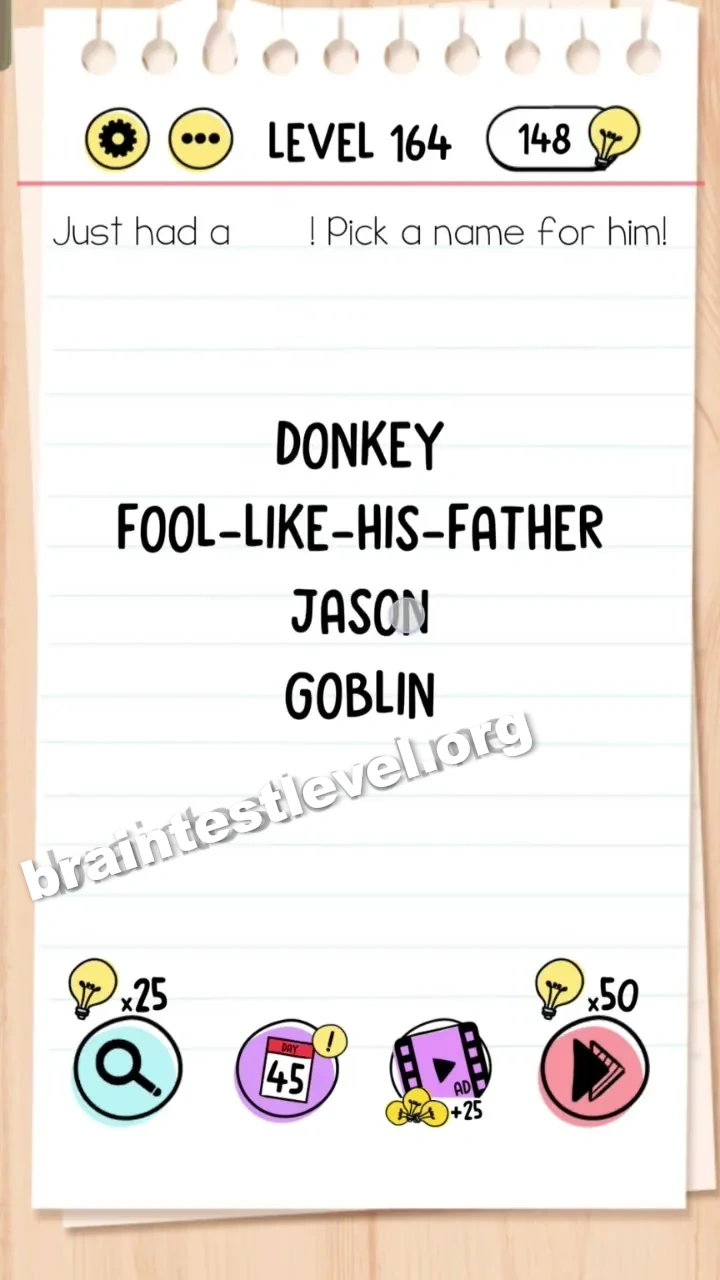
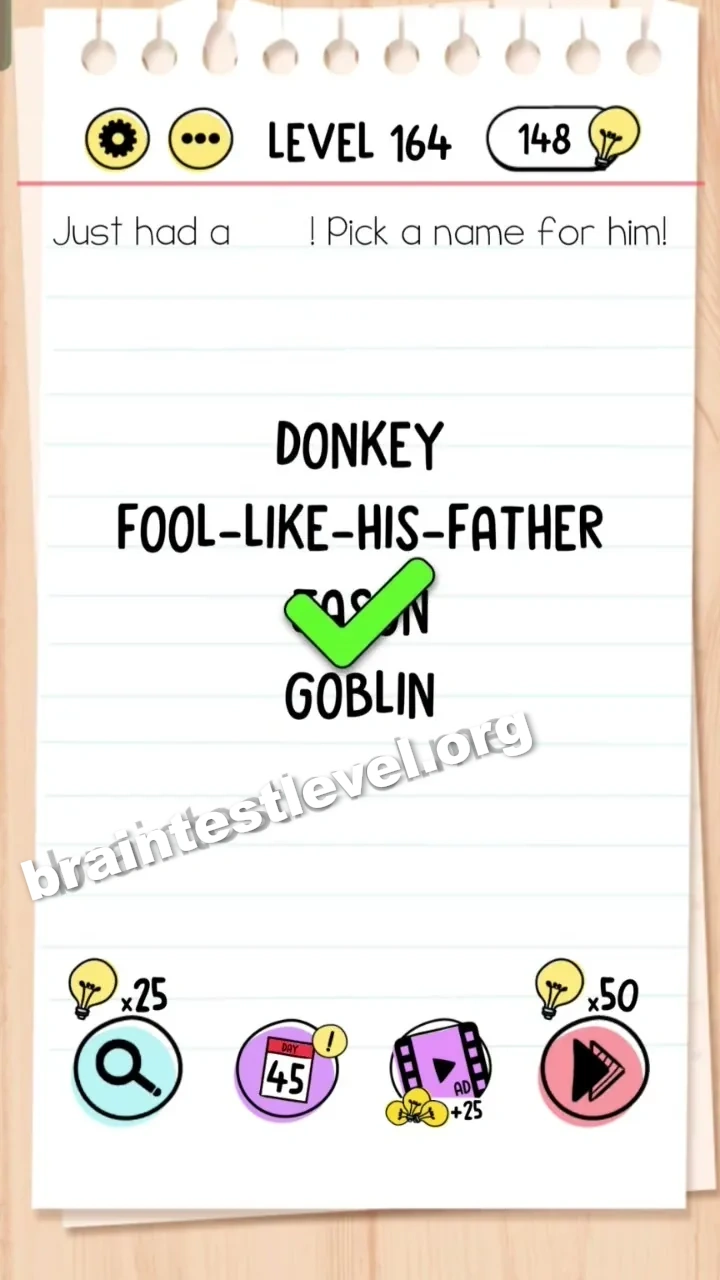
Quick Answer
Drag the word 'SON' from the question text and place it next to 'JA' to form 'JASON'.
Skills Tested
Step-by-Step Solution
- 1) Read the request to pick a name for the new son.
- 2) Spot the word "SON" inside the question text.
- 3) Drag the word "SON" and place it directly next to the "JA" shown on screen.
- 4) Confirm the letters now spell "JASON" to finish Brain Test level 164.
Hint
Reveal a hint
Try connecting a word from the question text with the letters already on screen to form a name.
Why It Works
The name is hiding in the pieces already given to you. Placing "SON" right after "JA" spells out the boy’s name "JASON", which satisfies the request to pick a name and completes the level.
Frequently asked questions
How do I solve Brain Test level 164?
Drag the word "SON" from the question text and place it next to "JA" so the letters form the name "JASON".
What is the answer to Brain Test level 164?
The answer is to combine the word "SON" with the existing "JA" to spell the name "JASON".
Why is the name JASON in Brain Test level 164?
Because placing "SON" after "JA" forms the three syllables of the name "JASON", which is the intended name for the baby.
What is the trick in Brain Test level 164?
The trap is looking for a preset list of names; instead you must build the name yourself from the word in the question.
Is there a video walkthrough for Brain Test level 164?
Yes, the embedded video shows how to drag "SON" onto "JA" and form "JASON" in Brain Test level 164.
Where do I place the word SON in Brain Test level 164?
You place "SON" directly beside the letters "JA" on the screen so they combine into the name "JASON".