
Brain Test Level 173: Form the image on the puzzle.
Brain Test Level 173
Screenshots
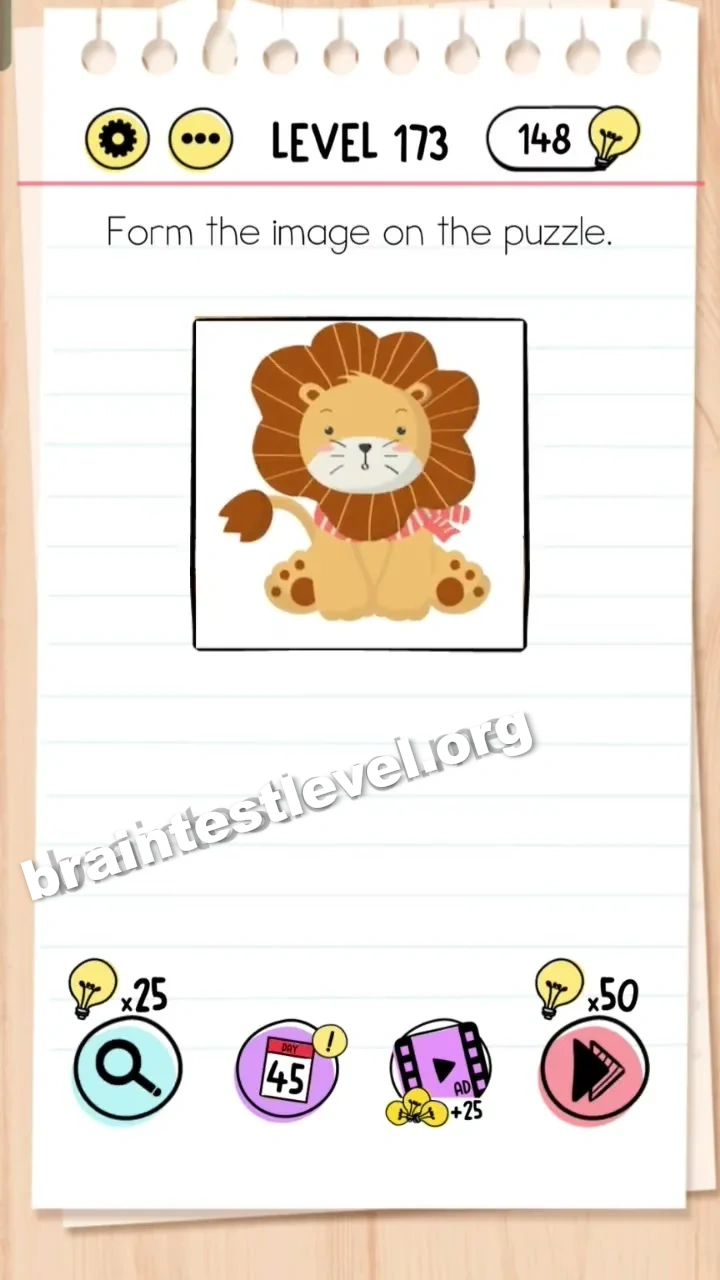
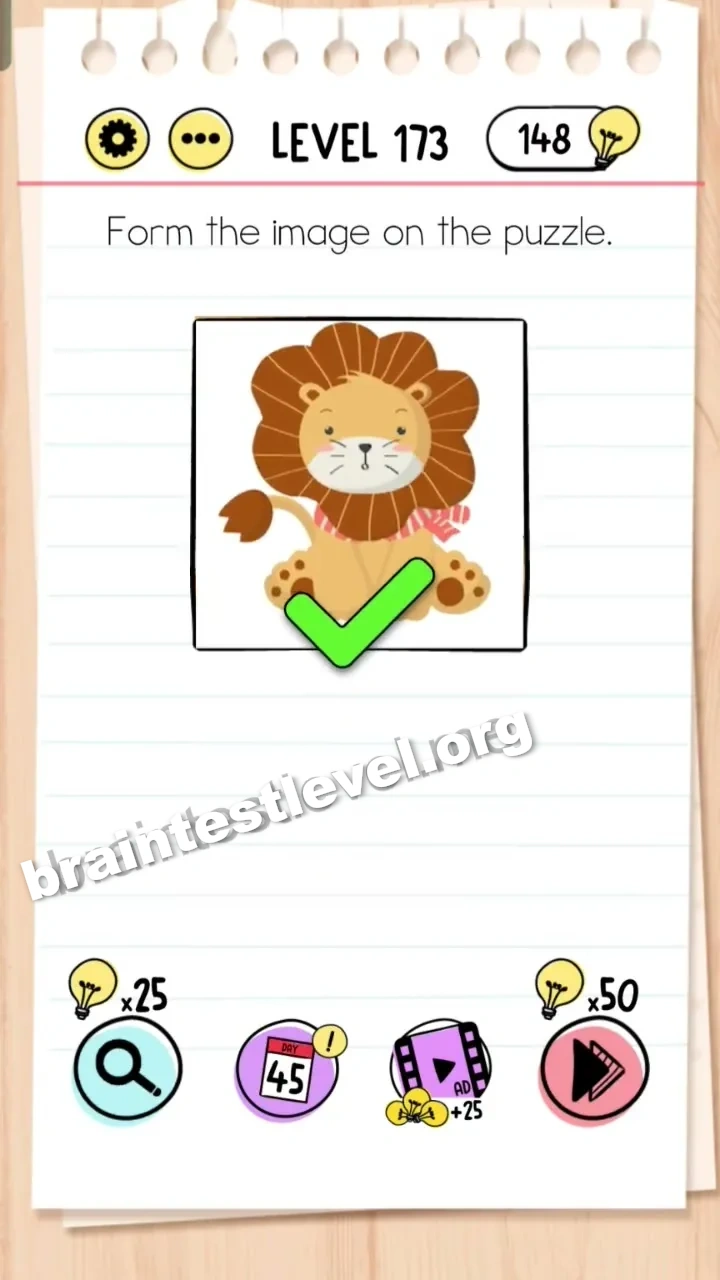
Quick Answer
Drag the completed lion image from the bottom directly onto the scrambled puzzle grid.
Skills Tested
Step-by-Step Solution
- 1) Notice that the bottom of the screen holds a completed lion image.
- 2) Ignore the scrambled puzzle pieces and focus on the finished image.
- 3) Drag the completed lion image upward onto the scrambled puzzle grid.
- 4) Release it so the finished picture forms and the level is cleared.
Hint
Reveal a hint
No need to piece it together. Look for a finished version of the picture already on screen.
Why It Works
The goal is only to form the picture, and a completed lion already exists on screen. Dragging that finished image onto the scrambled grid is much quicker than solving the jigsaw puzzle manually.
Frequently asked questions
How do I form the image in Brain Test level 173?
Drag the completed lion image from the bottom directly onto the scrambled puzzle grid instead of rebuilding it piece by piece.
What is the answer to Brain Test level 173?
Move the finished lion picture onto the puzzle grid so it forms the whole image and the level clears.
Do I have to solve the jigsaw in Brain Test level 173?
No, a completed lion image is already available at the bottom and you can simply drag it onto the scrambled grid to finish the level.
What is the trick in Brain Test level 173?
The trap is that you expect a hard jigsaw, but the finished picture already exists on screen and can be placed over the scrambled pieces directly.
Is there a video walkthrough for Brain Test level 173?
Yes, the embedded video shows exactly how to drag the completed lion image onto the grid to complete the picture.
Where is the completed image in Brain Test level 173?
The finished lion image sits at the bottom of the screen, ready to be dragged onto the scrambled puzzle grid.