
Brain Test Level 38: It is too dark! I can't find my cat!
Brain Test Level 38
Screenshots
Quick Answer
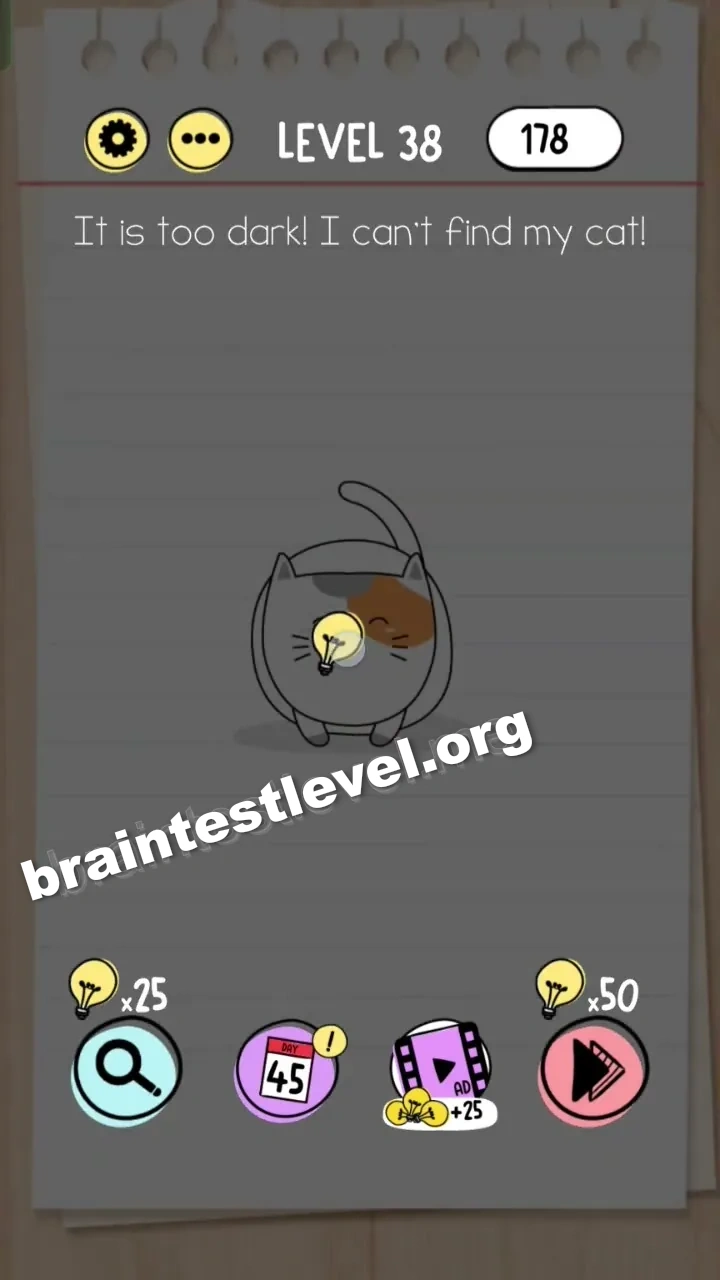
Drag the lightbulb icon from the top-right corner onto the screen to illuminate the dark area and find the cat.
Skills Tested
Step-by-Step Solution
- 1) Notice that the screen is dark and the cat cannot be seen.
- 2) Find the lightbulb icon in the top-right corner of the screen.
- 3) Drag the lightbulb onto the dark area to switch on the light.
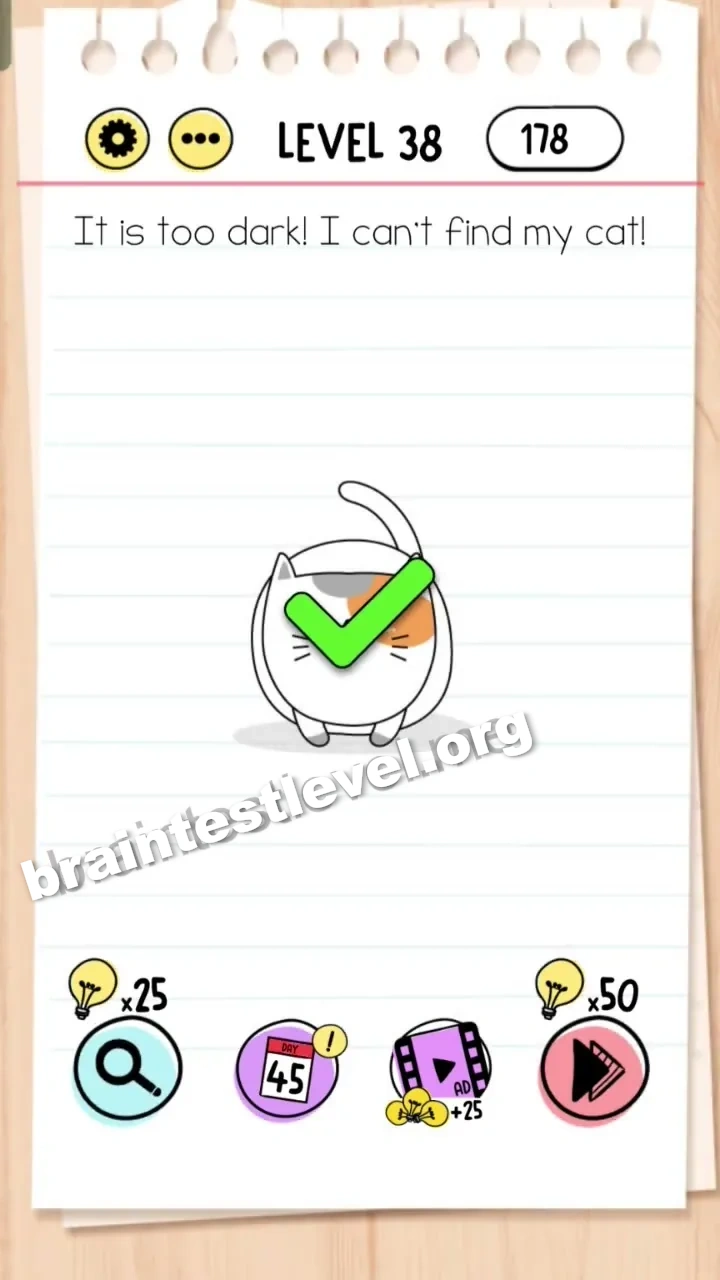
- 4) Watch the room light up, spot the cat, and finish the level.
Hint
Reveal a hint
Look in the corner for a light source and bring it into the dark scene.
Why It Works
The cat is present the whole time, but darkness hides it from view. Dragging the lightbulb onto the screen brightens the room, which lets you finally spot and tap the cat, solving the level.
Frequently asked questions
How do I solve Brain Test level 38?
Drag the lightbulb icon from the top-right corner onto the screen to light up the dark room and reveal the cat.
What is the answer to Brain Test level 38?
You drag the lightbulb from the top-right corner into the dark scene so the area becomes bright enough to find the cat.
Where is the lightbulb in Brain Test level 38?
The lightbulb icon is in the top-right corner, and you drag it onto the screen to illuminate the room.
Why can I not see the cat in Brain Test level 38?
Because the room is too dark, so you must light it up with the lightbulb before the cat becomes visible.
Is there a video walkthrough for Brain Test level 38?
Yes, the embedded video on this page shows dragging the lightbulb into the dark area for Brain Test level 38.
Do I need to find the cat by tapping in Brain Test level 38?
First you must drag the lightbulb to illuminate the room, and only then can the cat be seen to solve the level.