
Brain Test Visual
Brain Test Level 407: Turn off these lights. I can’t sleep!
Brain Test Level 407
Expert
Screenshots
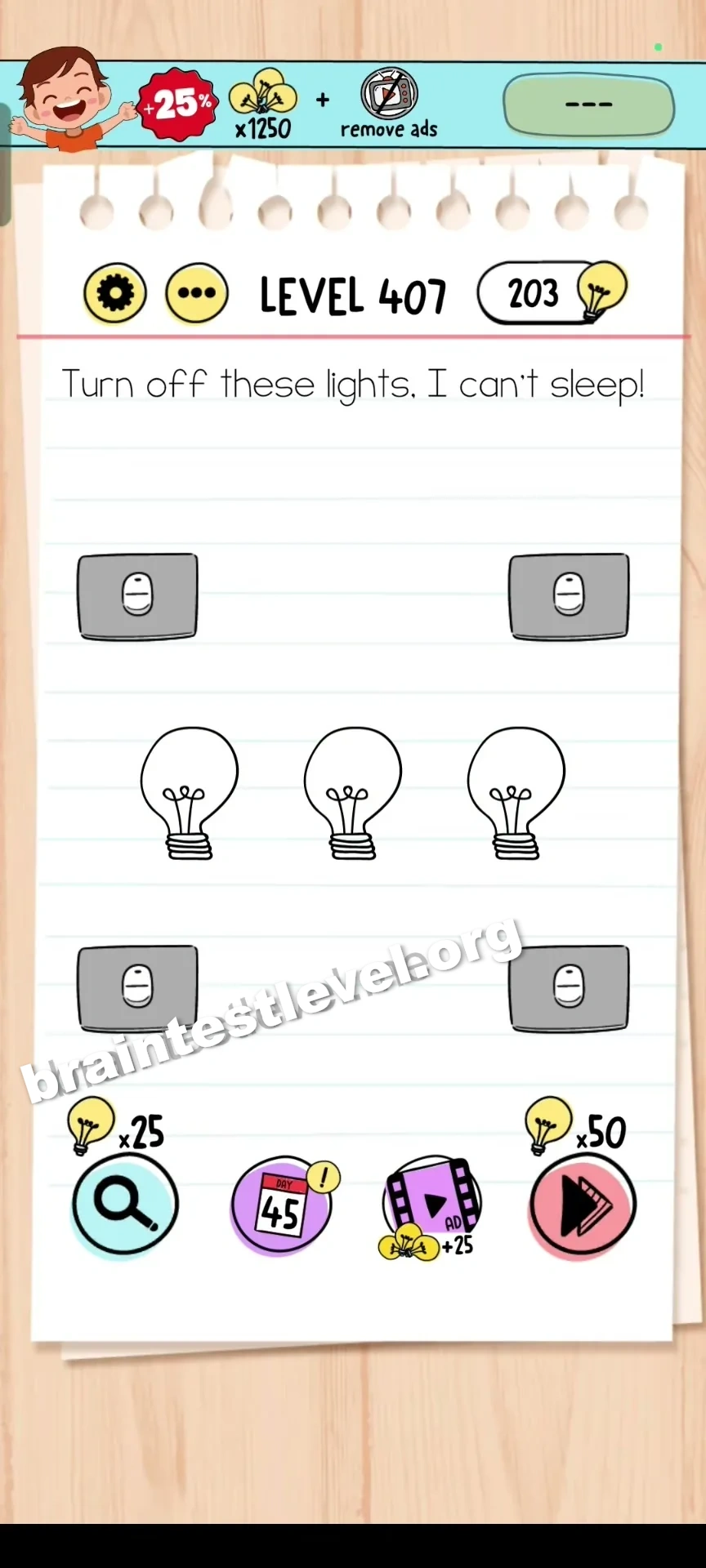
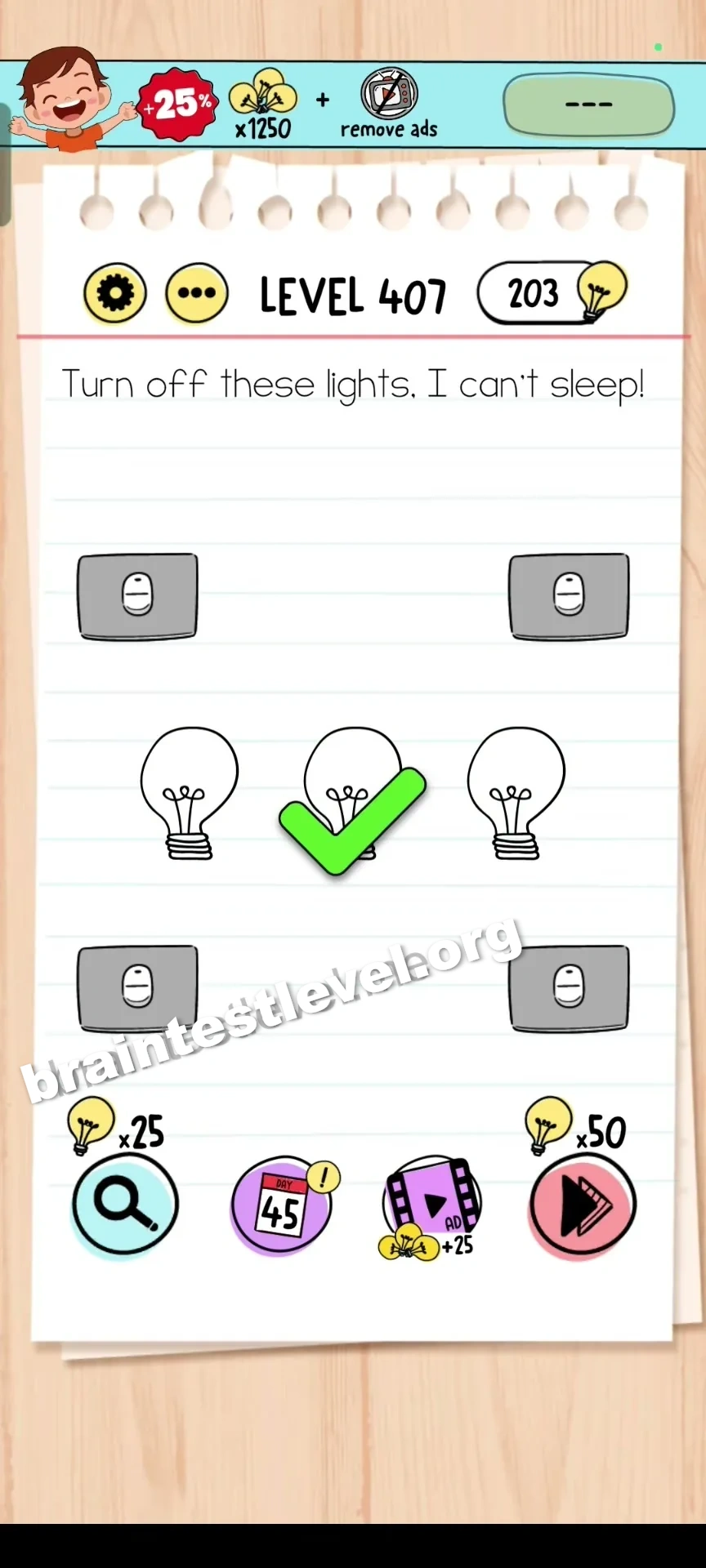
Quick Answer
Tap the lightbulbs directly to turn them all off.
Skills Tested
Observation
Step-by-Step Solution
- 1) Look around the screen for every lit lightbulb.
- 2) Tap the first bulb to switch it off.
- 3) Tap each remaining lightbulb until all are dark.
- 4) Confirm the room is dark so the player can sleep.
Hint
Reveal a hint
Interact with each lit bulb by tapping it until all of them go dark.
Why It Works
The answer is exactly what the request sounds like: turn off the lights. Tapping every lightbulb on the screen turns them off, letting the player sleep and finishing the puzzle.
Frequently asked questions
How do I turn off the lights in Brain Test Level 407?
Simply tap each lightbulb on the screen, and every bulb goes out so the player can finally sleep.
What is the answer to Brain Test Level 407?
Tap all the lightbulbs directly to switch them off and complete the level.
What is the trick in Brain Test Level 407?
Some players look for a wall switch, but the real solution is just tapping each lit bulb until the room is dark.
Do I need a switch in Brain Test Level 407?
No, there is no switch; you tap the lightbulbs themselves to turn off each one.
Is there a video walkthrough for Brain Test Level 407?
Yes, the embedded video shows each bulb to tap in Brain Test Level 407.