
Brain Test Level 460: I must charge my phone very fast!
Brain Test Level 460
Screenshots
Quick Answer
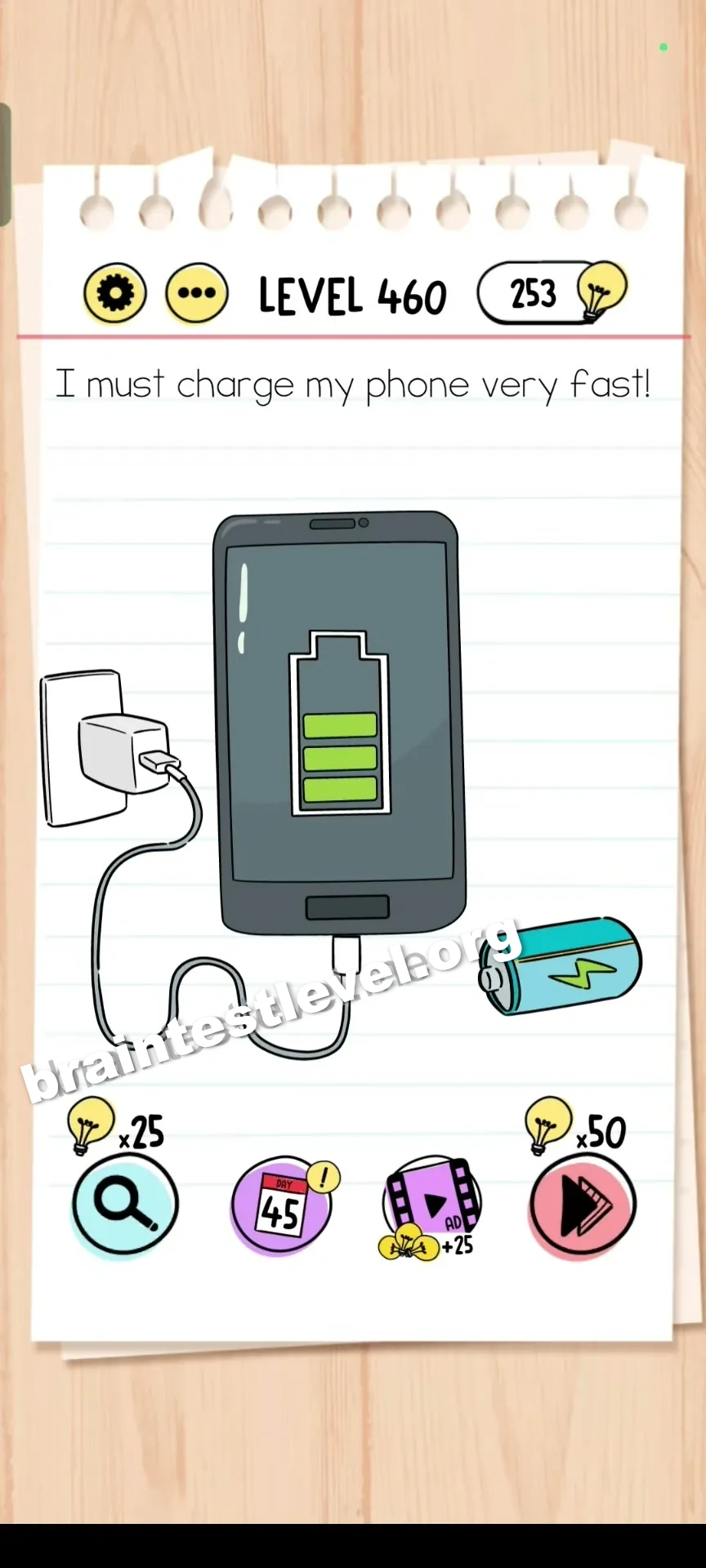
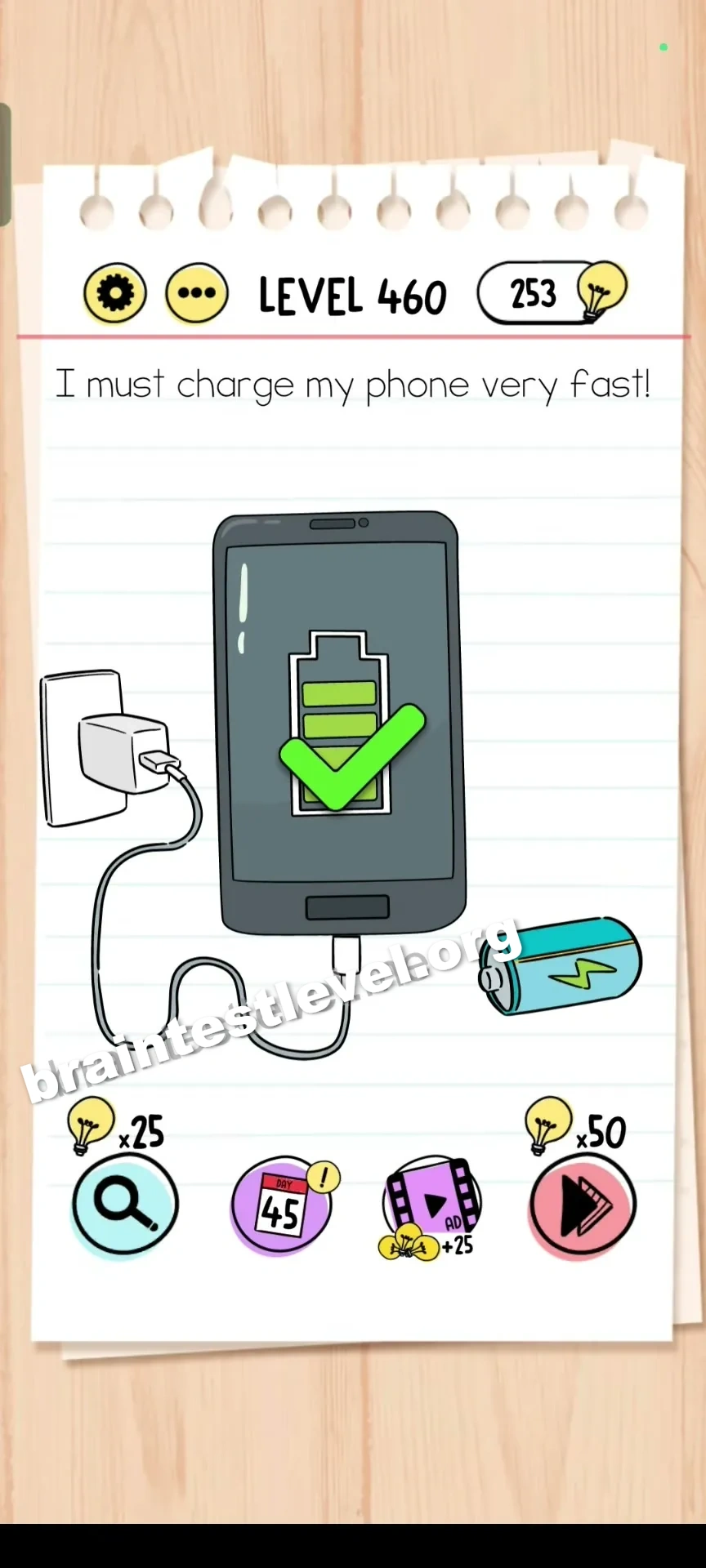
Drag the extra battery icon from the bottom right into the phone's battery indicator repeatedly to charge it instantly.
Skills Tested
Step-by-Step Solution
- 1) Notice the low phone battery indicator.
- 2) Spot the extra battery icon at the bottom right.
- 3) Drag that battery icon into the phone battery indicator.
- 4) Repeat the drag until the battery is fully charged.
Hint
Reveal a hint
Find the spare battery icon and move it into the phone repeatedly.
Why It Works
There is no electric outlet to plug into, so the cheat is a spare battery you feed in manually. Dragging it into the indicator adds charge each time, and repeating the drag fills the phone. Doing it fast enough solves the level instantly.
Frequently asked questions
How do I charge the phone in Brain Test level 460?
Drag the extra battery icon from the bottom right into the phone battery indicator repeatedly to fill it.
What is the answer to Brain Test level 460?
Drag the extra battery icon from the bottom right into the phone's battery indicator repeatedly to charge it instantly.
Where is the battery icon in Brain Test level 460?
The extra battery icon is in the bottom right corner of the screen, and you drag it into the phone indicator.
Do I need a charging cable in Brain Test level 460?
No, you drag a spare battery icon into the phone repeatedly rather than using any cable or outlet.
Why do I drag the battery more than once in Brain Test level 460?
Because each drag adds a small amount of charge, so you repeat it until the indicator is full.
What is the trick in Brain Test level 460?
The trick is feeding the spare battery into the phone multiple times instead of searching for a charger.
Is there a video walkthrough for Brain Test level 460?
Yes, the embedded video on this page shows the battery icon being dragged in repeatedly to charge the phone.