
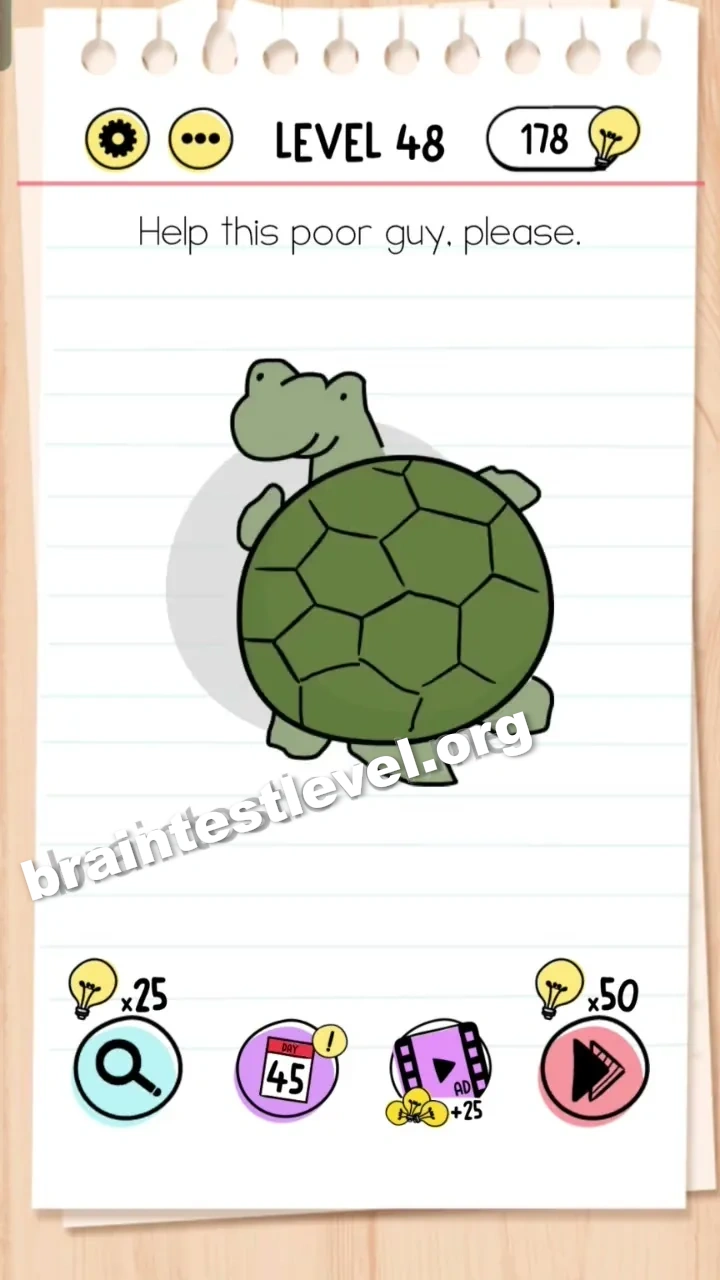
Brain Test Level 48: Help this poor guy, please.
Brain Test Level 48
Screenshots
Quick Answer
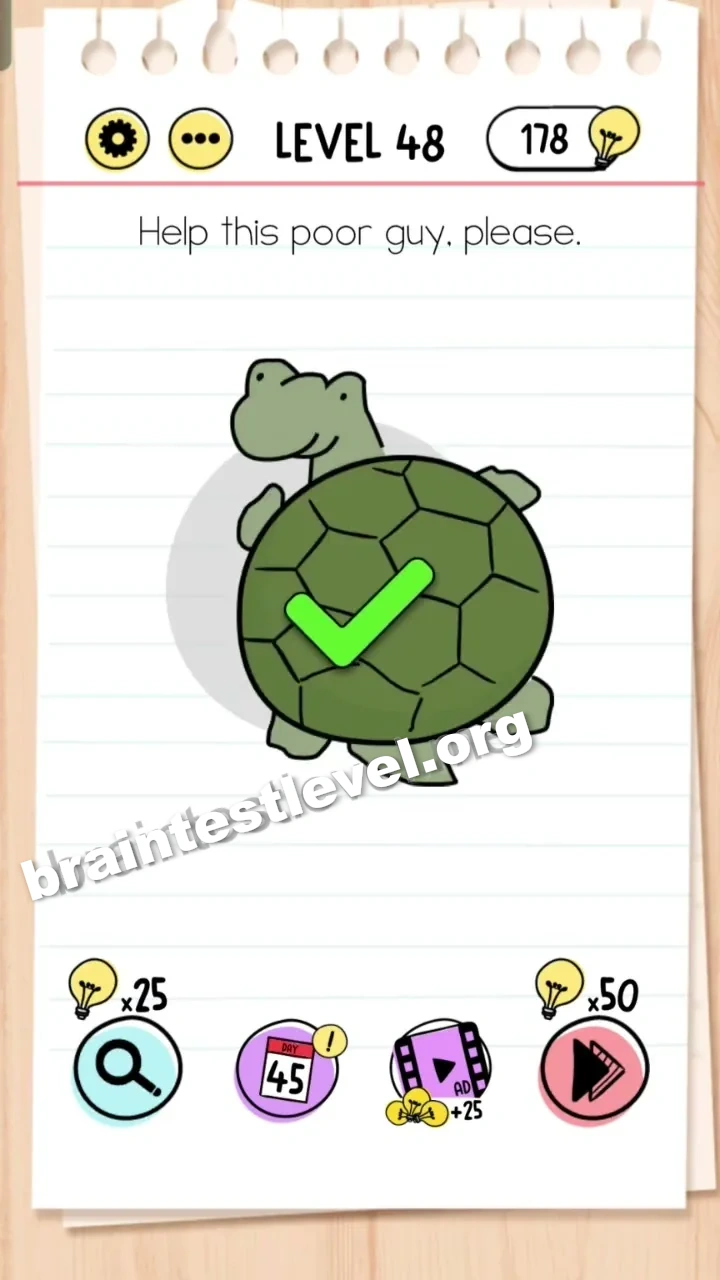
Turn your phone upside down to flip the turtle back onto its feet.
Skills Tested
Step-by-Step Solution
- 1) Look at the turtle lying on its back, unable to right itself.
- 2) Pick up your phone and turn it upside down.
- 3) Let the screen rotate with the device.
- 4) Watch the turtle flip back onto its feet to finish the level.
Hint
Reveal a hint
The turtle needs the whole screen turned over, not just a touch.
Why It Works
Rotating your device rotates the entire scene because of the built-in motion controls. Turning the phone upside down flips the turtle onto its feet, which is exactly what this poor guy needs to be saved.
Frequently asked questions
How do I help the turtle in Brain Test level 48?
Turn your phone upside down, and the rotation flips the turtle back onto its feet.
What is the answer to Brain Test level 48?
Physically rotate your phone upside down so the scene turns over and the turtle lands upright.
What is the trick in Brain Test level 48?
No tap works because you have to use the phone motion sensor and turn the device upside down to flip the turtle.
Why does turning the phone help in Brain Test level 48?
Because the scene rotates with your device, so flipping the phone upside down rotates the turtle back onto its feet.
Is there a video walkthrough for Brain Test level 48?
Yes, the embedded video on this page shows how to rotate your phone for Brain Test level 48.
Do I tap the turtle in Brain Test level 48?
No, tapping does nothing, so you turn your phone upside down to flip the turtle over instead.