
Brain Test Level 575: Tap on a 2.
Brain Test Level 575
Screenshots
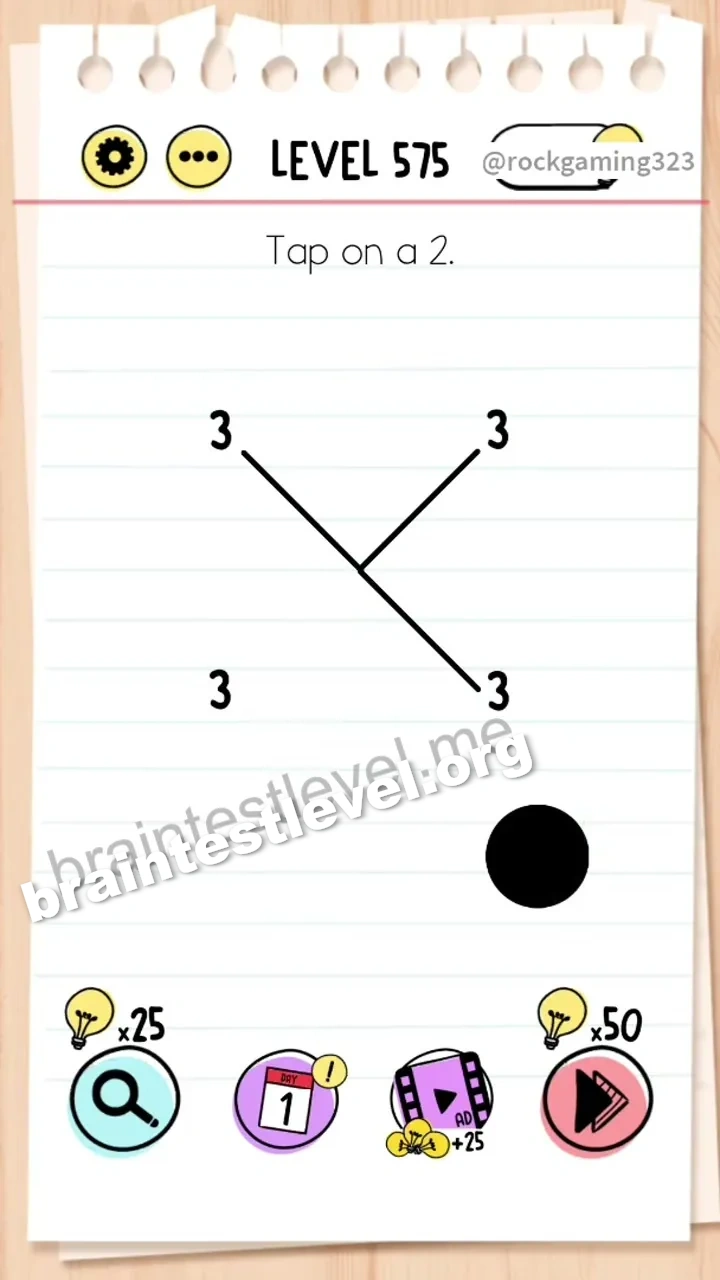
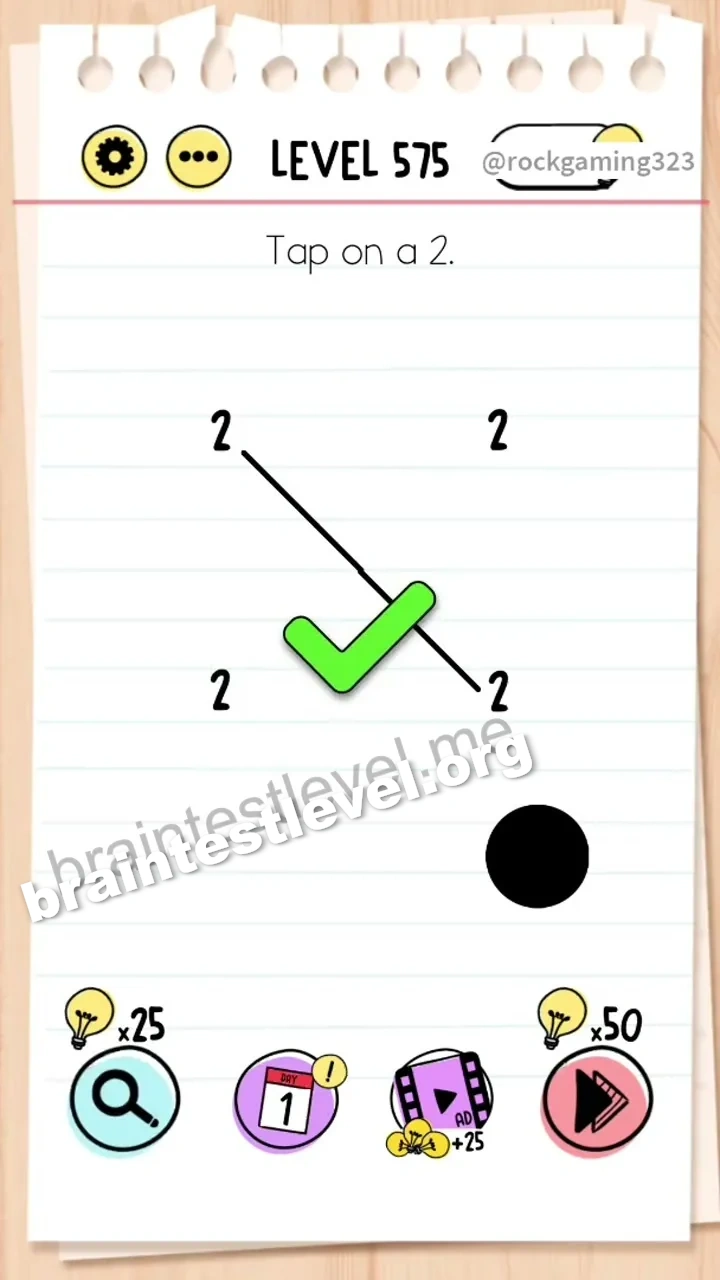
Quick Answer
Drag the black circle to erase the lines, decreasing the numbers to 2. Then tap on any '2'.
Skills Tested
Step-by-Step Solution
- 1) See the numbers and the black circle.
- 2) Drag the black circle over the lines.
- 3) Erase enough lines to turn the digits into 2.
- 4) Tap any 2 when it appears.
Hint
Reveal a hint
Use the black circle to simplify the digits down to 2.
Why It Works
There is no immediate 2, so the shown digits have to be changed first. The black circle erases lines to reduce them to 2. The trick is editing the numbers into the one you can actually tap.
Frequently asked questions
How do I tap on a 2 in Brain Test level 575?
Drag the black circle to erase lines turning the digits to 2, then tap any 2.
What is the answer to Brain Test level 575?
Use the black circle to change the numbers into 2, then tap one of them.
What does the black circle do in Brain Test level 575?
It erases line segments of the digits, reducing them down to the number 2.
What is the trick in Brain Test level 575?
The trick is editing the shown numbers with the black circle to create a 2.
When can I tap in Brain Test level 575?
Once the black circle has changed a digit into 2, tap it to complete the level.
Is there a video walkthrough for Brain Test level 575?
Yes, the embedded video shows the digits being erased down to 2.