
Brain Test Logic
Brain Test Level 619: Tap on a square.
Brain Test Level 619
Expert
Screenshots
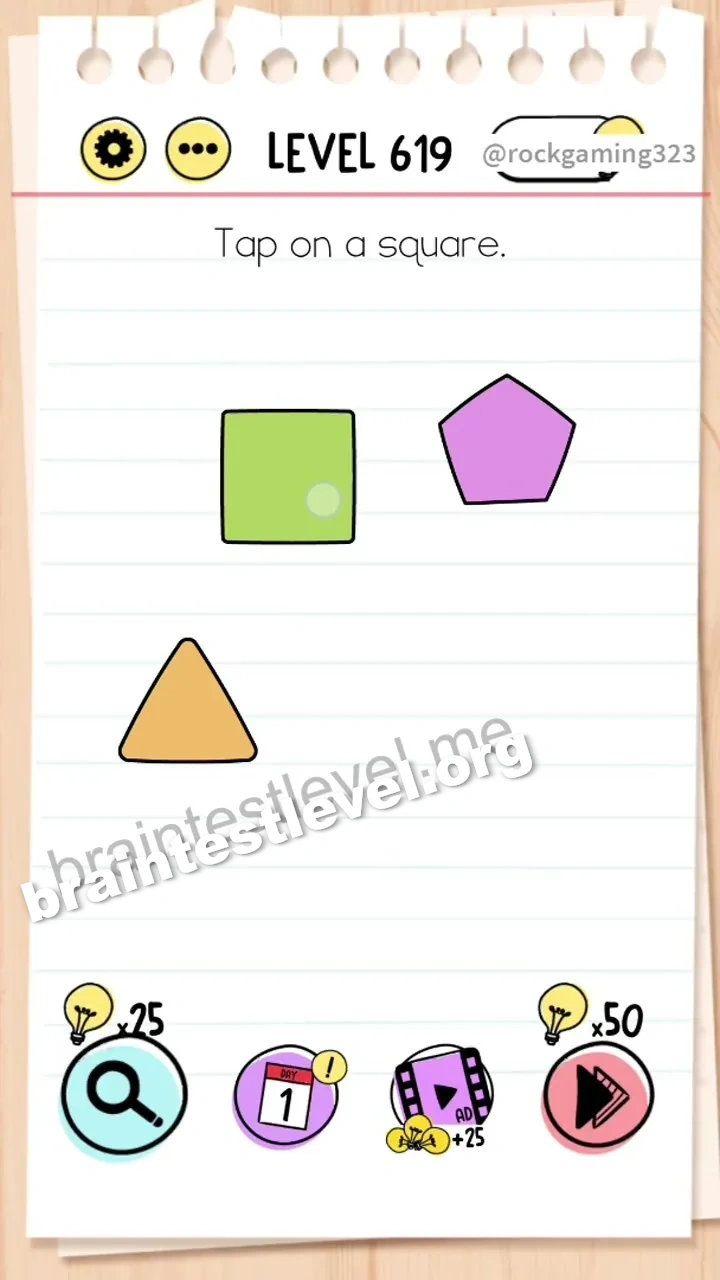
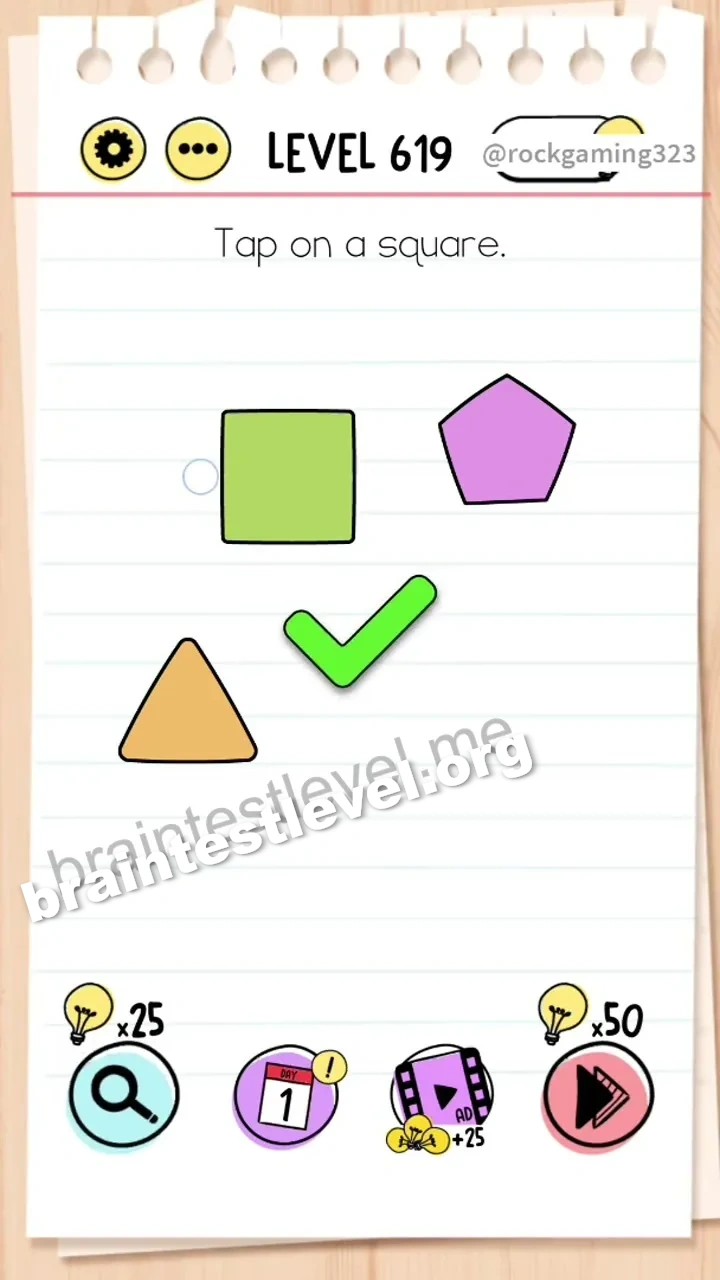
Quick Answer
Combine the two green rectangles to form a square, then tap on it.
Skills Tested
LogicProblem Solving
Step-by-Step Solution
- 1) Look at the rectangles on the screen.
- 2) Move the two green rectangles together.
- 3) Watch them combine into a square.
- 4) Tap on the newly formed square.
Hint
Reveal a hint
Join the two rectangles to build the square.
Why It Works
There is no ready-made square, so one must be built. Sliding the two green rectangles together creates a square, which can then be tapped to finish the level.
Frequently asked questions
How do I make a square in Brain Test level 619?
Combine the two green rectangles to form a square, then tap on it.
What is the answer to Brain Test level 619?
Push the two green rectangles together to create a square and tap it.
Why combine rectangles in Brain Test level 619?
There is no square on screen, so the two rectangles must be joined to make one.
What is the trick in Brain Test level 619?
The trick is building the square from two rectangles instead of searching for an existing one.
Where is the square in Brain Test level 619?
The square is formed when the two green rectangles are slid together.
Is there a video walkthrough for Brain Test level 619?
Yes, the embedded video shows the two rectangles making a square.