
Brain Test Level 636: She wants you to take a good photo.
Brain Test Level 636
Screenshots
Quick Answer
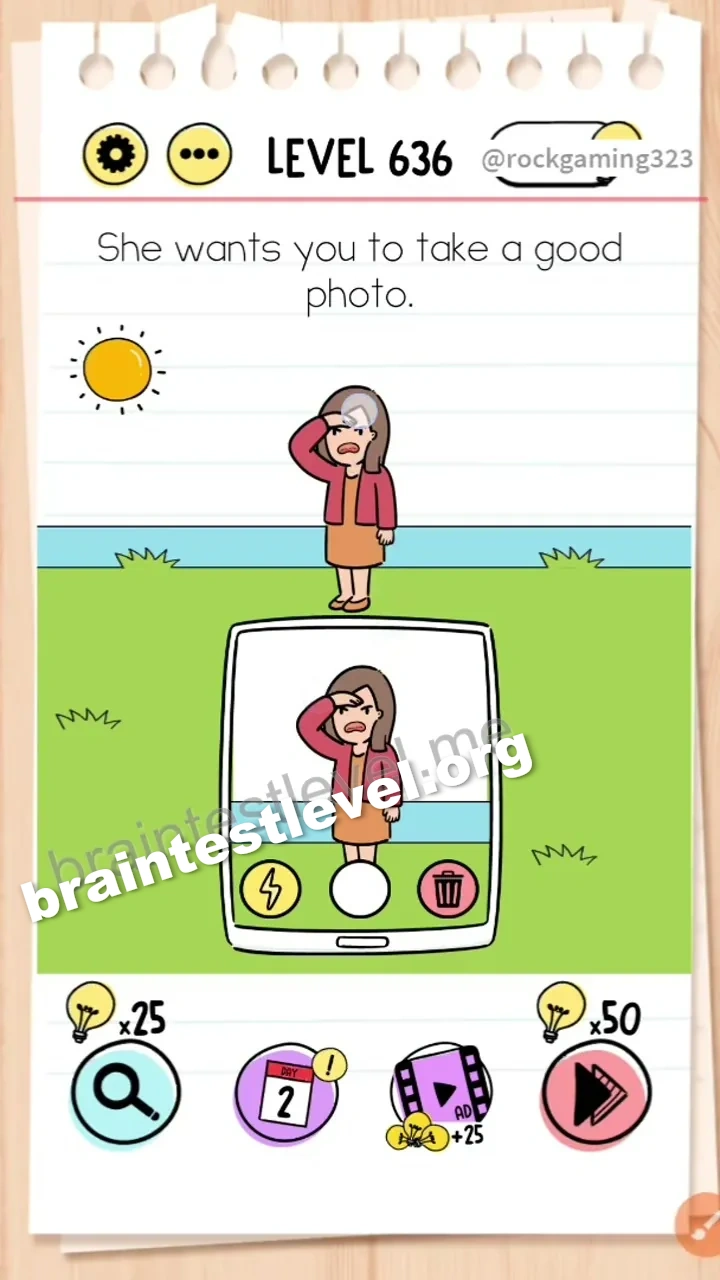
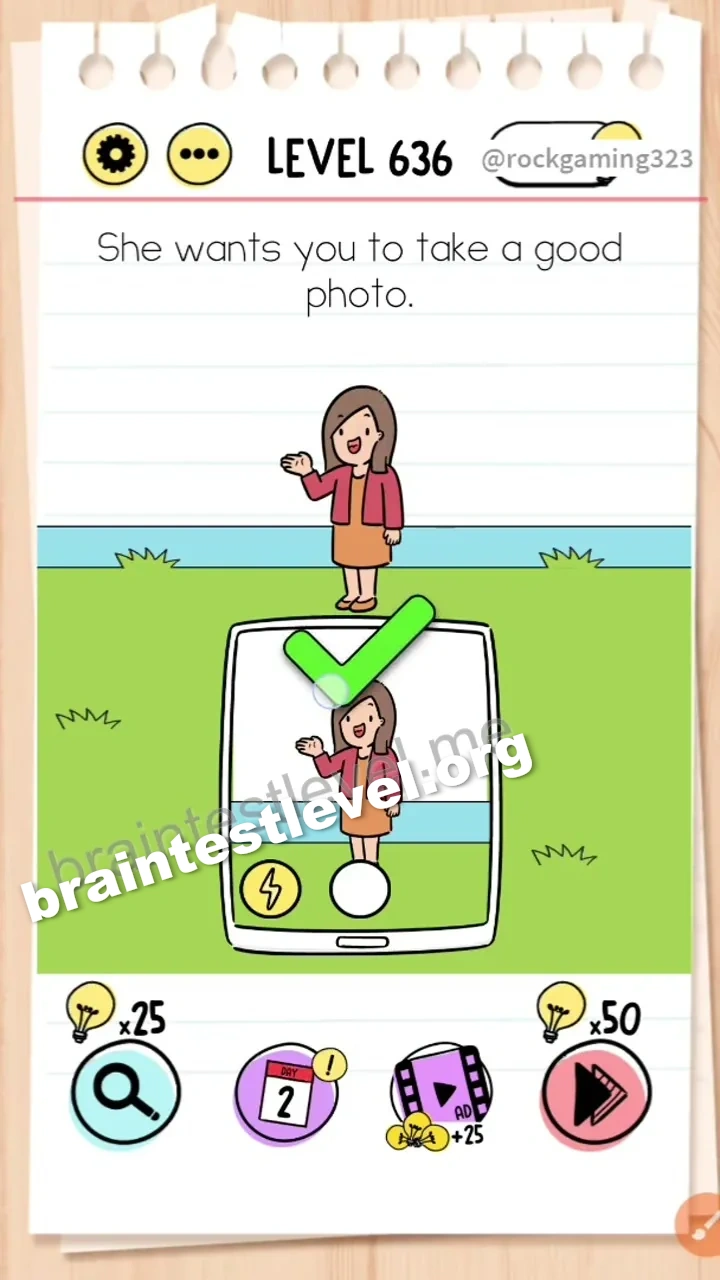
Drag the sun off-screen to stop the glare so the girl smiles, then tap the shutter button.
Skills Tested
Step-by-Step Solution
- 1) See the girl and the bright sun in the frame.
- 2) Drag the sun off-screen to remove the glare.
- 3) Watch the girl start to smile.
- 4) Tap the shutter button to take the photo.
Hint
Reveal a hint
Move the sun so she can smile for the photo.
Why It Works
The glare keeps the girl from smiling, ruining the photo. Pulling the sun off-screen stops the glare and lets her relax and smile, so you can tap the shutter for a good shot.
Frequently asked questions
How do I take a good photo in Brain Test level 636?
Drag the sun off-screen to stop the glare so the girl smiles, then tap the shutter button.
What is the answer to Brain Test level 636?
Move the sun out of the frame so the girl can smile, then press the shutter.
Why move the sun in Brain Test level 636?
The glare makes the girl squint and stops her smiling, so removing it helps the photo.
What is the trick in Brain Test level 636?
The trick is removing the sun from the scene instead of just pressing the shutter.
When do I press the shutter in Brain Test level 636?
Tap the shutter only after the sun is moved and the girl is smiling.
Is there a video walkthrough for Brain Test level 636?
Yes, the embedded video shows the sun moving and the photo being taken.