
Brain Test Word Trick
Brain Test Level 657: Still loading! So annoying!
Brain Test Level 657
Expert
Screenshots
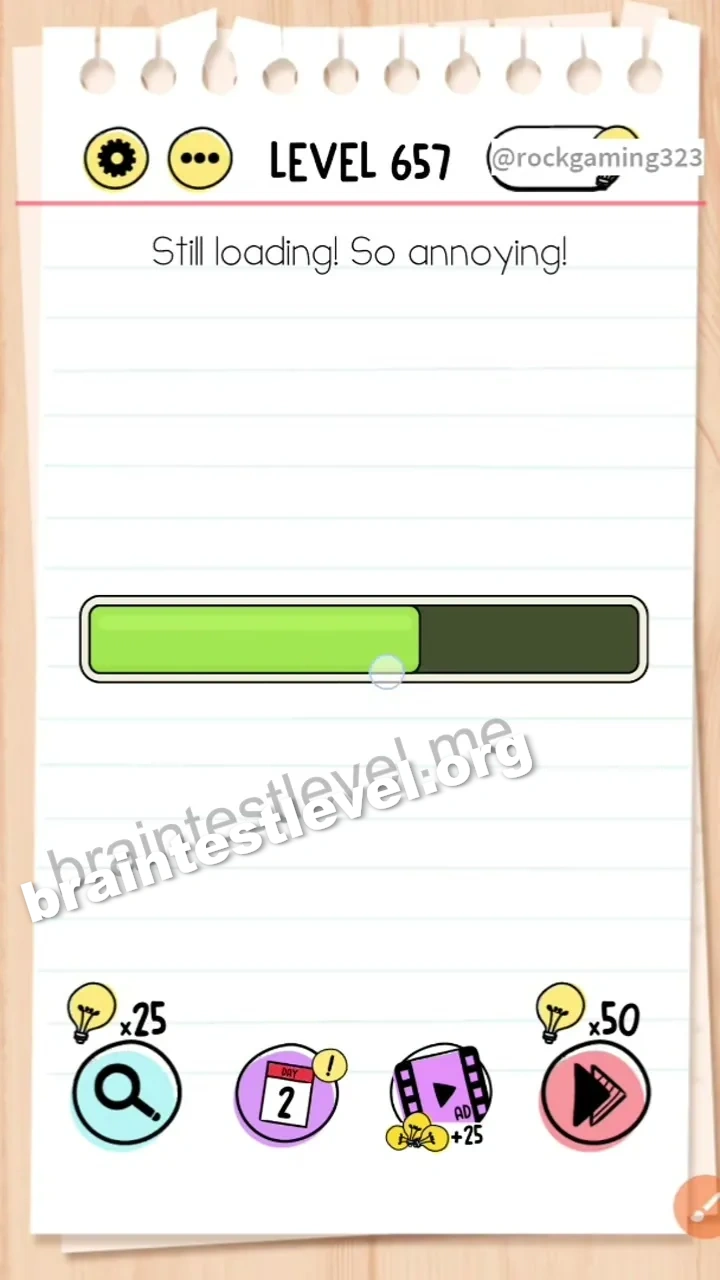
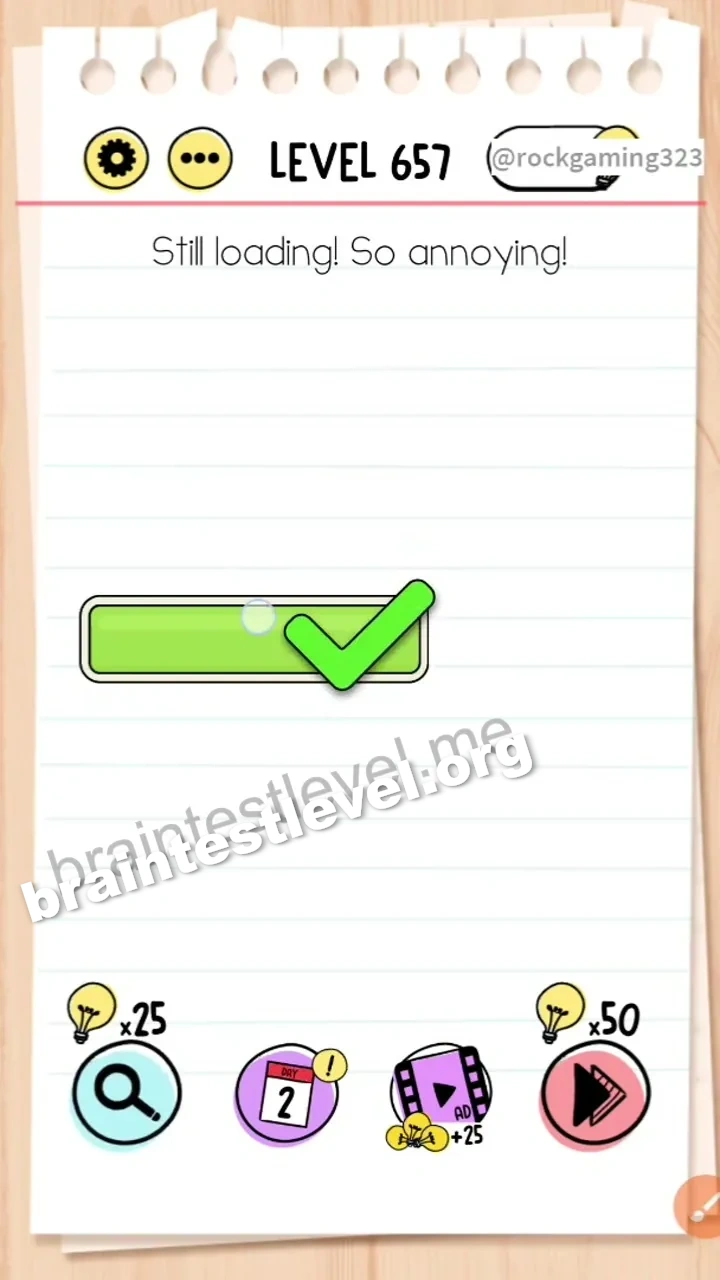
Quick Answer
Drag the word 'loading' from the prompt text and place it into the loading bar to fill it up.
Skills Tested
Lateral ThinkingSpatial Thinking
Step-by-Step Solution
- 1) See the loading bar that is not moving.
- 2) Find the word loading in the prompt text.
- 3) Drag the word into the loading bar.
- 4) Watch the bar fill up and unwrap the screen.
Hint
Reveal a hint
Put the loading word into the bar to finish it.
Why It Works
The loading bar does not move on its own, so its being stuck is the annoyance. Dragging the word loading from the text into the bar packs it full, so loading finishes.
Frequently asked questions
How do I finish loading in Brain Test level 657?
Drag the word loading from the prompt text into the loading bar to fill it up.
What is the answer to Brain Test level 657?
Move the word loading into the loading bar so it becomes full.
Why use the word in Brain Test level 657?
The bar fills with the loading word itself, ending the stuck loading screen.
What is the trick in Brain Test level 657?
The trick is treating the word as the thing that fills the loading bar.
How do I fill the loading bar in Brain Test level 657?
Drag the word loading from the text and drop it into the bar.
Is there a video walkthrough for Brain Test level 657?
Yes, the embedded video shows the word filling the bar.