
Brain Test Level 7: Slide left to unlock
Brain Test Level 7
Screenshots
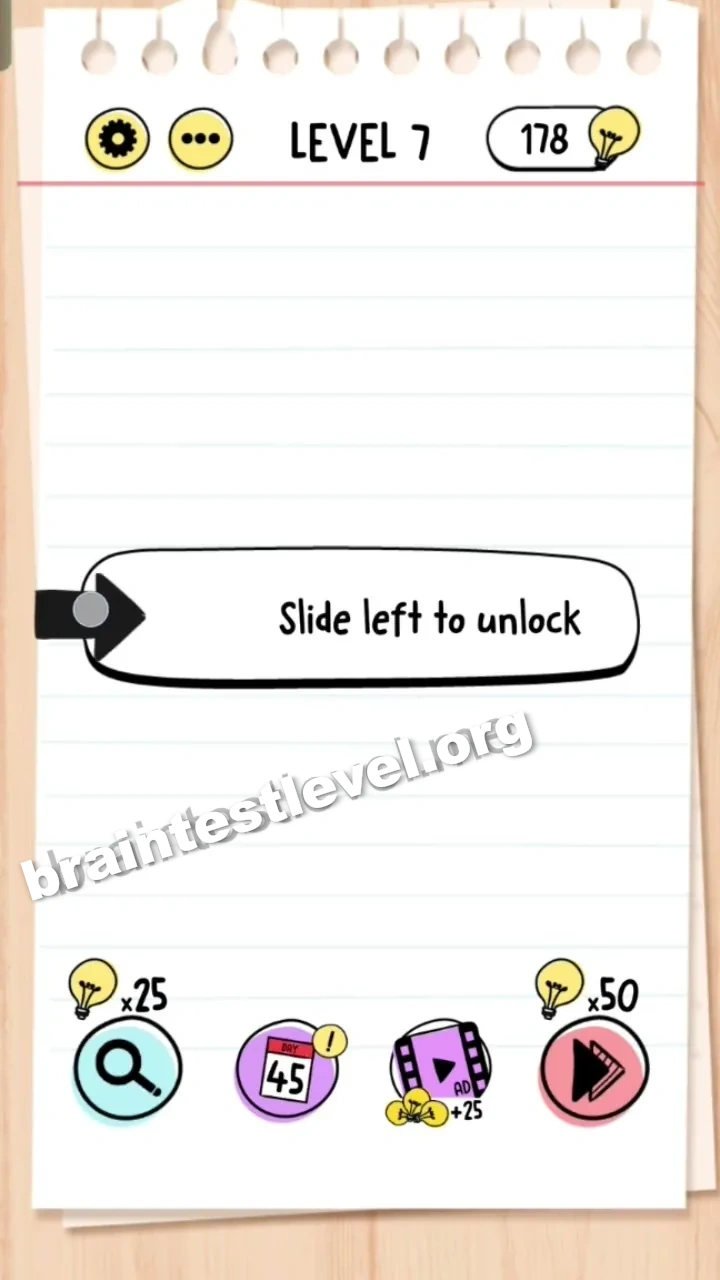
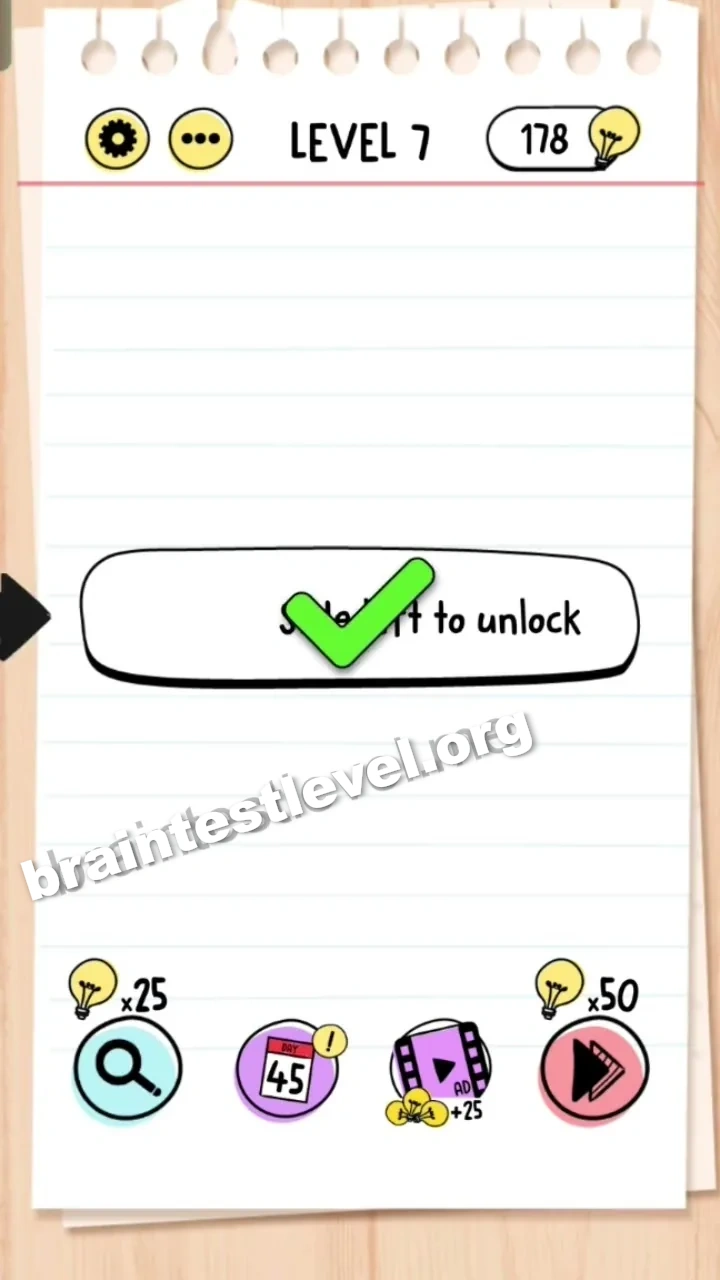
Quick Answer
Drag the arrow icon to the left as instructed by the text.
Skills Tested
Step-by-Step Solution
- 1) Find the arrow icon shown on the screen.
- 2) Press and hold the arrow with your finger or mouse.
- 3) Drag it to the left following the text instruction.
- 4) Release once it slides far enough to unlock the level.
Hint
Reveal a hint
The instruction is literal. Grab the arrow and move it left.
Why It Works
There is no secret lock to find. The text 'slide left to unlock' is the whole clue, so you drag the arrow leftward until it registers as unlocked.
Frequently asked questions
How do I solve Brain Test Level 7?
Drag the arrow icon to the left until the level registers as unlocked. The on-screen text is the whole instruction, so follow it literally.
What is the answer to Brain Test Level 7?
Move the arrow to the left. The prompt "slide left to unlock" tells you exactly what to do, and completing the swipe clears the level.
What is the trick in Brain Test Level 7?
There is no hidden button or secret lock to find. The text itself is the clue, so you simply perform the swipe the words describe.
How do I slide left to unlock in Brain Test Level 7?
Press and hold the arrow with your finger or mouse, drag it toward the left side of the screen, and release once it has slid far enough.
Is there a video walkthrough for Brain Test Level 7?
Yes. The embedded video on this page shows the swipe motion you need on Brain Test Level 7 to unlock it.
Why does sliding the arrow unlock Brain Test Level 7?
The puzzle is a reading test more than a logic puzzle. The written instruction tells you the action, so following it left unlocks the stage.