
Brain Test 4 Level 301: How many apples do I have?
Brain Test 4 Level 301
Screenshots
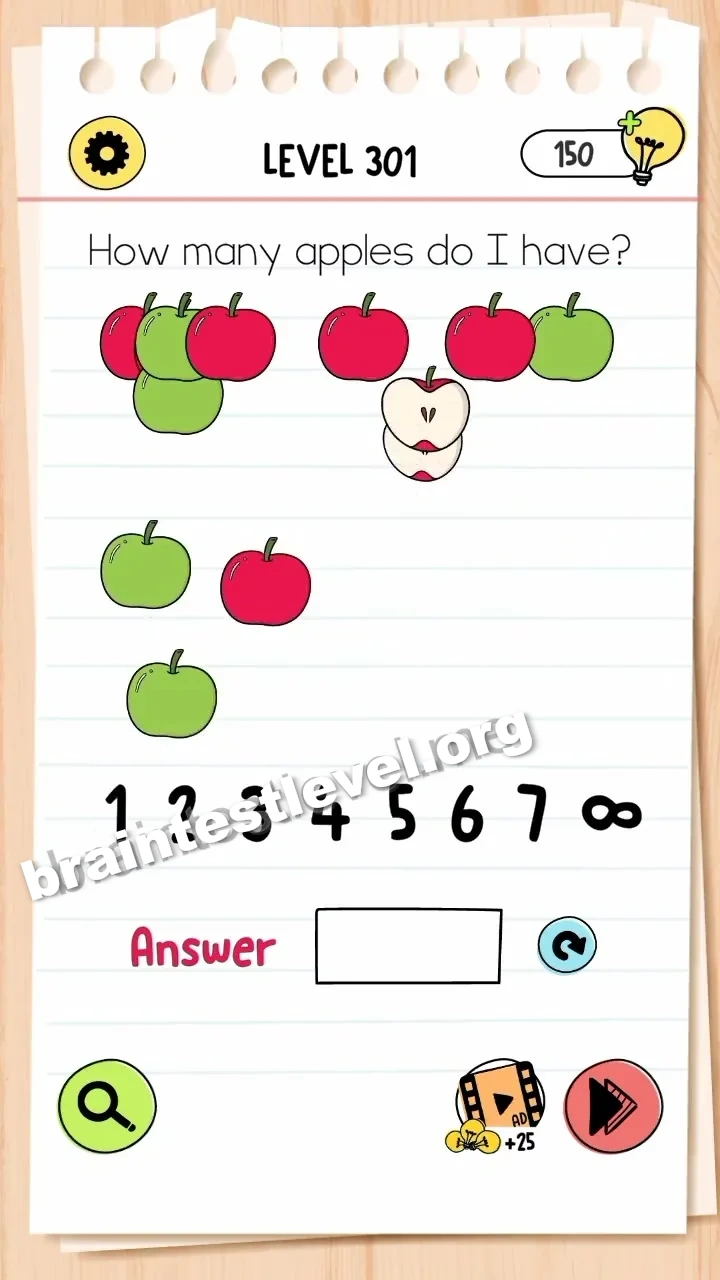
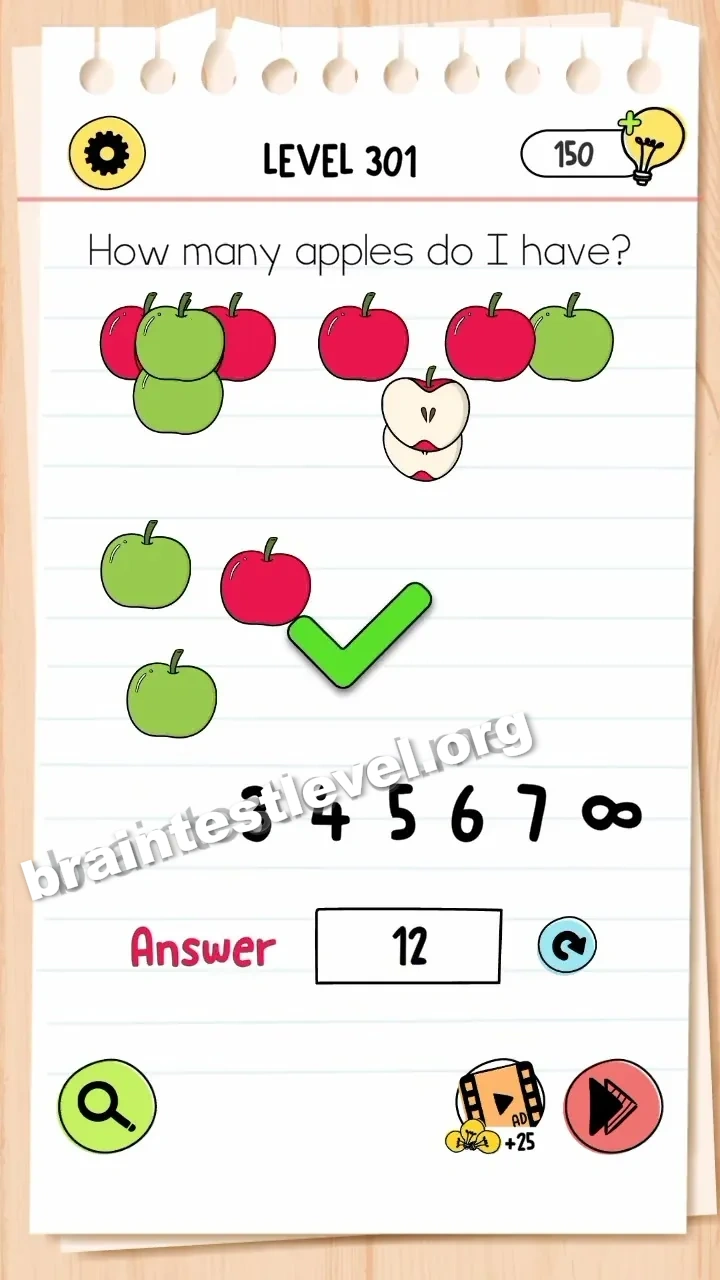
Quick Answer
Separate the overlapping apples to count them all, including the two halves (totaling 12). Drag the numbers '1' and '2' into the answer box.
Skills Tested
Step-by-Step Solution
- 1) Drag the overlapping apples apart.
- 2) Count every whole apple.
- 3) Add the two halves to get 12.
- 4) Drag the numbers 1 and 2 into the answer box.
Hint
Reveal a hint
Pull the apples apart, count all of them plus the halves to reach 12, then drag 1 and 2 into the answer box.
Why It Works
This tests careful counting with a hidden catch. The two halves are easy to miss, so separating the pile is the only way to reach the real total, and you enter it by moving the digits 1 and 2 into the box.
Frequently asked questions
How do I solve Brain Test 4 Level 301?
Separate the overlapping apples to count them all, including the two halves for a total of 12, then drag the numbers 1 and 2 into the answer box.
What is the answer to Brain Test 4 Level 301?
Split the pile of apples and count them, adding the halves to reach 12, then enter 12 by dragging 1 and 2 into the box.
What is the trick in Brain Test 4 Level 301?
The trick is remembering the two halves are actually part of the count, bringing the total to twelve apples.
Why do I need to separate the apples in Brain Test 4 Level 301?
Separating the pile lets you see each fruit clearly so you can count all the apples plus the halves to reach 12.
Is there a video walkthrough for Brain Test 4 Level 301?
Yes. The clip shows the apples pulled apart, counted to 12, and the digits 1 and 2 dragged into the answer box.
How do I avoid getting stuck in Brain Test 4 Level 301?
Do not forget the two halves when counting, and drag the digits 1 and 2 separately into the answer box.